


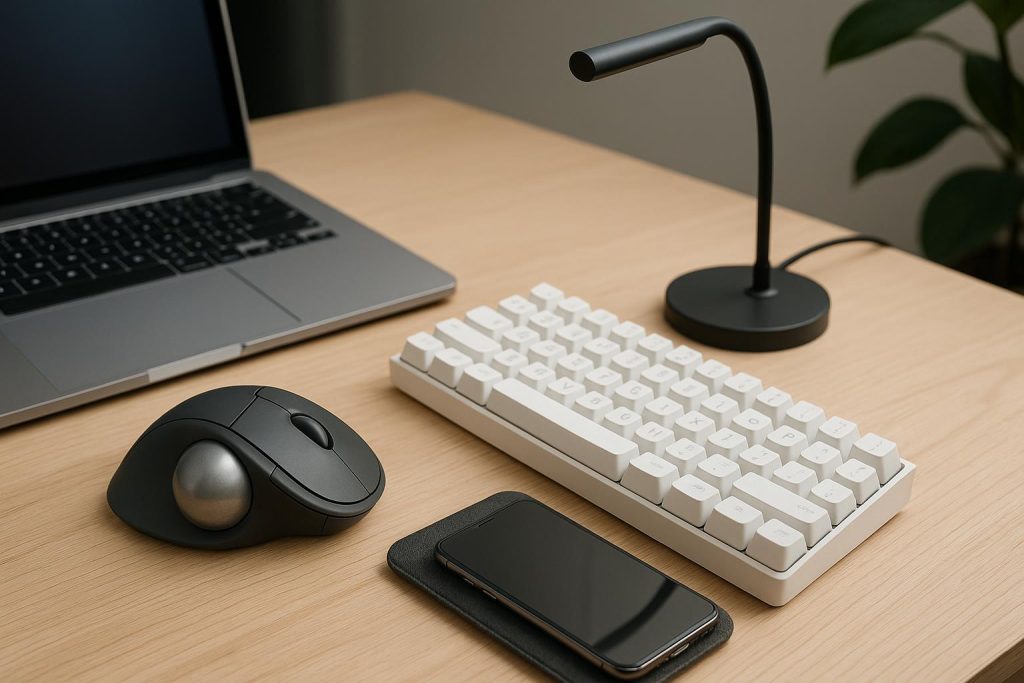
Some gadgets stand out from the rest allowing you to be more productive by adding more screens to multi-task or let you focus more on your work and stay comfortable while you are at it. Here are some equipment and accessories to consider investing in your remote setup for work or school at Amberwood at Holland.
Ergonomic Setup
Ergonomics combine safety and efficiency, equipment such as chairs, mouse, tables and stands. Ergonomic vertical mice support a neutral position of the hand and prevents pressure, while a programmable macro keyboard lets you do single strokes with shortcuts for complex software. These equipment allow for comfortable and practical views and posture, so that the pain you will be feeling from sitting in poor postures or repetitive movement will be minimized, especially after prolonged hours of sitting in your workspace. This is also practical for long-term health as it prevents cumulative wear on your back, spine, and wrists.
Extra Monitor
Having an extra monitor by your side allows for another display for things related to your work or school such as spreadsheets, coding apps, and acts as another screen for your references. This allows you to keep tabs without having to close and swap between windows constantly and even accidentally close an important one while looking for the one you need. Dual monitors can significantly streamline your daily routine.
Headphones with Noise Cancelling
Late night cramming for work and school is turned less stressful with noise cancelling headphones. The gadget eliminates outside noise when you put them on allowing you to focus on your task, especially complex ones. You can also use it in public spaces if you choose to work in cafes, listen to music for entertainment when you are done with work, turn on some music when working out for motivation, and watch movies uninterrupted and stay fully immersed in the moment.