


A phone monitoring app is not a hacking tool, and it does not need to be. It is a legitimate parental monitoring product, sold openly, with support teams and refund policies, built for one specific job: letting a parent see what’s happening on a phone that belongs to their own family. Under the hood, they all work the same basic way.
A small app or profile gets installed on the target device once, it syncs data to a private online dashboard, and the parent checks that dashboard from their own phone or computer whenever they want, without ever touching the child’s device again after that first setup. None of them intercept anything mid-transmission, which is a detail worth understanding before you compare a single feature list.
That’s worth spelling out up front, because most searches for apps to see messages on another phone land on pages that either oversell what’s technically possible or bury the actual mechanics under vague marketing copy that never quite answers the question. So let’s get into how these things really work, what setup actually looks like, what it costs month to month, and which seven products are worth your money, starting with the two that do the most out of the box.
How this actually works, mechanically
Contents
On Android, installation is a one-time job: you need the phone in your hand for a few minutes, you install the app, grant a handful of permissions, and from then on it runs quietly in the background, pushing data up whenever there’s a connection available.
On iPhone, it gets more complicated. Some tools need the iCloud login instead of physical access, which pulls backed-up data rather than live activity, while others need a jailbroken device to unlock the full feature set, something most parents aren’t going to do and most manufacturers don’t exactly advertise front and center on their pricing page. That gap between what’s technically possible and what’s realistically usable is where most of the disappointment with these tools actually comes from.
Setting one up, step by step
The process is almost identical across every product on this list: create an account, pick a plan, download the installer to the target device, or enter the iCloud credentials, depending on the tool, confirm the permissions it asks for, and wait for the first sync, which usually takes somewhere between a few minutes and an hour depending on how much data there is to pull across. A second sync a day later is usually faster, since most of the backlog has already been transferred the first time around.
1. mSpy

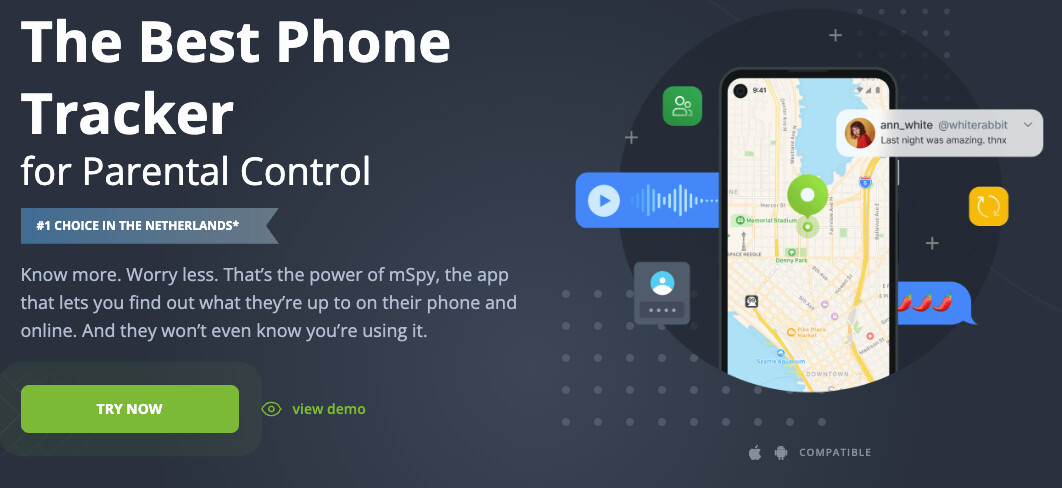
mSpy earns the top spot here because it’s upfront about what it does. Telegram, iMessage, WhatsApp, Snapchat, and Facebook Messenger are all named outright on its features page, not buried behind a vague “and more” the way some competitors handle it. That kind of transparency matters more than it sounds, since it’s the difference between knowing what you’re paying for and finding out after the fact.
Key features: message reading across major apps, call logs, GPS history with full routes, site blocking, keystroke logging.
Setup: guided install, roughly 20 minutes, iCloud option available for iPhone without physical access.
Price: several plans (Premium, Extreme, Family Kit), current pricing on the official site.
2. Eyezy

Eyezy takes second place mainly because of Social Spotlight, a feature built specifically to pull up messages the kid thought they’d deleted for good, something most competitors don’t even attempt. The rest of the app runs similarly to mSpy, but this one function alone is enough to justify a second look if deleted content is the specific thing you’re worried about.
Key features: Social Spotlight for deleted content, dual GPS and Wi-Fi location, call and contact logs, browsing history, keylogger.
Setup: similar guided process to mSpy, slightly shorter dashboard load time in my own experience testing both.
Price: multiple plans, cost depends on billing cycle, current rates on site.
3. Qustodio

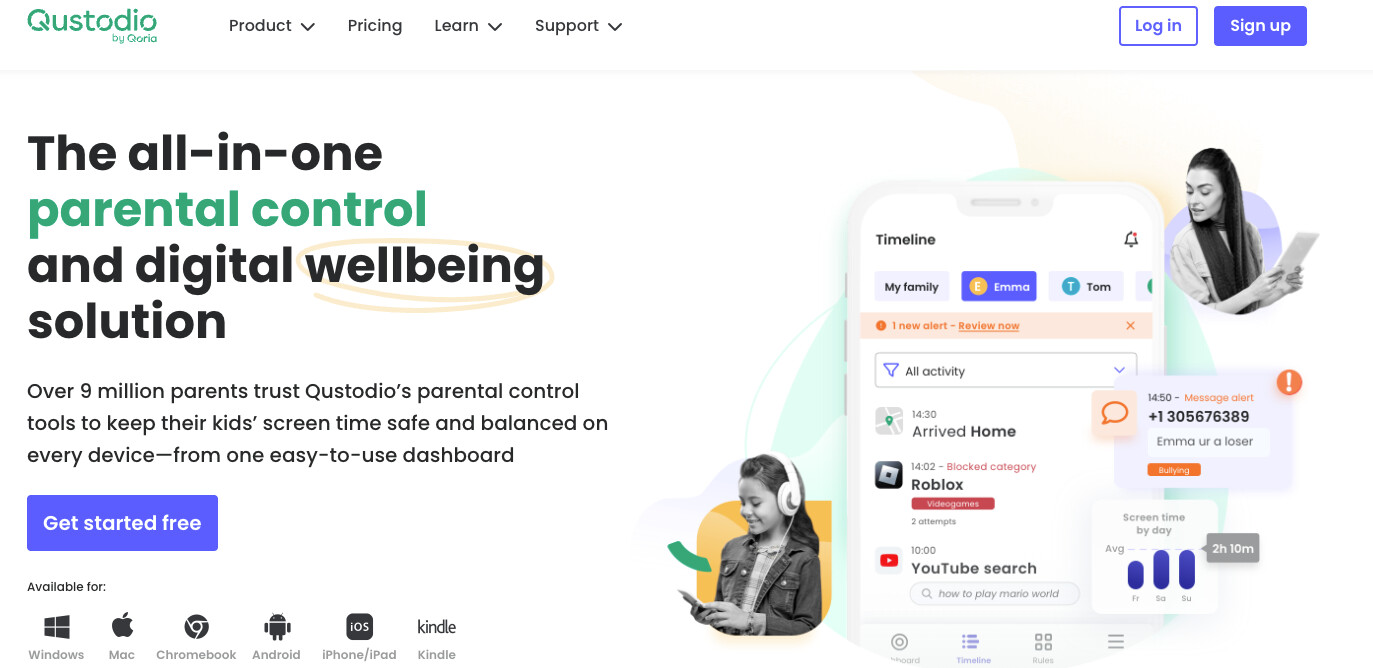
Qustodio skips message content entirely on iOS unless you pair a Windows or Mac machine, leaning instead on app blocking and location alerts.
Key features: blocking of over 25,000 iOS apps, web filtering, location with place alerts, social media monitoring, activity reports.
Setup: standard app install, iOS message access needs a separate paired computer.
Price: Basic $59.95 a year, Complete $104.95 a year.
4. Bark

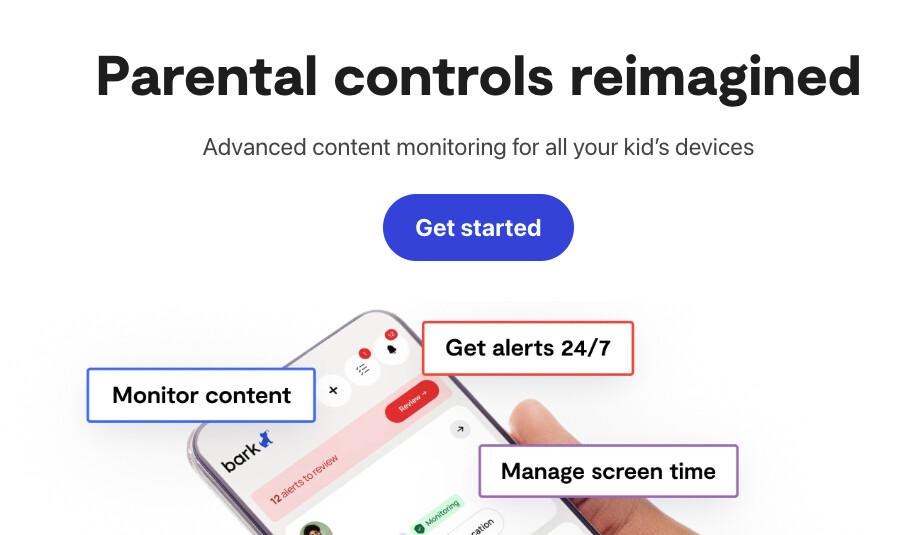
Bark scans for risk signals instead of handing you a raw feed of everything written, flagging bullying, predatory contact, or self-harm language instead.
Key features: risk detection across messages, email, and the web, screen time limits, app and site blocking, live GPS.
Setup: app install plus the Bark Sync accessory for full iPhone message coverage.
Price: $14 a month or $99 a year, Bark Sync adds $6 a month.
5. Aura

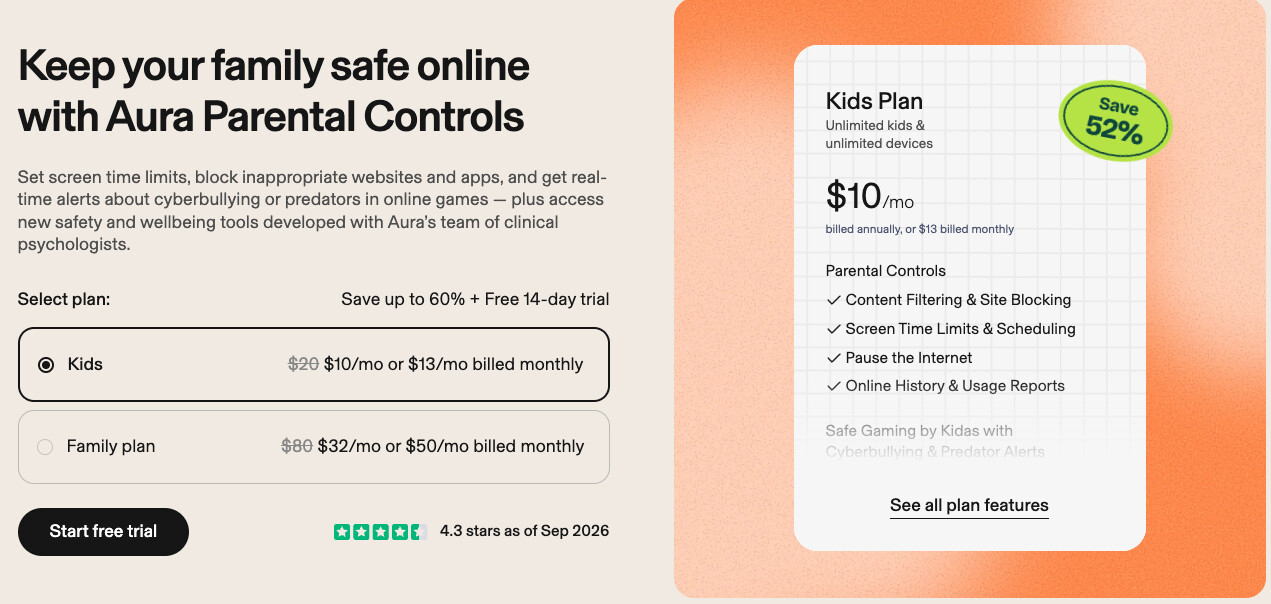
Aura trades depth for speed, built for parents who want something running in five minutes flat rather than an afternoon of setup.
Key features: content filtering, screen time scheduling, pause-the-internet option, activity reports, social interaction insights.
Setup: fastest install on this list, one plan covers unlimited kids and devices.
Price: Family plan $32 a month billed annually.
6. Life360

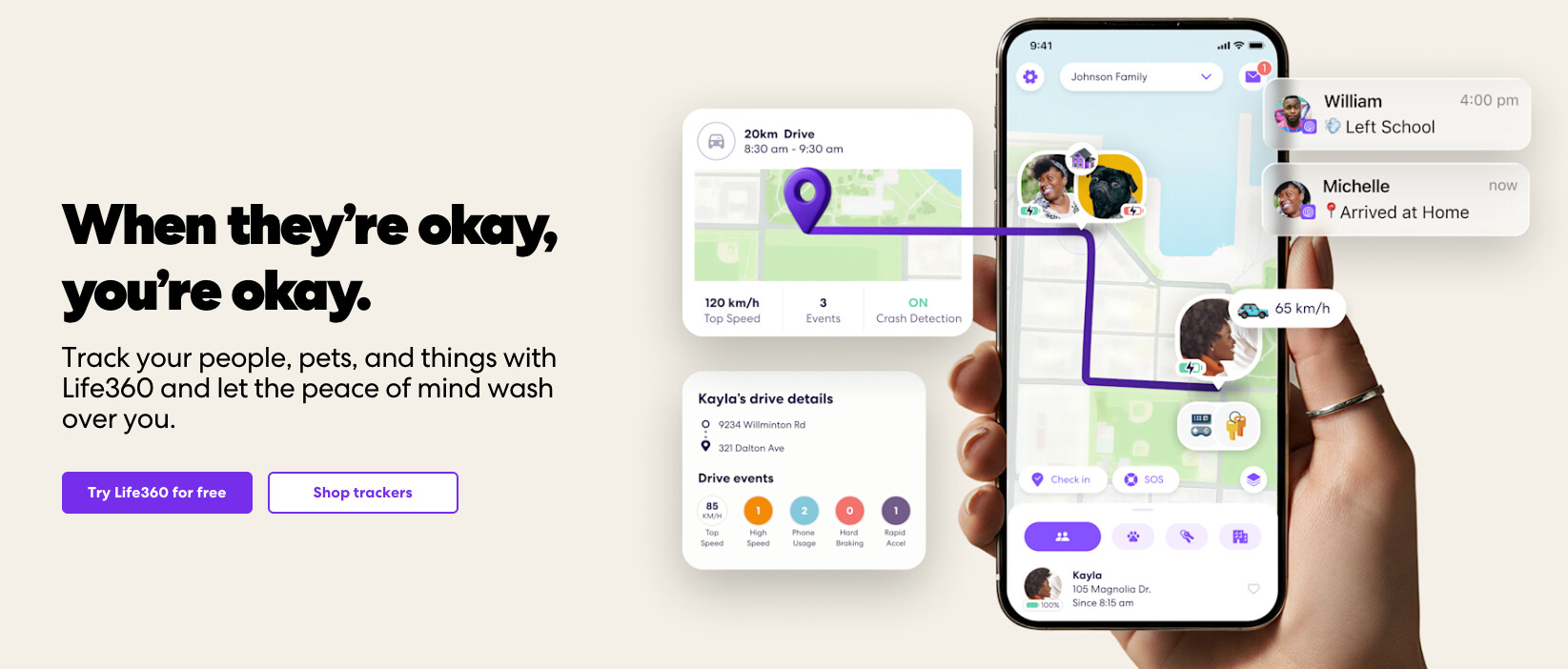
Life360 skips messaging altogether and focuses on location and driving safety, useful mainly once a teenager starts driving.
Key features: real-time location, place alerts, driving reports, collision detection, emergency assistance on paid tiers.
Setup: quick install, free tier available before upgrading.
Price: free tier, Gold $14.99 a month, Platinum $24.99 a month.
7. Hoverwatch

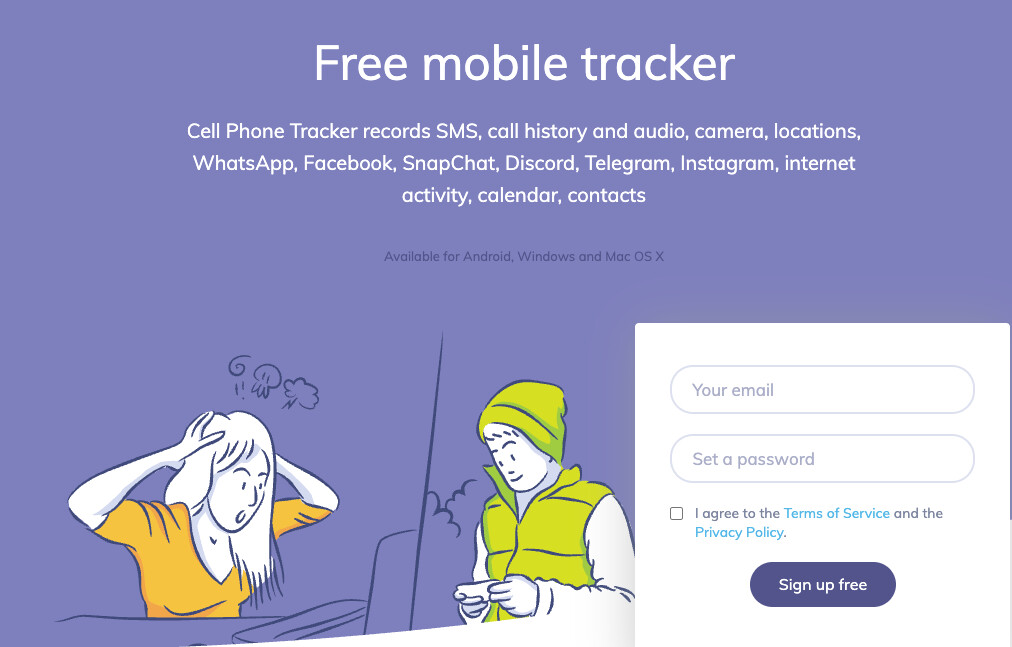
Hoverwatch prices by device count rather than feature depth, which makes it worth a look for larger families rather than a single child.
Key features: SMS reading with attachments, call logs with contact data, location tracking, remote account access.
Setup: standard install, pricing scales by number of devices rather than plan tier.
Price: Personal (1 device) $29.95 a month, Professional (5 devices) $49.95 a month, Business (25 devices) $149.95 a month.
Common questions
Does this work without touching the phone at all?
Only on iPhone, where some tools use iCloud credentials instead of a physical install. Android still needs hands-on access at least once, there’s no way around that on that platform currently, regardless of which app you pick off this list.
Will the child know it’s there?
Most of these run silently by design, though a few, like Bark, lean toward visible, disclosed monitoring instead, which some families prefer for trust reasons rather than purely technical ones.
Does price track with quality?
Roughly, yes, though Hoverwatch is the exception worth flagging, its tiers track device count, not feature depth, so a cheap single-device plan there can still cover a lot of ground if you only need to monitor one phone rather than an entire household.
Picking one
If you want the widest message coverage with the fewest surprises, mSpy is the safer default, it names its supported apps outright instead of hiding behind “and more” like several others on this list. If recovering deleted messages matters more to you than broad messaging coverage across every app, Eyezy’s Social Spotlight is the one feature nothing else here really matches, full stop.
Whichever you pick, this only makes sense on a device that belongs to your own minor child, and it works best paired with an actual conversation about why you’re checking, not as a quiet replacement for having that conversation at all, no matter how complete the feature list looks on paper.