


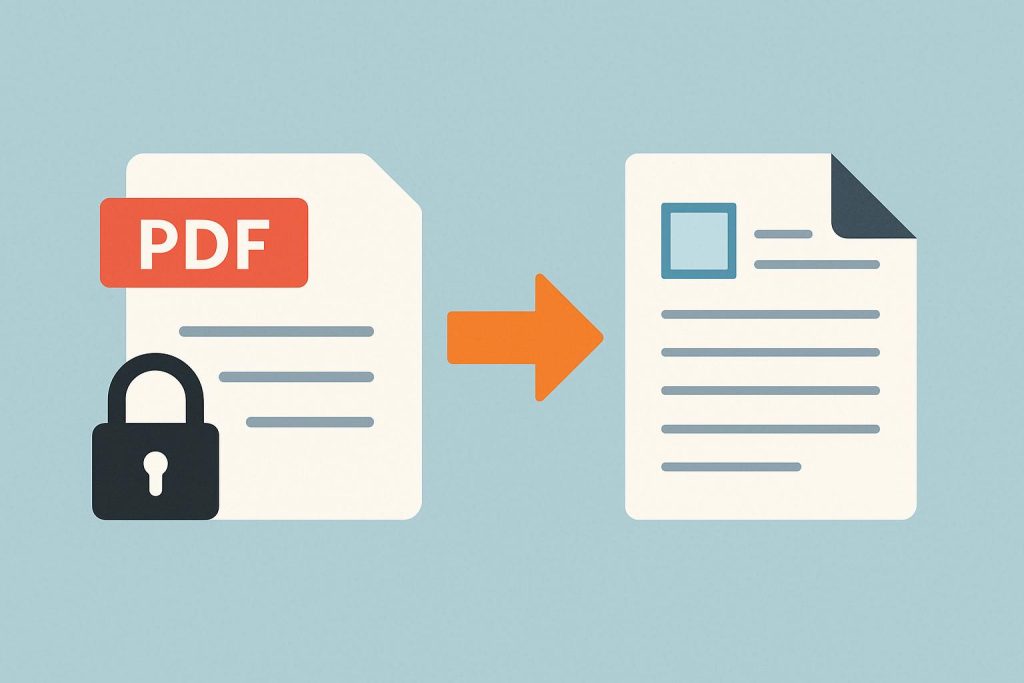
A locked PDF exists for good reason. It keeps sensitive content safe from unwanted edits. But those same restrictions become frustrating when the file belongs to the person trying to open it. Maybe the password was set years ago and long forgotten, or maybe the document arrived from a colleague with no instructions attached. Either way, the result is the same: important content sits just out of reach. Fortunately, there are several straightforward ways to regain control and start editing again.
Why PDFs Get Locked in the First Place
Contents
People lock PDFs to control what others can do with the content. A hiring manager might restrict editing on an offer letter. A legal team might prevent copying from a signed agreement. These protections generally fall into two types. An open password blocks the file from being viewed at all. A permissions password, on the other hand, allows viewing but limits actions like printing, copying, or modifying text. Knowing which type of lock is applied makes it much easier to pick the right removal method.
Using an Online Conversion Tool
Browser-based platforms are often the quickest fix. They require no downloads, run on nearly any device, and handle most restriction types automatically. The process is simple: upload the file, let the platform process it, and download the result. For those who need to convert PDF to editable PDF, these converters can strip away permissions and return a fully workable version in seconds. Most of them also retain the original layout, which cuts down on reformatting work afterward.
Trying Desktop PDF Editors
Full-featured PDF editors installed on a computer offer a more hands-on approach. Many of these applications include tools for viewing and modifying security settings directly. After opening a restricted file, users can head to the protection or security panel, enter the permissions password, and disable the lock. This method suits professionals who regularly deal with high volumes of protected documents. It also gives finer control over export quality and compression settings.
When a Password Is Required
Certain locked PDFs will not budge without the correct credentials. If the owner still has the password, the fix is quick: enter it, turn off the security preferences, and save a fresh copy. But a forgotten password narrows the options considerably. Dedicated recovery software can attempt to retrieve it, though success depends heavily on password length and complexity. Short, simple passwords may be cracked in minutes; longer ones could take days or prove unrecoverable altogether.
Converting the PDF to Another Format
Switching the file to a different format is a practical workaround that catches many people off guard. Exporting a locked PDF as a Word document, for instance, often sidesteps permission-level restrictions entirely. A number of free and paid converters handle this well. Once the content loads inside a word processor, edits become straightforward. After finishing, the file can be saved back as a PDF. Most text and basic formatting carry over cleanly, though detailed graphics or layered tables might need a bit of manual cleanup.
Using Optical Character Recognition for Scanned Files
Scanned PDFs add another layer of difficulty. Because the pages are essentially images, standard text selection tools will not work on them. Optical character recognition solves this by analyzing the visual content and converting it into selectable, editable text. Many platforms and desktop applications now bundle this feature in. Results vary based on scan clarity and font legibility. High-resolution, well-aligned scans tend to produce accurate output, while low-quality images often require manual review and correction.
Key Considerations Before Removing Restrictions
Before stripping security from any PDF, it is worth confirming the legal right to do so. Removing protections from someone else’s document could violate copyright terms or breach a contractual obligation. Keeping a copy of the original file is equally important. Conversion tools occasionally shift spacing, drop embedded fonts, or rearrange visual elements. Having the unaltered source available means nothing critical gets permanently lost if the output needs adjustments.
Conclusion
A locked PDF does not have to stall an entire project. Online converters, desktop editors, format changes, and character recognition each offer a reliable path back to full editing access. The right choice comes down to the type of restriction on the file, the kind of content inside it, and how fast the edits are needed. With a backup saved and the correct method selected, turning a protected document into something fully editable takes just a few minutes.