


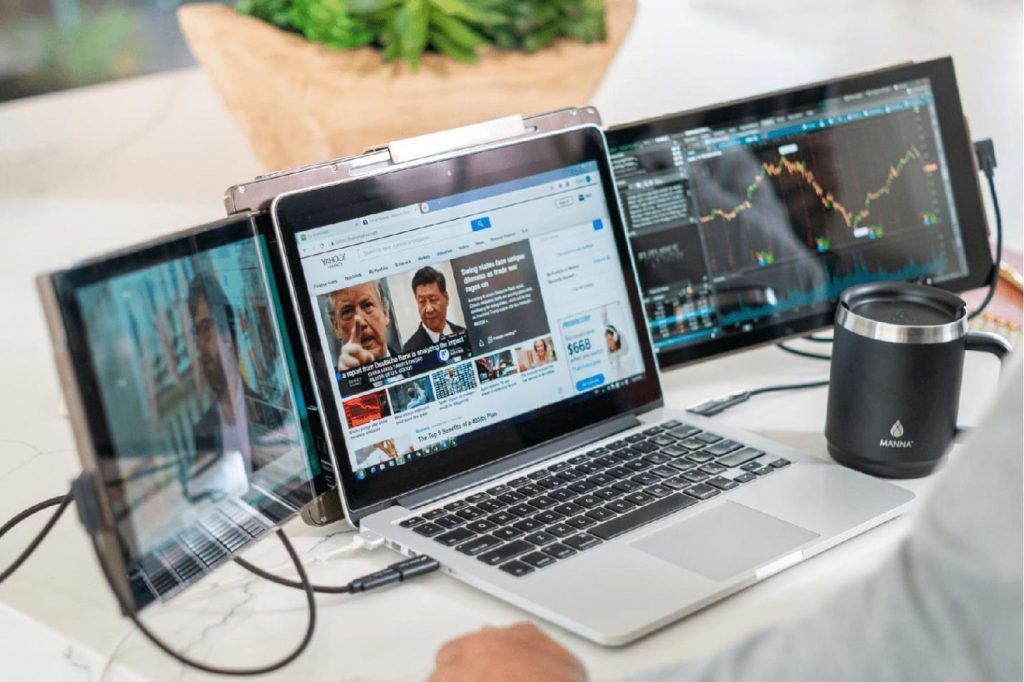
The current workday mostly consists of virtual meetings. While experts usually spend several hours a week on video calls, managing these meetings on a single laptop screen can be quite aggravating. Users should always be switching between their working documents and the live video feed. This disruption undermines intense concentration and delays critical assignments. Portable monitors for virtual meetings provide a sensible answer to digital clutter. These gadgets increase your workspace and help to maintain a consistent workflow on hectic days.
Why Single-Screen Meetings Limit Output
Contents
Video conferencing programs require a lot of screen space. Understanding participants clearly generally requires a whole window. Thus, there is scant room for other crucial tools, such as spreadsheets. Users constantly switch windows to locate reference files. This repeated switching raises cognitive burden and induces mental tiredness. When the digital space is congested, significant information may sometimes slip through the cracks. An expanded display eliminates these obstacles by enabling several programs to run simultaneously.
How Portable Monitors Transform Workflow

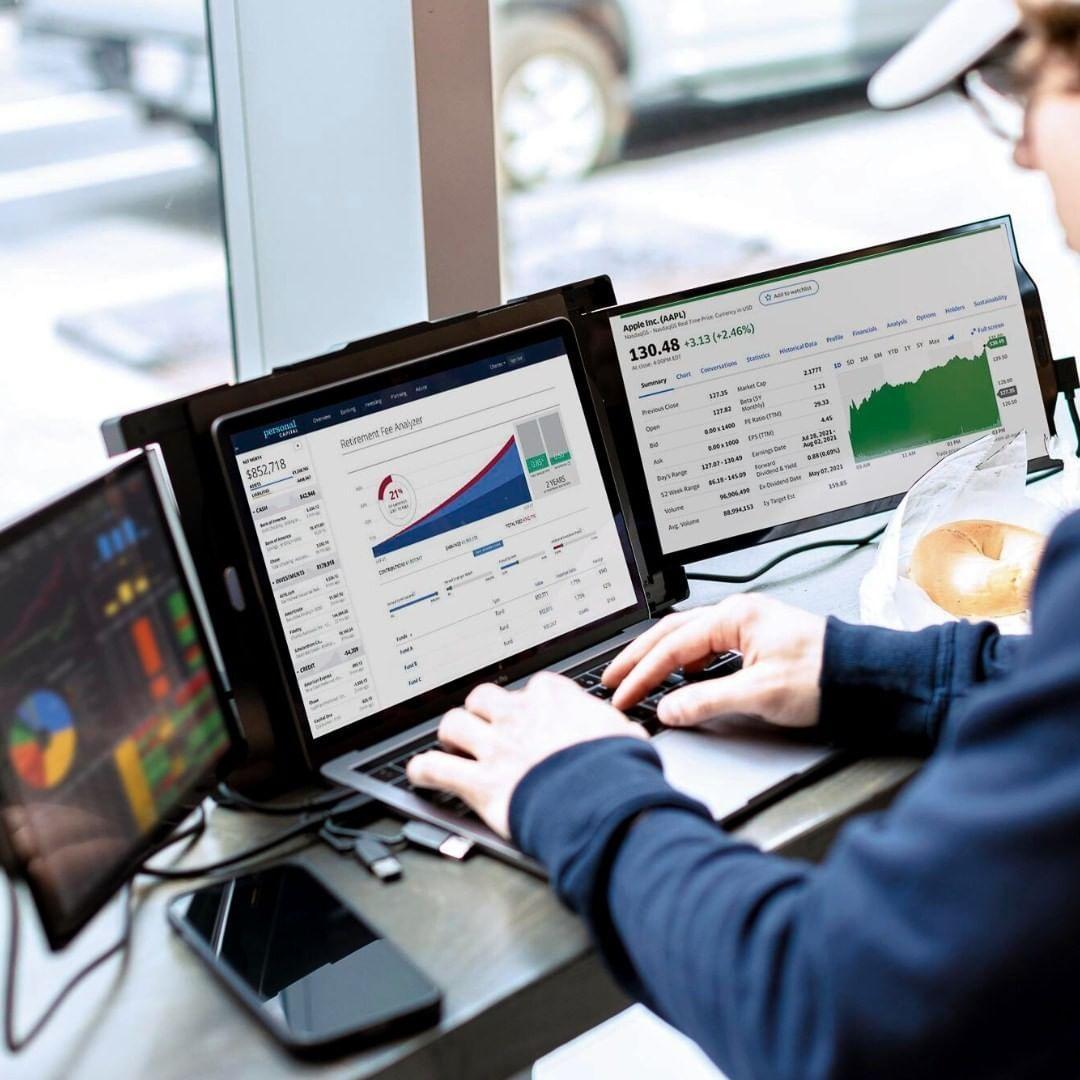
A portable monitor is a slim display that connects directly to a laptop, providing a secondary workspace without needing a permanent desk setup. This mobility enables the physical separation of tasks regardless of location. One screen stays dedicated to the video call, and the second screen remains open for active work. Explore Mobile Pixels Trio to enhance your remote setup. Having extra space means you never lose sight of your team.
Better Focus During Video Calls
When information is kept structured, distractions disappear. A second screen lessens the requirement to search for hidden windows or submerged browser tabs. Throughout the chat, eye motions stay small and purposeful. Reviewing your notes or research keeps you more curious about the subjects. This system enables faster responses and more precise note-taking. Use portable monitors for virtual meetings to help you stay focused on the speaker. Once the meeting is over, improved focus leads to better follow-up actions.
Support for Remote Workers and Students
Expanded screen space helps several roles in different ways. Remote workers use them to handle hectic daily schedules from any temporary location. Students find online lectures and recorded notes useful for watching and taking notes. Managers can evaluate performance data and conduct direct conversations simultaneously. These displays adjust to any setting, be that a travel center or a home office. They offer expert efficiency to anybody working on the go without the burden of conventional gear.
Simple Setup for Immediate Results
Most modern displays feature plug-and-play convenience for instant use. They often connect via a single cable for both power and data. This streamlined connection eliminates the need for bulky power bricks or tangled wires. The lightweight design allows the screen to fit easily into a standard laptop bag. There is no steep learning curve for this technology. Productivity improves the moment the second screen turns on, and the desktop expands.
Maximizing Virtual Meeting Efficiency
Daily performance depends most on the arrangement. On the main screen, optimize your meeting application. On the second screen, keep your task manager or project short. This graphic arrangement enhances active involvement and information retention. When you’re not battling your interface, you become a more efficient collaborator. Having portable displays for virtual meetings simplifies online routines. It transforms a cluttered screen into a neat and polished command center.
Conclusion
Professional success in the digital age depends on a defined workflow. Portable monitors offer the space needed to manage sophisticated online interactions. They give mobility without compromising the capability of a multi-monitor workstation. Any contemporary professional would benefit from an upgrade to an extra screen. It ensures your attention stays on the work and the discussion. Visit Mobile Pixels to view your options.