


Key Highlights
Contents
- Key Highlights
- Introduction
- Why Construction Health and Safety Software Matters in Australia
- Core Features of Construction Health and Safety Software
- How Software Streamlines Safety Processes on Site
- Reducing Risk and Improving Compliance
- Choosing the Right Construction Health and Safety Software for Your Business
- Conclusion
- Frequently Asked Questions
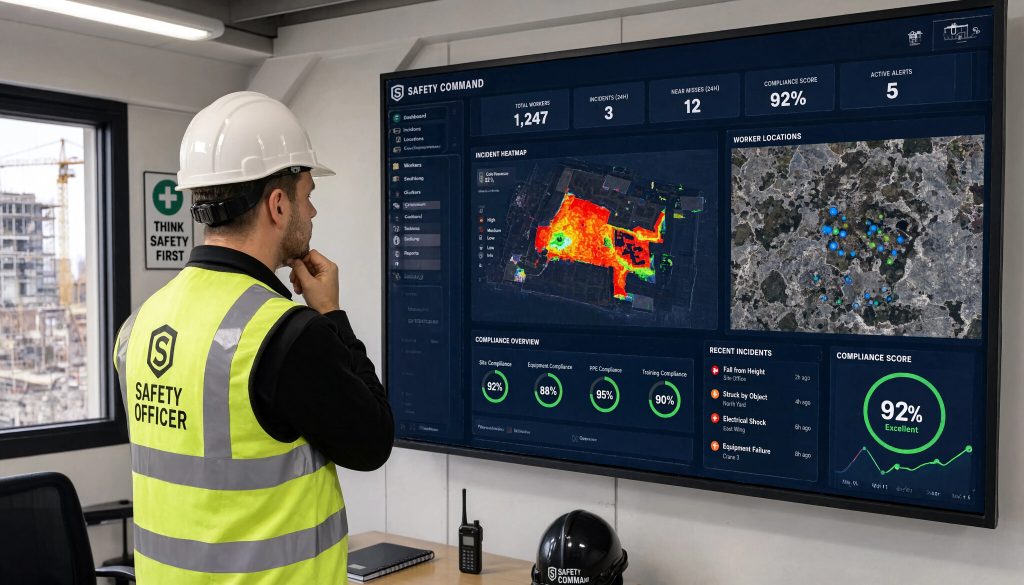
- Construction health and safety software helps you centralise safety management and reduce paperwork across busy construction projects.
- It improves construction safety by making incident reporting faster and easier for field teams and supervisors.
- Automated reminders support compliance tasks such as insurance tracking, JSAs, and inspections.
- Mobile access strengthens workplace safety because workers can complete forms and view records on site.
- Real-time alerts help safety teams act quickly on hazards, expired documents, and emergency incidents.
- Better records and audit trails make compliance management simpler and less stressful.
Introduction
Risk grows quickly on a live site. If you miss an expired document, leave a hazard unchecked, or turn in an incident report late, then construction safety can drop. This is why construction health and safety software is important. It helps you make safety management easier, cut down on admin, and keep workplace safety on track for your sites. You do not have to use lots of paper, as safety software lets you stay on top of construction health, safety management, and more across all your projects.
Why Construction Health and Safety Software Matters in Australia

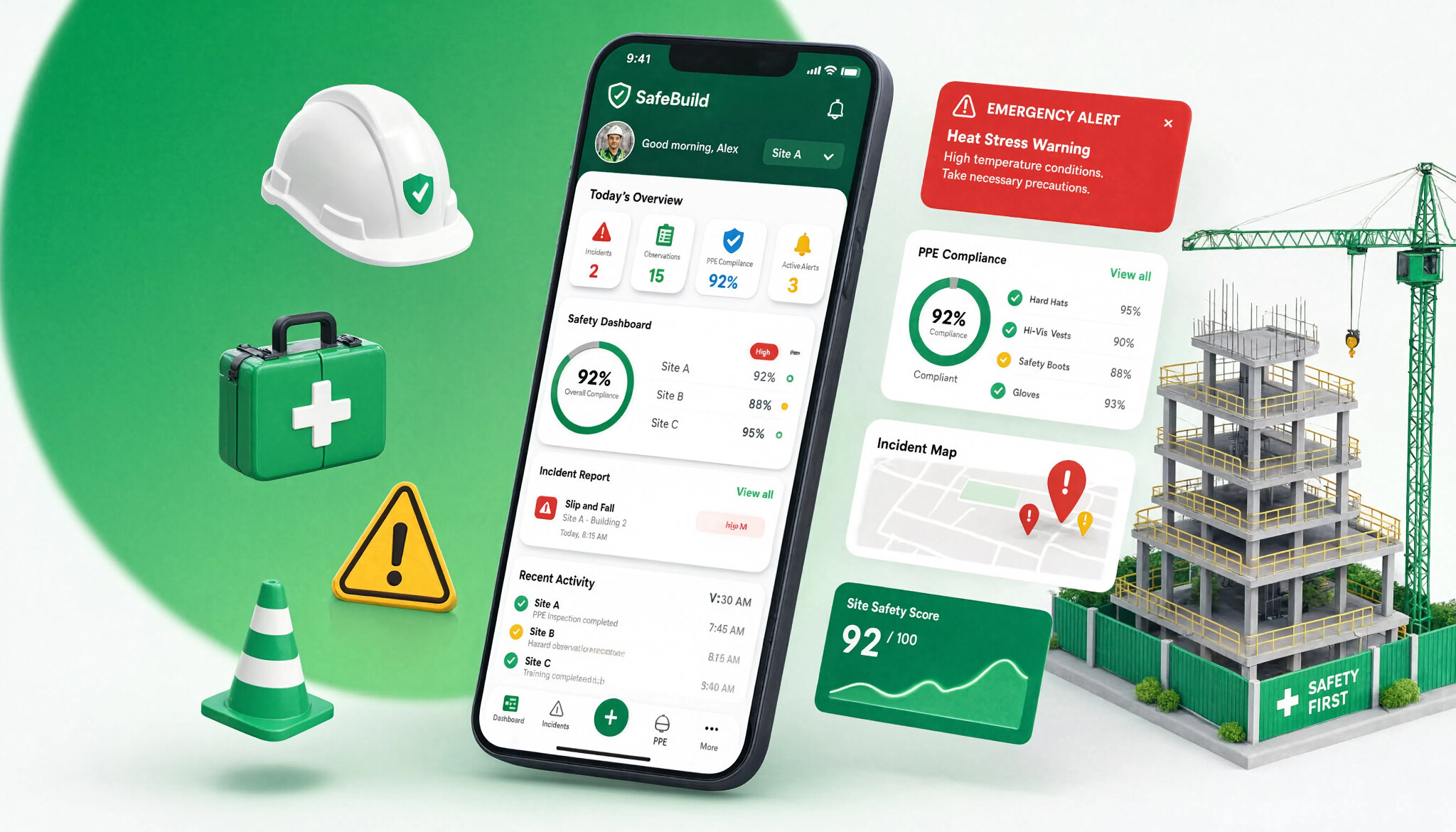
If you manage construction sites in Australia, keeping up with safety can be challenging amid changing teams and tight deadlines. Relying on folders, emails, and spreadsheets makes compliance difficult. Software streamlines compliance management, letting your team track insurances, staff orientations, JSAs, and incident reports—eliminating paperwork hassles.
Manual systems can cause safety standards to slip. Construction health and safety software improves project management by highlighting what’s due, missing, or urgent. This helps you follow Australian safety regulations and reduces admin time for site leaders. The following sections will outline tools you can use for this.
Core Features of Construction Health and Safety Software
The best safety management software for the construction industry should be more than a place to store files. The software needs to help you with incident reporting, manage safety documentation, and let you automate checks that people sometimes miss when work is busy.
Try to pick the key features that help solve problems you see every day on your site, not just those you do in the office. Good options include real-time alerts, custom forms, hazard tracking, mobile access, and central document control. These features help make work safer and help people make decisions faster.
Incident Reporting and Real-Time Notifications
When something goes wrong on-site, speed is crucial. Digital incident reporting lets workers submit reports immediately, getting safety data to teams in real time—a must for busy construction projects.
For example, a supervisor can instantly upload an incident report to the project dashboard and trigger follow-up actions. No more sorting photos, writing paper notes, or handling late phone calls.
Software can:
- send alerts to the right team members
- remind workers about document deadlines
- flag emergencies for fast review
Customisable Checklists and Audits
Every site is unique, with its own risks, workflows, and trades. Customisable checklists let you tailor compliance tasks to your actual job needs. There’s no need to force everyone into a fixed checklist when work and safety requirements change daily.
For example, you can use templates for JSAs, incident forms, and equipment orientation, then adjust them to fit your site. There’s no need to start from scratch each time.
This also streamlines audits. Keeping forms current and easy to update encourages compliance and ensures safety standards are followed. Up-to-date records help catch issues early before they become bigger problems.
Automated Risk Assessments and Hazard Tracking
Effective risk management requires clear visibility. If hazards are scattered across notebooks or emails, your team lacks a complete overview. Hazard tracking software centralises records, assigns actions, and monitors fixes across work areas.
On high-risk job sites, digital systems track worker approvals and permit dates, reinforcing safety protocols before work starts.
This enables faster corrective actions and prevents issues from escalating—making safety processes easier and more reliable.
How Software Streamlines Safety Processes on Site
Work on construction sites can move fast, so your systems need to keep up as well. The best platform will help you streamline safety by bringing together forms, reminders, logs, and records into one workflow.
This means field workers and supervisors spend less time on office work and more time making sure safety is good on site. It can also help with project management by making sure routine tasks are clear and done on time. This is how it makes a difference in what people do each day.
Scheduling Inspections and Compliance Tasks
One major issue on-site is forgetting routine checks. Scheduled inspections solve this by turning repeated tasks into easy-to-track compliance items. The system sends reminders for safety inspections, document reviews, and follow-ups, so you don’t have to remember them.
For example, you can use it to track insurance and certification expirations. By storing expiry dates in the platform, workers and managers get notified before documents expire.
This streamlines compliance documentation for construction teams, making audits and site visits less stressful since records are organised and easy to access.
Mobile Access for Field Teams and Supervisors
Construction doesn’t happen at a desk, and your safety tools shouldn’t stay there either. Mobile access lets field teams handle safety tasks on their devices without returning to the office, eliminating delays that affect site control.
A mobile app gives supervisors quick answers during shifts. Safety managers can review submissions, track attendance, and check worker records without sorting through paperwork.
With mobile access, teams can:
- complete sign-ins and orientations onsite
- upload safety documents from the field
- verify records before starting work
Integrating With Project Management and Other Tools
Safety software is most effective when integrated with your site operations. When project management, daily logs, and documents are connected, fewer details are lost between the field and office.
This integration makes safety management part of daily site operations—not just a place to store forms. It streamlines schedules, approvals, and records.
| Area | How integration helps |
| Project management | Connects safety actions with logs, workflows, and schedules |
| Document management | Centralises insurances, certifications, and forms for easy access |
| Safety software | Shares real-time updates between field and office for faster action |
Reducing Risk and Improving Compliance
Software helps you lower safety risks because it makes it easy to get information, keep track of it, and do something with it. This gives you better risk management than using paper, where details can be in different places.
The software also helps with safety compliance by sending you reminders, keeping better records, and making it clearer to check everything. This leads to a safer work environment. You will spend less time having to follow up with people by hand. Two things make this very useful.
Proactive Hazard Identification and Alerts
It helps by warning you before small problems turn into big compliance failures. The goal of proactive safety management is seeing risks early and not just finding them after something goes wrong.
On-site, it is simpler to spot dangers if workers can log any safety concerns fast. Managers can then see everything in one place. This makes your safety documentation stronger and gives your team a clear, up-to-date view of all potential hazards.
Useful alerts can flag:
- expiring insurances or certifications
- overdue JSAs or missing submissions
- emergency incidents needing immediate review
Audit Trails for Regulatory Audits
Audits are challenging when records are scattered. Audit trails simplify the process by tracking every update, submission, and reminder in your safety documentation. You can easily see what was done, who did it, and when.
This is crucial for compliance and provides proof for worker records, orientations, and site forms—all in one place. No more searching through emails or folders.
Effective document management also streamlines regulatory audits. If an inspector requests proof, your team can quickly find the right file without scrambling.
Success Story: How an Aussie Builder Improved Safety Metrics
Consider a mid-sized Australian builder with several busy sites. Previously, the team relied on printed info sheets, paper insurance forms, and manual JSA checks. Slow admin made it hard to track what was current.
With safety management software, site leaders could oversee staff orientation from one dashboard, monitor real-time sign-ins, and receive alerts for expiring documents. This improved workplace safety oversight.
Safety metrics also improved—forms were submitted faster, and visibility increased. Safety performance went up, allowing managers to spend less time on paperwork and more time supporting teams onsite.
Choosing the Right Construction Health and Safety Software for Your Business
Start by identifying your daily challenges. Struggle with expired documents, slow incident reporting, or disorganised forms? Are site orientations hard to manage? The best construction safety software solves these issues without adding paperwork. BuildPass, for example, streamlines digital site work and document control and is optimised for mobile use.
When choosing safety software, look for features like custom templates, reminders, sign-ins, mobile access, and quick record retrieval. It should meet industry standards and fit your team’s workflow. If it doesn’t save you time, it’s not the right choice.
Conclusion
Using safety software in construction reduces risk and ensures compliance with Australian regulations. It streamlines incident reporting and gives field teams mobile access to vital information. Features like risk checks and activity tracking improve safety processes, clarify protocols, and help identify issues early while maintaining accurate records. This proactive approach prioritises worker health and well-being.
Frequently Asked Questions
What types of tasks can construction health and safety software automate?
It can handle compliance tasks for you. This includes sending reminders when documents are close to expiring, alerts for incident reporting, follow-ups for safety documentation, and reminders for scheduled inspections. It can also take care of some project management steps. This cuts down on manual work and helps your team stay on top of routine safety actions.
How does construction health and safety software help maintain compliance with Australian regulations?
It helps with compliance management by keeping records together in one place. It checks expiry dates, updates checklists, and makes cleaner compliance documentation. This makes it simple to meet safety regulations, stick to safety standards, and look after workplace safety, even when things change.
Are there industry-specific options for construction companies in major Australian cities such as Melbourne?
Yes. There is safety management software made for construction companies and the site work they do each day. This is not just for office jobs. For teams in Melbourne and other places, construction safety apps can be the best for them. These apps help with sign-ins, people being shown what to do, JSAs, and tracking paperwork. This way, companies can focus on safety management and know who comes onto their sites.