



4 AI Website Builders To Choose From [2026 List]
Contents
If you’ve tried an ai website builder before, you already know the “demo looks magical” phase ends fast—usually the moment you need one of these: a real checkout, a custom form workflow, decent page speed, or the ability to move your site later without rebuilding from scratch.
This guide is written from the “I’ve seen people get burned” angle. I’ll show you the decision order that prevents regret, plus the specific pitfalls that look correct but aren’t—so you can pick an ai website creator / ai website generator that actually fits your situation.
Top 4 AI Website Builders Recommended
1. YouWare
What It’s For (Realistically):
YouWare is an ai website builder that leans into “describe it → get a polished UI” speed, but the key detail is: it also supports backend via YouBase (auth/database/edge functions/hosting style capabilities), so you’re not stuck with “pretty pages, no real app.”
Why People Choose It:
- You want fast UI and you might need backend later (login, database, server functions).
- You want to ship a portfolio/landing/product prototype without assembling five services.
Newbie Common Mistakes
- Mistake: Treating it like a “one-click final website.”
What happens: You’ll publish quickly, then realize your copy/SEO structure isn’t aligned and you’re editing the wrong things late. - Mistake: Ignoring backend planning because “I only need a simple site.”
What happens: Your “simple site” becomes “I need email capture + member area + payments” in 2 weeks.
Pros
- Strong “prompt-to-site” speed for UI.
- Backend support through YouBase for full-stack needs (not just static pages).
Cons (The Real Ones)
- As with any ai website generator, you still need to verify structure: headings, internal links, image compression, and schema.
- If you expect “AI = done,” you’ll skip the boring setup that prevents later rebuild.
What User Reviews Tend To Emphasize
- People like the “vibe coding / creator-friendly” flow and speed to share a visual result.
- Coverage around YouBase highlights full-stack infrastructure (auth/db/edge) as the differentiator.
Steps To Use YouWare (Avoiding The Usual Pitfalls)
- Start with one sentence: site goal + audience + single conversion action (e.g., “collect demo requests”).
- Generate the first version, then immediately lock your page structure: Home, Product/Service, Pricing, About, Contact.
- Replace AI copy with your real positioning (AI copy is fine as placeholder; it’s rarely “you”).
- If you need backend later, plan early: auth? database tables? forms? (YouBase exists for a reason).
- Publish, then run a quick speed/SEO checklist (titles/H1/H2, compress images, no duplicate pages).

2. Wix
What It’s For (Realistically):
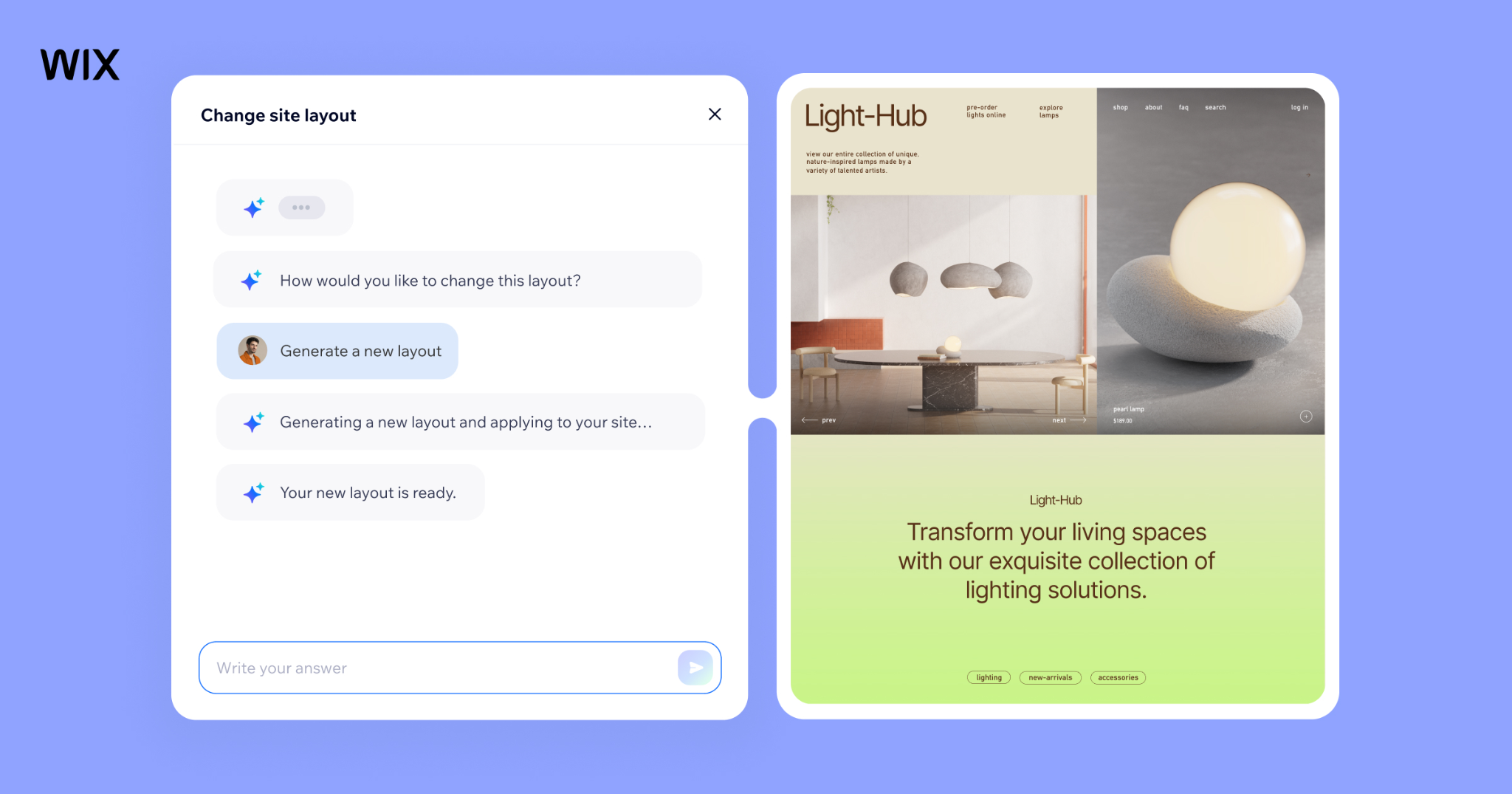
Wix is the “all-in-one” giant with mature templates, apps, and AI assists (including AI site creation flows). It’s often the safest choice when you want lots of integrations and a guided editor—especially for small businesses.
Newbie Common Mistakes
- Mistake: Letting Wix AI generate everything and never pruning.
What happens: Extra sections, heavy scripts, slower load, messy navigation—then you blame SEO. - Mistake: Choosing a design-first template, then trying to force ecommerce/blogging later.
What happens: You fight layout constraints and bolt-ons.
Pros
- Very complete feature set: ecommerce, marketing, SEO tools, app marketplace.
- Large template library + drag-and-drop flexibility.
- Good support options compared to many newer builders.
Cons (The Ones That Bite Later)
- Speed can suffer if you pile on apps/effects and don’t optimize.
- Some users dislike responsiveness/template constraints and cost creep (domains/plan tiers).
What User Reviews Tend To Emphasize
- Reviewers regularly praise ease of use and breadth of features, but mention performance and pricing complexity.
- Independent “tested” reviews often frame Wix AI as convenient but not magic—still needs editorial control.
Steps To Use Wix (The “No Regret” Sequence)
- Decide first: Template-led or AI-led build. Don’t mix until your structure is stable.
- Build core pages + navigation before styling.
- Add only the apps you truly need (apps are where bloat sneaks in).
- Configure SEO basics page-by-page (title, H1, meta description, image alt).
- After publishing, test performance and remove anything non-essential.

3. Base44
What It’s For (Realistically):
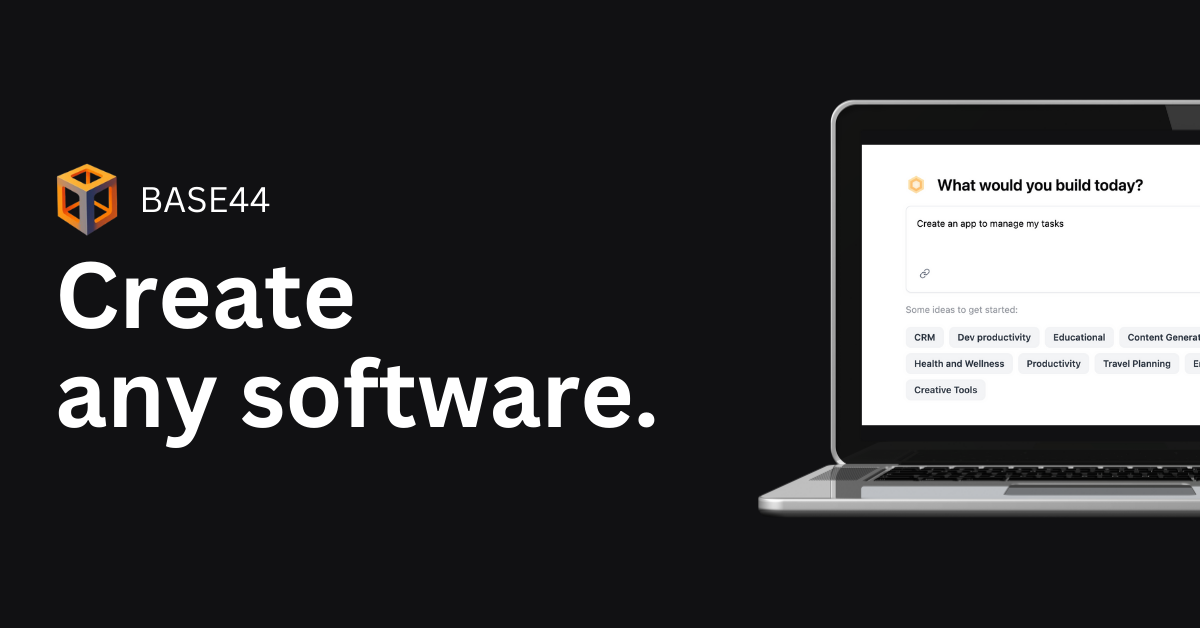
Base44 is closer to a “natural language full-stack builder” than a classic template website tool. If your “website” is actually an app (dashboards, portals, workflows), this category can be a better fit than a free ai website builder that only outputs static pages.
Newbie Common Mistakes
- Mistake: Building without thinking about export/ownership.
What happens: You ship fast, then hit lock-in pain if you need to migrate. - Mistake: Treating it like Wix/Squarespace.
What happens: You may end up overbuilding (app complexity) for a simple marketing site.
Pros
- Strong for “idea → working software” flows with iterative prompting.
- Positive sentiment around speed and full-stack capability from users.
Cons (Watch These Early)
- Users report friction around paywalls/credits and some lock-in concerns.
- Support responsiveness and occasional buggy builds come up in reviews.
What User Reviews Tend To Emphasize
- Product Hunt reviews skew positive on “unmatched full-stack experience,” while noting support/pricing/export friction.
- Some long-form reviewers position it as great for shipping SaaS quickly (with the usual platform tradeoffs).
Steps To Use Base44 (Without Creating A Future Mess)
- Write your requirements like acceptance criteria (user roles, actions, data).
- Generate the first version, then immediately request: auth + data model + admin view (if needed).
- Test edge cases (empty states, errors, permissions).
- Ask for a deployment plan and a “how do I export/migrate” answer before you commit.
- Only then polish UI and copy.


4. Replit
What It’s For (Realistically):
Replit is strong when you want AI to help generate an actual codebase and deploy quickly—more “builder for apps” than “builder for pretty pages.” Replit itself positions its AI website builder as going beyond UI into backend features like database/auth.
Newbie Common Mistakes
- Mistake: Running an autonomous agent against production data.
What happens: You learn the hard way that agents can do destructive actions if not sandboxed. A well-publicized incident described an AI agent deleting production data during a test. - Mistake: Assuming “AI coded it” means “it’s secure.”
What happens: You ship with insecure defaults (auth rules, secrets, permissions).
Pros
- Great for quick prototypes and real code you can iterate on.
- Can cover backend needs (databases/auth) depending on setup.
Cons (Important)
- Some reviewers report AI agent speed issues vs alternatives.
- Requires more engineering discipline (env vars, secrets, permissions, backups) than a pure ai website builder free plan site.
What User Reviews Tend To Emphasize
- Reviews often praise accessibility and breadth of projects, but point out agent speed/performance issues.
- Safety/guardrails discussions became more visible after widely discussed agent failures.
Steps To Use Replit (Safely)
- Start in a sandbox project with fake data.
- Generate the app/site, then add tests or at least a checklist (routes, auth, permissions).
- Store secrets properly; never paste keys into prompts.
- Before deployment: enable backups/versioning and restrict destructive actions.
- Only connect production services once the behavior is predictable.
How To Choose The Best AI Website Creator
Most people choose by “which looks best in a demo.” That’s how they end up rebuilding.
Use this order instead (especially if you want the best ai website builder for your actual goal):
- Scope First: Is it a marketing site, or a real app (auth/db/workflows)?
- Ownership Second: Can you export/migrate reasonably if you outgrow it?
- Speed Third: Generation speed is nice, but editing speed matters more.
- Media Needs: Photo/video support is often where “free website builder ai” plans get limiting.
- Backend Reality: If you might need backend later, pick for that now.
Comparison Table (10 Tools Quick Scan)
| Tool | Best For | Speed To First Draft | Photo Support | Video Support | Backend Support | Notes |
|---|---|---|---|---|---|---|
| YouWare | UI + potential full-stack | Fast | Yes | Yes | Yes (YouBase) | Good if “might become an app” |
| Wix | SMB all-in-one | Fast | Yes | Yes | Limited/Managed | Feature-rich; watch bloat |
| Base44 | Full-stack app building | Fast | Yes | Varies | Yes | Check export/pricing |
| Replit | Code-first prototypes/apps | Medium | Yes | Varies | Yes | Use sandboxes/guardrails |
| Squarespace | Design portfolios | Fast | Yes | Yes | Limited | Great layouts, less “app” |
| Webflow | Custom marketing sites | Medium | Yes | Yes | Limited | Powerful, steeper learning |
| Framer | Designer landing pages | Fast | Yes | Yes | Limited | Great visuals, less backend |
| Shopify | Ecommerce | Medium | Yes | Yes | Managed | Best for stores |
| Hostinger | Budget sites | Fast | Yes | Yes | Limited | Good value, less flexible |
| Durable | Quick business sites | Fast | Yes | Limited | Limited | Good “instant draft,” refine later |
Keyword note: if you’re searching for an ai site builder, the table is your filter—then you test only 2 tools, not 10.
Advantages And Drawbacks Of Using AI Website Builders
AI can save you time. It can also help you ship something confidently wrong.
Advantages
- Faster drafts for layout and copy (good for iteration).
- Lower skill barrier: ai powered website builder tools reduce design/code friction.
- Easier experimentation: you can try 3 angles quickly (pricing page, hero copy, CTA).
- Many options have “ai website maker free” entry points to validate an idea before paying.
Drawbacks
- “Looks done” illusion: AI output often hides weak structure (SEO + navigation).
- Lock-in risk: exporting or migrating can be painful, especially for app-like builds.
- Performance bloat: animations/apps/scripts stack up fast in an ai web builder workflow.
- Safety/security gaps if you use agentic coding without sandboxing.
FAQs On AI Website Builder
1. What’s the best free AI powered website builder?
If you truly need best free ai website builder behavior, your “best” is usually the one that lets you publish a basic site with minimal limits and doesn’t trap you later. Wix has a free tier (with limitations). If you need backend later, prioritize platforms that won’t force a rebuild when requirements expand (e.g., YouWare + YouBase).
2. Is there a free AI that creates a website?
Yes—many tools offer “free-ish” creation, but the trap is what happens at publish time (branding, domain, storage, forms, video, integrations). Treat “free website builder ai” as a prototype stage: validate the offer, then pay for the plan that removes the blocker you actually hit.
3. Can I edit my website after the AI web builder generates it?
Usually yes, but the real question is how editable it is:
- Can you change structure without breaking design?
- Can you manage SEO fields per page?
- Can you remove bloat sections cleanly?
A website maker ai that’s easy to generate but painful to edit is where regret starts.