



You record a video, and it looks flawless, until you play it. The whole sounds disturbing and looks like you recorded it in a crowded area. Whether you’re posting it on Instagram or on YouTube, the audio of your video must be clear and enhanced so viewers engage with it.
In 2026, with AI-powered solutions, you can now easily enhance the audio quality. But the stress is finding the right audio enhancer that instantly and accurately removes background noises and fixes loudness.
This article lists the five best AI tools you can use to enhance audio quality.
5 AI Audio Enhancers You Can Use to Improve Audio Quality (2026)
Contents
Below are five of the best AI tools that you can use to enhance audio quality.
| Tools | Sign up | Free Usage | Premium Cost |
|---|---|---|---|
| Audio Enhancer | Yes (3 credits daily) | Yes | $5/month |
| Opusclip Audio Enhancer | Yes (for 7-day trials) | Yes, only for 7 days | $12/month |
| Noise Removal | Yes | Yes | $10/month |
| Noise Reducer | Yes | Yes | $6.99/week |
| Audio Enhancer by Flixier | Yes | Yes | $9.9/month |
Let’s unveil each tool.
Audio Enhancer
Audio Enhancer is one of the most advanced online audio tools that people can use to improve the audio quality of their recordings, interviews, podcasts, vlogs or any audio type. It can help enhance audio quality (both MP3 and MP4) by removing background noises, reducing echo, fixing loudness, decreasing mouth clicks, and much more.

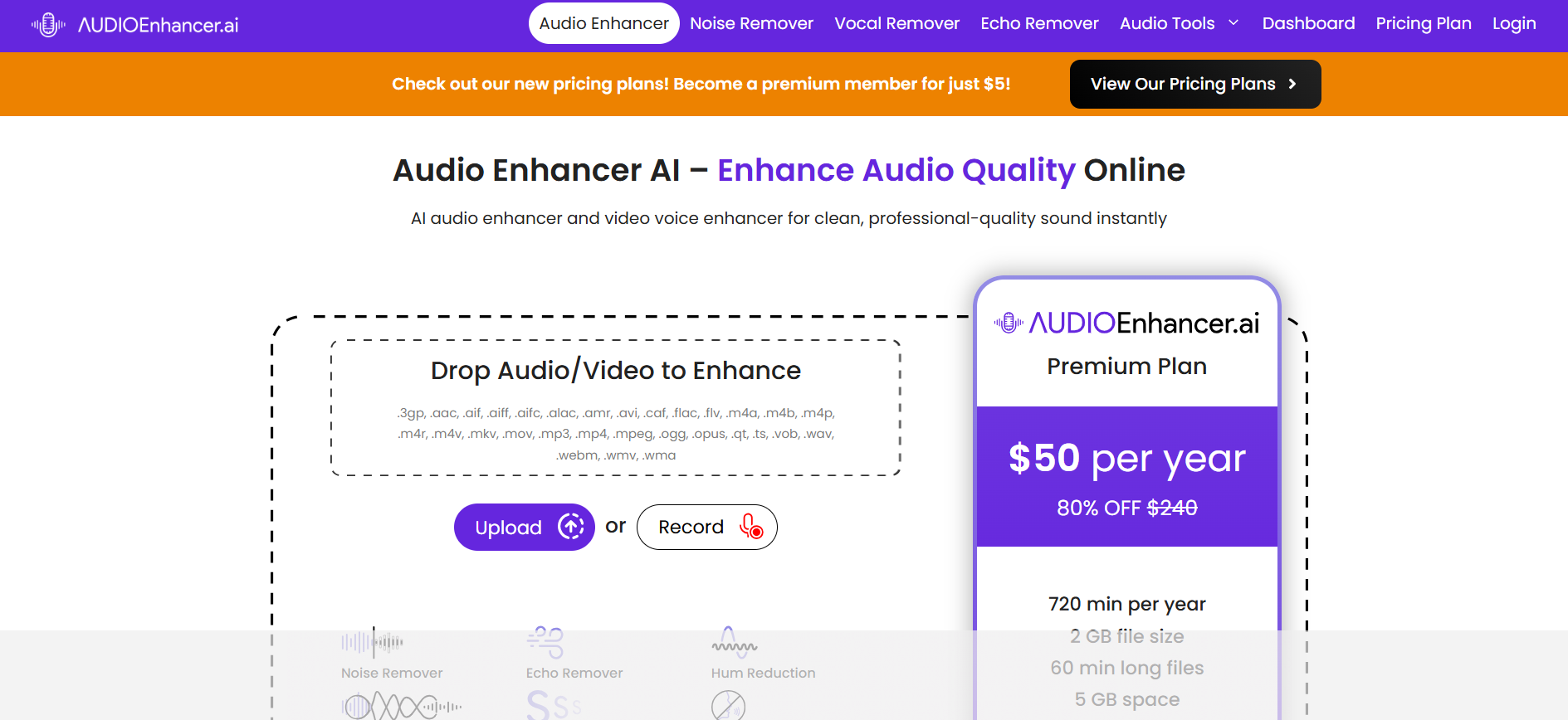
To use this tool, you have to create an account, and you will be rewarded with 3 credits.
How to Use Audio Enhancer?
Follow these simple steps to use Audio Enhancer AI:
- Upload your audio or video from device storage or use the built-in recording feature to record one.
- Once uploaded, the tool will show you multiple enhancement options:
- Clean Up Speech
- Noise Reducer
- Fix Loudness
- Noise/Echo Remover
- Pick a specific option that meets your needs, and click on the “Enhance Media” button.
- Audio Enhancer will promptly improve the audio quality and provide you the result.
- Click on the download button, and the enhanced audio file will be saved to your device storage.
Features
- Offers free usage with a max upload limit of 150MB.
- Multiple format options to download the enhanced file (MP4, MP3, WAV, AIFF).
- Effectively remove background or echo noise from audio.
- Extract audio from video and enhance it (premium feature).
- Different algorithms, including denoising and generative AI, are used to improve audio quality.
Premium
The premium version of Audio Enhancer starts at $5/month with features like no ads, 5GB cloud storage space, and many more.
Opusclip’s Audio Enhancer
Audio Enhancer by Opusclip is another online tool you can use for free for a 7-day trial with 10 credit limits. It can instantly and accurately improve the clarity and sound of your videos using state-of-the-art technology.

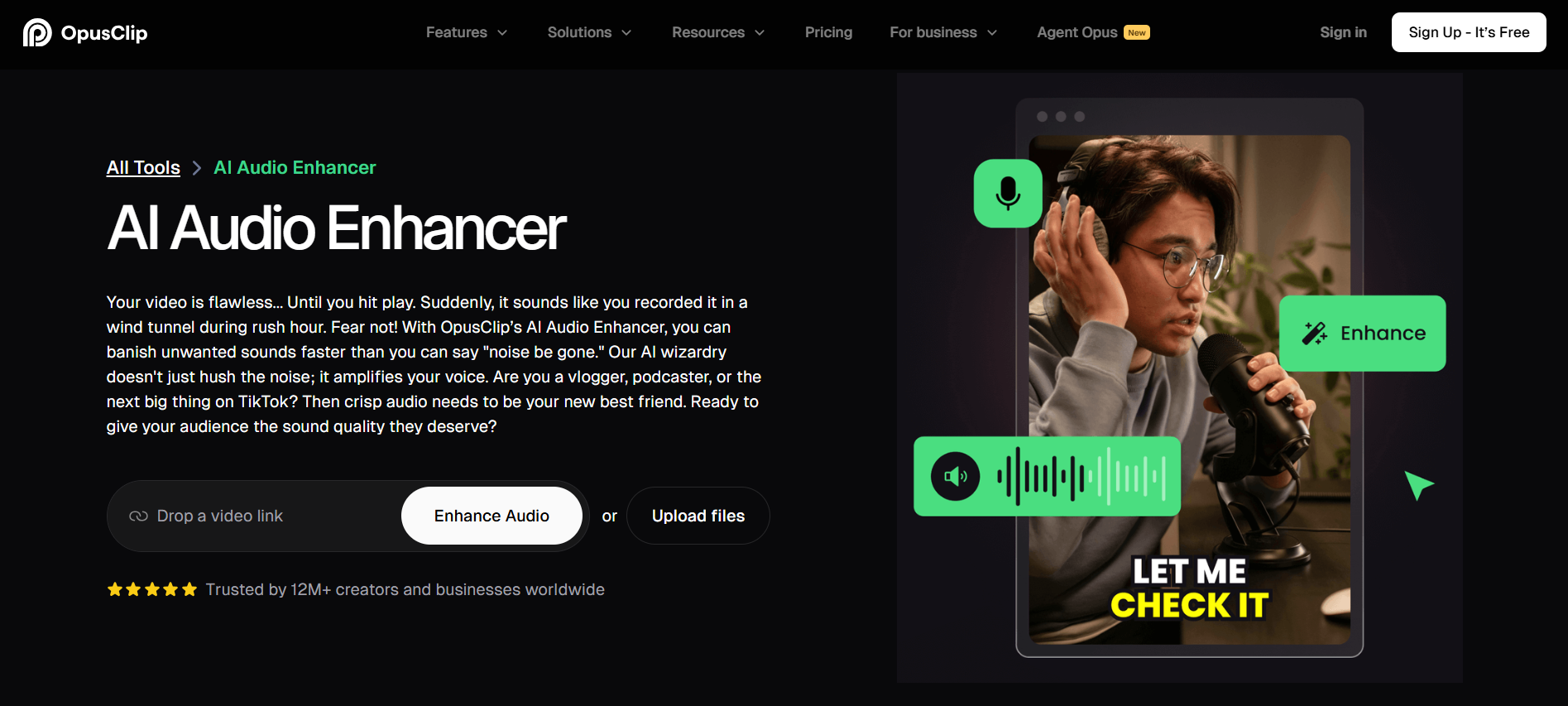
How to Use Audio Enhancer by Opusclip?
Here is how you can use Audio Enhancer by Opusclip:
- You first need to create an account to use this tool.
- Copy and paste the video link in the given field or upload the file from your storage.
- It will take some time to improve the audio quality by eliminating any pauses, filler words, background noises, or mouth clicks.
- Once your media is enhanced, you can download the result in your preferred format, like HD video, just subtitles, or a transcript.
Features
Some features that make Opusclip’s AI Audio Enhancer best are:
- Enhance video in English, German, Spanish, French, 20 more.
- Improve audio clarity by removing annoying sounds and filler words.
- Various media support, including MP4, MOV, and WEBM.
- Download enhanced audio in XML or directly upload to social media.
Premium
There’s no specific premium plan for AI Audio Enhancer, but for the entire platform. It costs $12/month with features like 1 brand template, AI clipping, 150 credits, and no watermark.
Noise Removal
Noise Removal is another freemium tool that can enhance the audio quality of recordings, videos, meetings, and podcasts. It reduces echo or annoying background voices. The tool offers multiple options that you can use to improve audio quality.

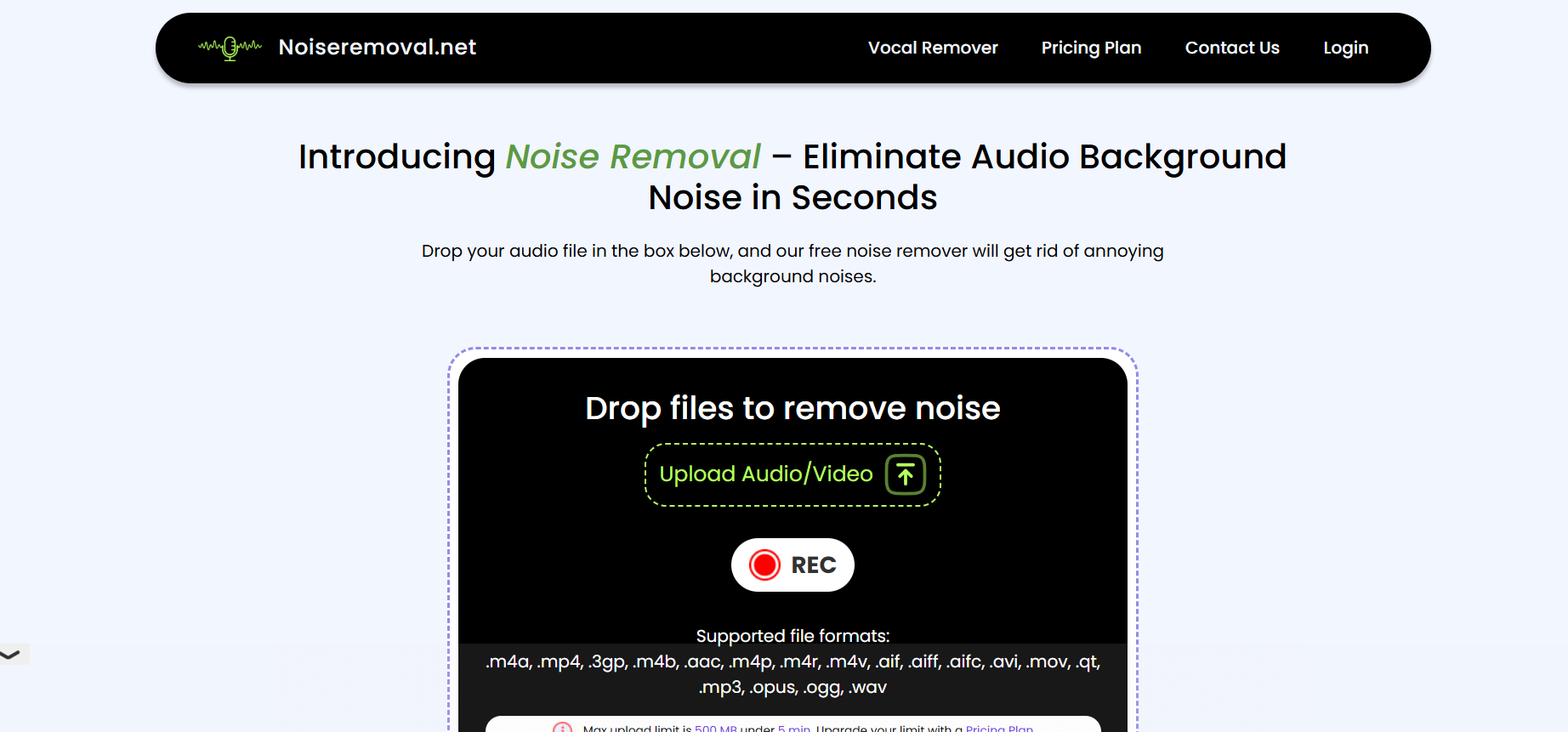
How to Use Noise Removal?
- First of all, create a free account before using Noise Removal. You can sign up with Google.
- Upload the audio or video from your device storage or record the voice.
- Click “Remove Noise,” and within just a few seconds, it will enhance the audio quality.
- You can then download the improved sound in MP4.
Features
- Multiple uploading options, like M4A, MP4, M4V, AIFF, MP4, and more.
- Powerful AI to remove background noise, mouth clicks, and filler words.
- Offers completely safe and secure usage and does not save your data.
Premium
Noise Removal premium plan starts from $10/month with 60 minutes of credits, 2GB file uploading size, and AI audio enhancing.
Noise Reducer
Another popular online tool that is worth trying is Noise Reducer. With this freemium audio enhancer, you can remove random noises, reduce sibilance, and fix loudness in your video with its efficient AI technology. It also lets you adjust the denoise level or volume of the audio so you can get the final results as you like.

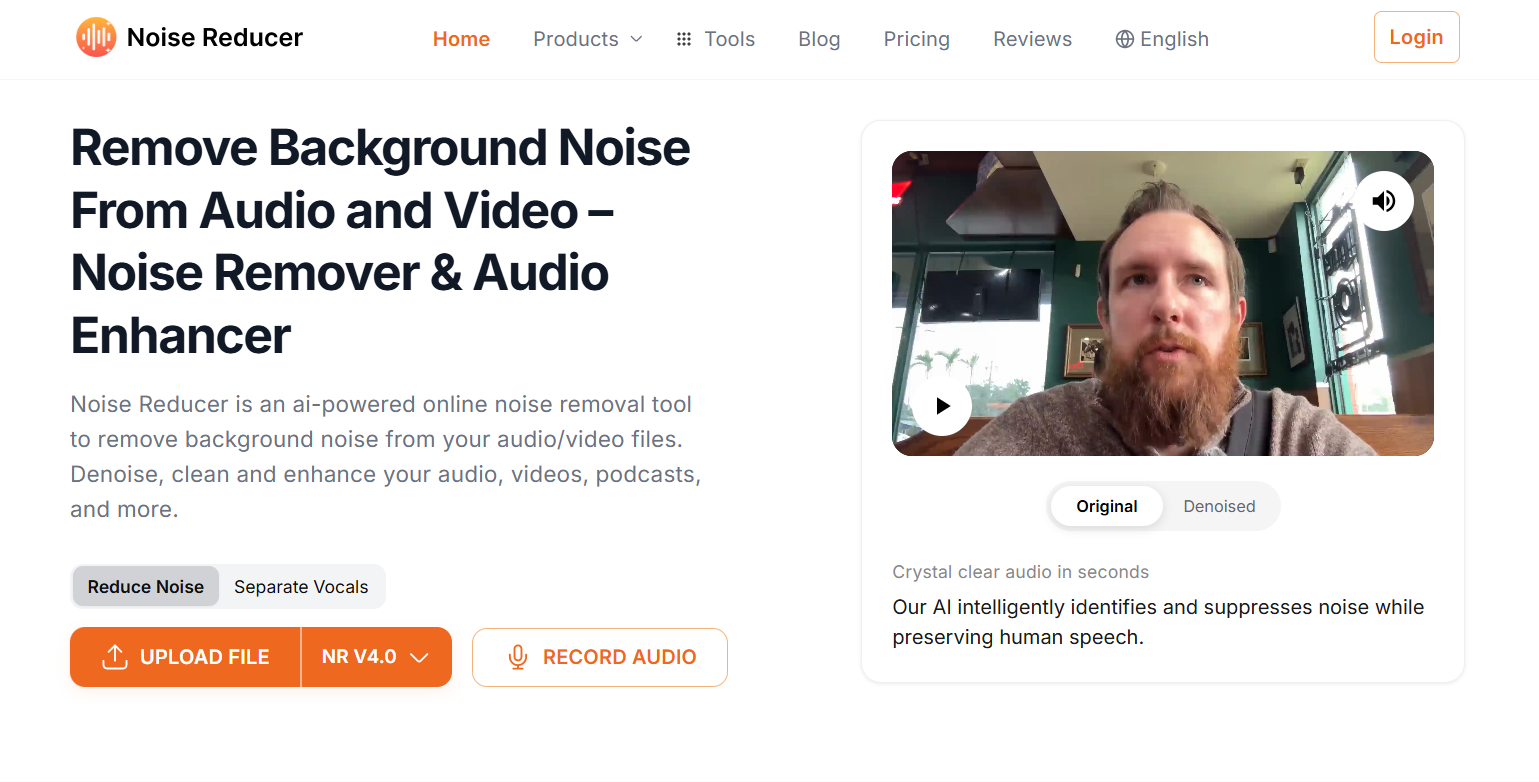
How to Use Noise Reducer?
Here’s how you can use this AI audio enhancer:
- Upload the media file or record the audio using the “Record Audio” option.
- In the free version, you will be added to the queue and the tool will denoise your audio on your turn.
- You can also adjust the settings as you like and download the final version in MP4 or any other format.
Features
- Advanced options to adjust denoise level or volume.
- Download the enhanced media in different formats (MP4, AIFF, OGG, M4A).
- Different AI modes work to remove background noise or enhance voice quality.
- Allow users to cut the video or audio clip.
Premium
Noise Reducer premium plan starts from $6.99/week with more than 10 video/audio formats, noiseless recorder, and more.
Audio Enhancer by Flixier
Flixier is an online editing platform where you can edit videos, change backgrounds, add sounds, and do many other similar things. You can also utilize this Flixier to enhance the sound quality of your videos or recordings instantly with its Audio Enhancer.

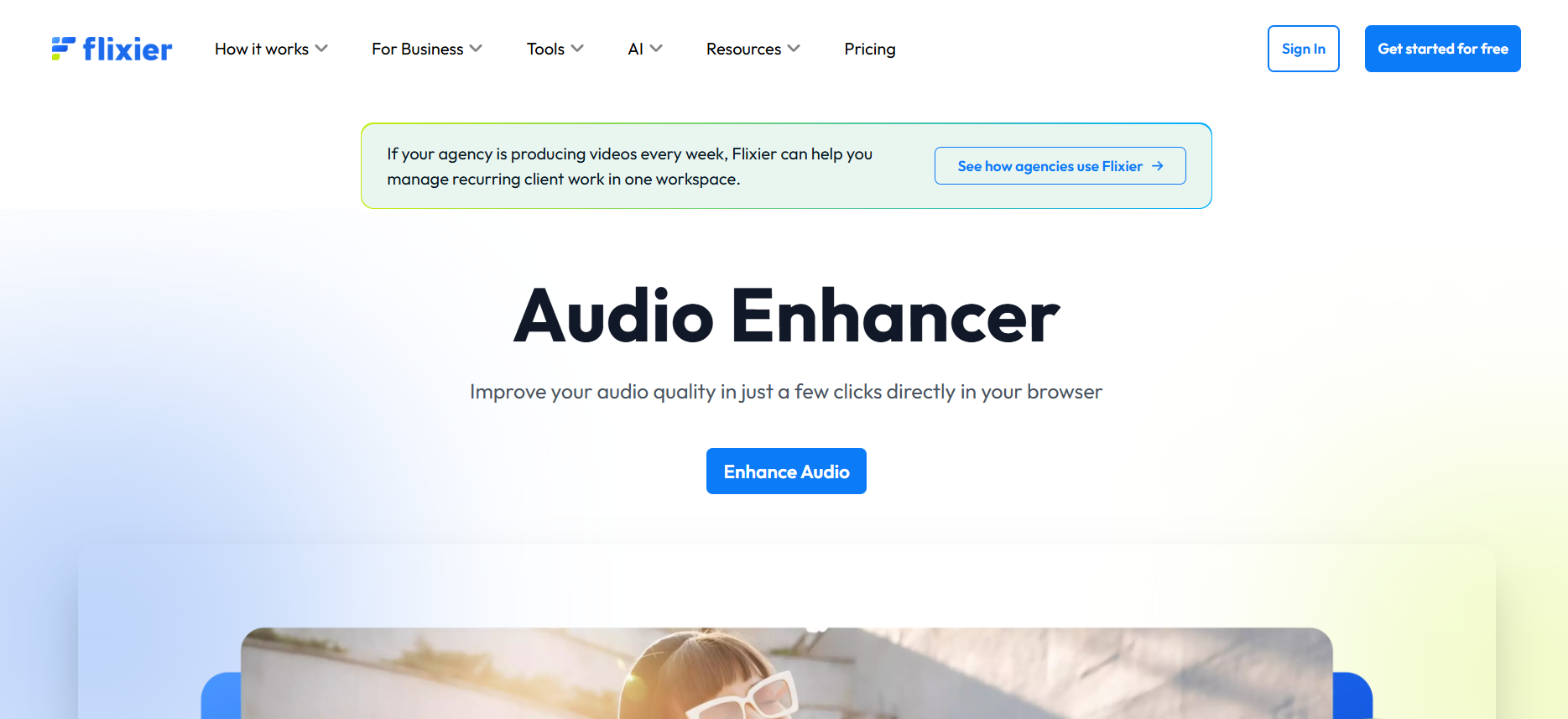
How to Use Audio Enhancer by Flixier?
Follow these simple steps:
- First of all, visit their tool page, Audio Enhancer.
- Click “Enhance Audio,” and it will open the editor.
- Import your audio or video from your device storage.
- After that, in the right menu, you will see the “Audio” option. Click on it, and there you will see the “Enhance Audio” option.
- In the drop-down, you will see multiple options, like Audio Cleaner, Speech Cleaner, Static Denoiser, Breath Remover, and Audio Leveler. Choose the one according to your needs.
- After a few seconds, it will improve the sound quality, and you can download the video/audio in any format.
Features
- Editor with everything in one place, video editing, audio enhancing, and more.
- Countless templates are available for free to use.
- Improve sound quality, remove background noise, and reduce filler words.
- Export your final result in video, audio, or GIF.
- Publish your enhanced media on YouTube or other social media directly.
Premium
Flixier Pro plan costs $12/month, which includes 300-minute exports, 50GB cloud storage, 5,000 AI credits, and many more.
Final Thoughts
In conclusion, the above-discussed AI tools can enhance your audio and improve clarity. The tools we explained are: Audio Enhancer, Opusclip’s Audio Enhancer, Noise Removal, Noise Reducer, and Audio Enhancer by Flixier. Each of these audio-enhancing tools has its own unique features and capabilities. You can pick one that suits you best and instantly improve the sound quality in your recordings or videos.
Frequently Asked Questions
You can use an online audio enhancer to improve the sound quality. Some of the best tools you can use are: Audio Enhancer, Noise Removal, and AI Audio Enhancer by Flixier.
Yes, Audio Enhancer also denoises your video and removes annoying sounds from the background. It also fixes loudness, decreases mouth clicks, and reduces filler words.
If there’s fan noise in the background, you can use an online audio enhancer to completely ignore it. Upload the audio or video, and the audio enhancing tool will instantly reduce any annoying noise from it.