


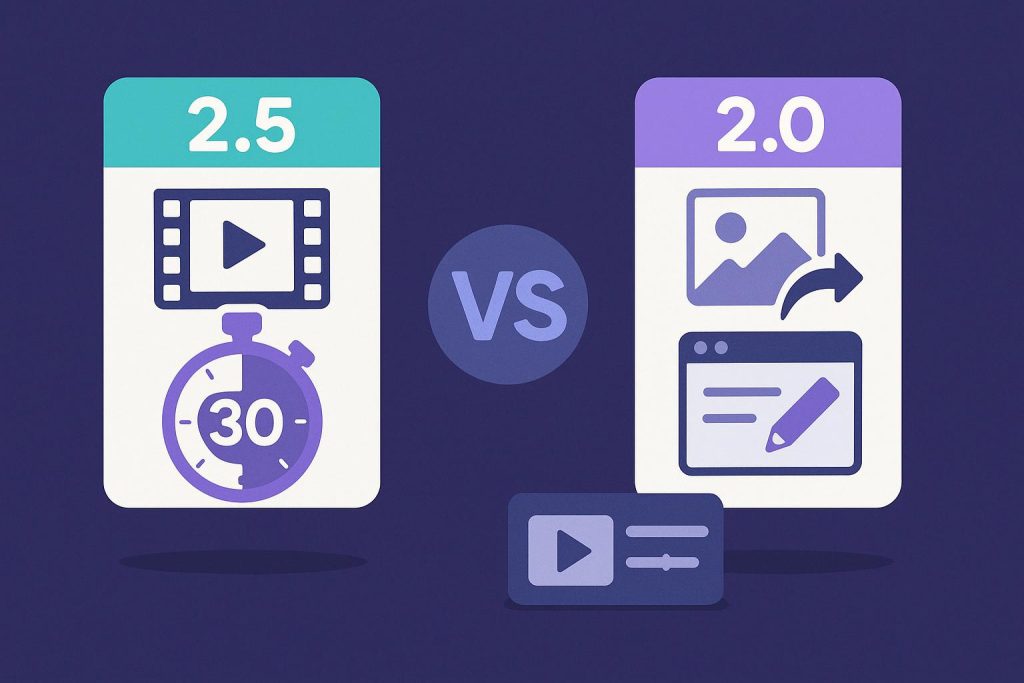
A version comparison is useful only when it explains how the work changes. Seedance 2.5 is not simply a new label for Seedance 2.0. Its practical differences include native 30-second single-clip generation, support for up to 50 multimodal references, more controllable editing, and stronger continuity across a longer sequence. Those changes affect how creators prepare inputs, plan time, review a draft, and correct weak sections.
What changes from Seedance 2.0 to 2.5?
Contents
- What changes from Seedance 2.0 to 2.5?
- A native 30-second clip changes shot planning
- Up to 50 multimodal references
- Controllable editing matters when a draft is almost right
- Cinematic continuity is the real test of the longer format
- Where the 2.5 workflow can reduce production work
- How to run a fair Seedance 2.5 vs 2.0 test
- The practical conclusion
Seedance 2.0 is better treated as the baseline workflow: creators provide a prompt and supporting material, generate a relatively short result, review it, and often create another take when the scene needs a major change. Building a longer sequence may require several generations, manual selection, and careful stitching in an editor.
Seedance 2.5 moves more of that work into one generation workflow. A native clip can extend to 30 seconds, the model can be guided with a much larger multimodal reference set, and the creator has more room to request controlled changes. The important improvement is not just a higher number beside a feature. It is the possibility of keeping one idea, subject, environment, and camera plan together for longer before conventional post-production begins.
A native 30-second clip changes shot planning
Thirty seconds is long enough to contain an opening, development, transition, and closing beat. In a shorter workflow, each part may be generated separately and joined later. Every join creates a risk: the product shape may shift, lighting may change, a character may look different, or the camera may appear to jump. A native 30-second single clip can reduce those handoff points.
The additional duration still needs structure. A practical prompt can divide the sequence into five-second blocks: 0–5 seconds for the establishing view, 5–10 for the first camera move, 10–15 for the main action, 15–20 for a detail or transition, 20–25 for the result, and 25–30 for the closing composition. This gives the model a readable order without turning the prompt into a frame-by-frame script.
Each block can describe the subject, camera action, environment, and transition into the next moment. This keeps the prompt focused on a continuous sequence. The opening can establish the visual world, the middle can develop the main action, and the final block can settle into a clear closing composition without requiring separate clips for every beat.
For example, a product team could use one photograph of a handcrafted desk lamp and plan a quiet studio sequence. The first five seconds establish the lamp, the next ten introduce a controlled camera move and a subtle lighting change, the middle section reveals the switch and materials, and the final seconds settle on a clean frame. The same task in 2.0 should use identical sources and review standards so that the comparison measures workflow rather than a different creative brief.
Up to 50 multimodal references
Seedance 2.5 can work with up to 50 multimodal references. Depending on the supported input workflow, these can help communicate the subject, product details, character appearance, environment, visual style, camera language, and motion direction. This is a substantial change from a simpler reference workflow because the creator can describe more of the visual world with approved material instead of relying on text alone.
For the lamp example, the creative direction could include product views, a close view of the switch and materials, a studio background, a lighting example, and a camera-movement reference. These inputs give the creator more ways to show the intended appearance and movement. The larger reference capacity therefore supports a more detailed visual brief before generation begins.
Controllable editing matters when a draft is almost right
The strongest case for controllable editing appears when most of a sequence is already acceptable. In a basic generate-and-retry workflow, correcting one problem can change other approved details. A new attempt made to slow the camera may also alter the lamp shape, background, or lighting. That collateral change makes review difficult because the team is no longer comparing one correction.
When examining Seedance 2.5 compared with 2.0, test whether a specific request can be made without rebuilding the whole clip. Ask for the camera to arrive more slowly, the background to remain less active, or the closing composition to hold longer. Then compare the complete before-and-after sequence. A useful edit fixes the named issue while keeping approved subject details, scene relationships, motion, and timing stable.
Make one change at a time. If the product color shifts, keep the motion direction unchanged and revisit the product reference or color instruction. If the opening is strong but the middle becomes crowded, simplify that passage rather than rewriting the entire concept. This process reveals whether the editing control actually reduces production work.
Focused editing can also preserve the strongest part of a draft. A creator may keep the opening and main action unchanged while requesting a slower transition or a steadier closing shot. The workflow becomes more controllable because the instruction is tied to a specific moment and purpose rather than asking the model to interpret a completely new brief.
Cinematic continuity is the real test of the longer format
A 30-second result is valuable only when the viewer believes that each moment belongs to the same sequence. Subject identity, proportions, product details, background geometry, light direction, shadows, lens behavior, and the path of the camera should remain consistent. Cause and effect also matter: an object movement, camera turn, or lighting change should continue naturally into the next moment so the longer clip feels like one connected scene.
Where the 2.5 workflow can reduce production work
Short branded stories can keep an opening, action, product reveal, and closing frame in one visual world. Product demonstrations can use multiple references to guide important details and camera movement, while previsualization teams can test a longer scene idea before committing to a physical shoot. A coherent single generation can reduce separate takes and stitching while focused editing can correct a near-finished draft without rebuilding the full sequence.
How to run a fair Seedance 2.5 vs 2.0 test
Use the same brief, sources, required duration, orientation, motion, subject details, and scene details for both versions. Compare whether the Seedance 2.5 vs Seedance 2.0 workflows follow the intended sequence and whether the 30-second clip, larger reference capacity, and controllable edits reduce separate generation and stitching. The comparison should stay focused on these three workflow changes rather than becoming a general upgrade recommendation.
The practical conclusion
Seedance 2.5 changes the workflow most clearly in three areas: it can hold a concept inside a native 30-second clip, accept up to 50 multimodal references for more detailed guidance, and support more controlled correction when a draft is close to approval. Together, those capabilities can improve cinematic continuity and reduce stitching, repeated generation, and collateral changes.
The longer clip gives a complete idea more room to develop, the reference capacity supports detailed creative direction, and controllable editing helps refine a strong draft. The practical value lies in how these capabilities work together across preparation, generation, and correction while keeping the article focused on capability and workflow.