


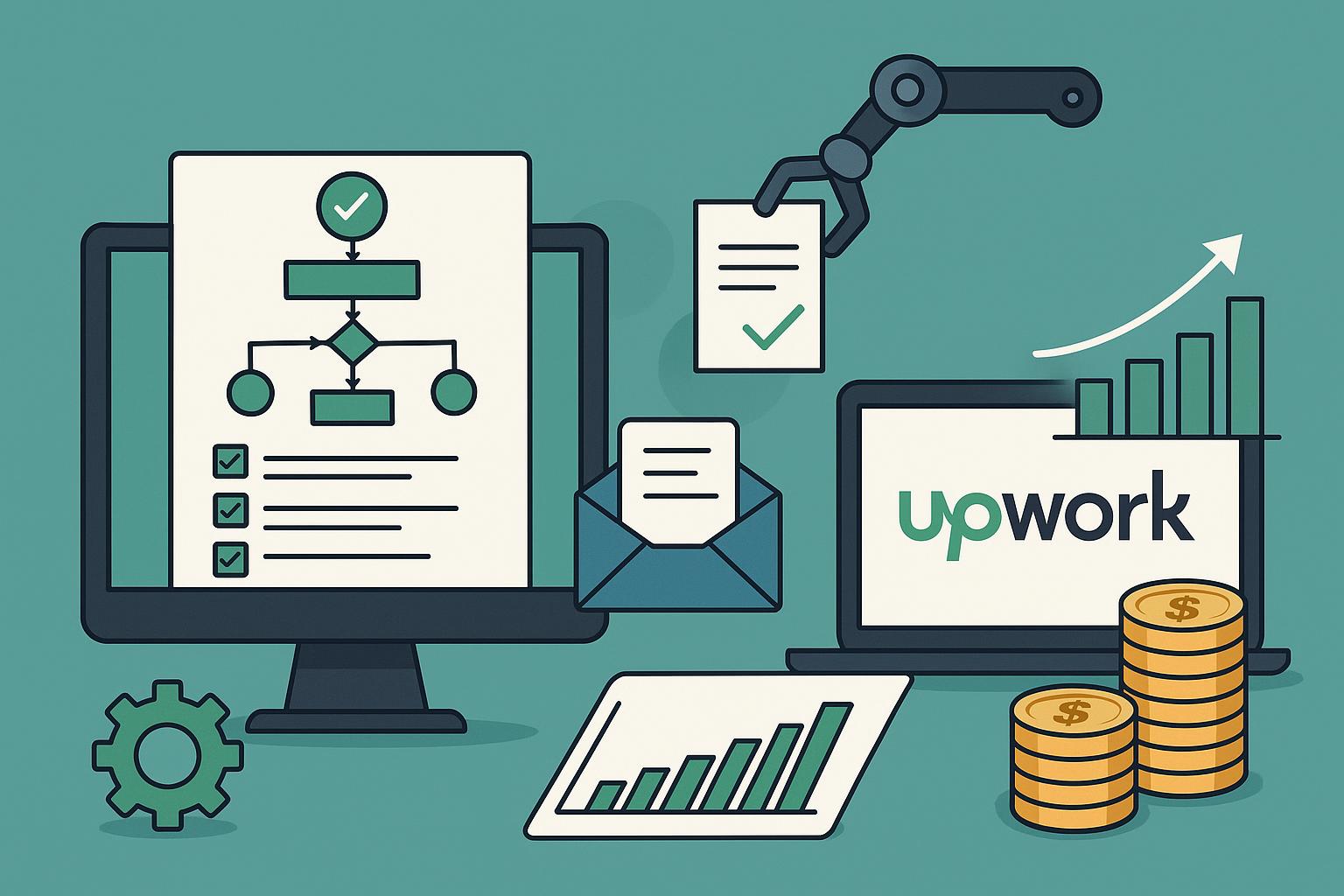
Freelance success can be highly competitive on platforms like Upwork. It is time-consuming to send several proposals and receive a few responses. To solve this mystery, Upwork proposal automation-Getmany streamlines your outreach and increases chances of landing clients.
Freelancers can improve consistency, save time, and increase the chances of landing more projects by automating repetitive proposal tasks.
What is Upwork Proposal Automation?
Contents
The process of using software tools to send proposals automatically to potential clients based on set criteria is referred to as Upwork proposal automation. Freelancers are able to grow their outreach efficiently with automation instead of typing messages and browsing listings manually.
It improves productivity as well as provides time for focused delivery of high-quality work and developing relationships with clients.
What is Getmany?
A specialized tool that is developed to streamline the proposal procedure on Upwork for freelancers. Users can generate proposal templates, set targeting filters including keywords, job category budget, and automate the sending process with this tool.
Freelancers can optimize their approach with Getmany, as it offers analytics to monitor which proposals perform best.
Benefits of Using Upwork Proposal Automation – Getmany
There are several benefits of using Getmany:
- Saving Time: Automation enables freelancers to concentrate on productive tasks like improving skills or completing ongoing projects, rather than spending hours writing similar proposals.
- Higher Response Rates: By consistently sending targeted proposals, freelancers increase the chances of getting noticed by clients.
- Personalization at Scale: With templates that can be customized for each client, automation does not compromise personalization.
- Performance Tracking: Getmany’s analytics let users see which types of proposals work best, enabling continuous improvement.
For example, a freelancer who used to send 10 proposals per day manually can now send 50 targeted proposals using Getmany, without sacrificing quality.
How to Set Up Getmany for Upwork Proposal Automation
To access Getmany is simple:
- Connect and sign up Upwork account: Start by linking your Upwork profile with Getmany.
- Develop Proposal Templates: Develop reusable templates that can be personalized dynamically.
- Set Targeting Filters: Define job categories, budgets, and keywords to ensure proposals reach the right clients.
- Schedule Proposals: Automate sending proposals based on your preferred schedule.
- Monitor Analytics: Track which proposals perform best and adjust templates accordingly.
With these steps, freelancers can automate outreach efficiently while maintaining quality.
Best Practices for Automated Proposals
- Keep Proposals Personalized: Always adjust templates to address client-specific needs.
- Avoid Spamming: Focus on high-quality jobs rather than sending proposals indiscriminately.
- Track Results: Use analytics to identify which templates and approaches work best.
- Maintain a Human Touch: Automation should complement, not replace, genuine communication with clients.
Potential Risks and How to Avoid Them
Automation offers clear benefits, but its misuse can lead to account suspension on Upwork. Avoid sending mass proposals indiscriminately; always follow the terms & conditions of Upwork, and ensure each message adds value.
Conclusion
Upwork proposal automation-Getmany has become a game-changer for freelancers who want to improve efficiency, save time, and increase opportunities for landing projects. You can send more proposals with less effort and maintain a personalized and professional approach by using Getmany with great responsibility. Leveraging automation is a practical and smart forward step to maximize your Upwork success.