


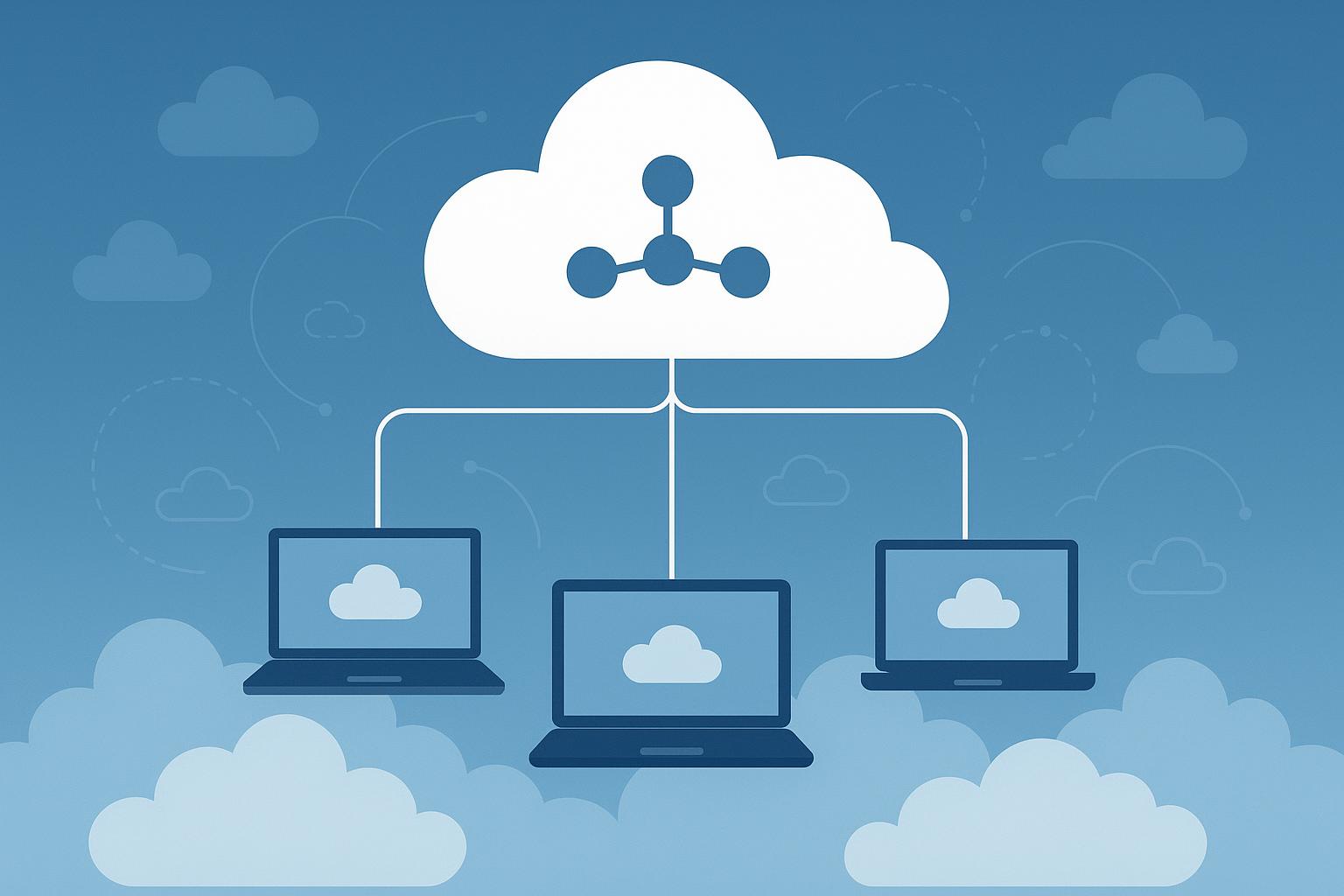
Many large technology companies work with employees, contractors, and partners located in different countries around the world. Access to global talent allows businesses to hire the right people regardless of physical location.
However, there needs to be a way to monitor, communicate with, and access company information. This is one reason why the cloud has become such an important part of modern business operations.
Cloud networking and Remote Work
Contents
After passing through Covid-19 pandemie working mode in life changed shifting from primary office working to remote work.
This change was not temporary and it is increasing day by day because companies and employees are no longer approaching work same as before.They are not limited to geographical location any more.
They shifted their focus on working remotely with systems like Cloud Networking.
Cloud networking allows remote teams to connect and collaborate using internet-based services instead of just a traditional office network.
Based on statistics from WorkTime employee monitoring systems, about 22–23% of workers in the United States work remotely at least part of the time.
In large and well-known companies like Google, about 60% of employees work in a hybrid model, meaning they split their time between remote work and the office. In other companies like Microsoft, around 50% of employees work remotely or in hybrid roles, making their work more flexible.
These statistics show that many skilled workers across different industries prefer remote work. If you are running a company, it is worth considering a cloud networking system that allows your employees to work remotely.
How Cloud Networking Helps Remote Teams?
Cloud Networking enables remote employees to securely connect and access business systems, share information, communicate, and work together from almost anywhere.
This type of networking does not just improve performance and security. It can improve productivity too when the team works together.
By using cloud networking, you can remove many of the traditional barriers, such as the physical need to be in the office to collaborate and contact your co-workers. You can communicate and collaborate with others in real time and share data instantly.
This makes leading projects easier and working more satisfying for remote users.
What is cloud networking?
Cloud networking is about using cloud-based infrastructure to build, manage, and connect networks instead of relying on physical hardware, like routers, switches, and other devices in a local data center.
It allows companies to build virtual networks where server applications and users can communicate securely over the internet or in a private network.
With services from providers like Amazon Web Services (AWS), Microsoft Azure, and Google Cloud, organizations can manage a lot of user interaction with the service they are providing, like firewall rules, VPN services, and others.
In normal offices, every system is connected internally to their own local network and remote connections are very hard or slow to the office. For using the services available in the office network, the remote user should connect to the office network, which may cause problems for both sides.
By using cloud networking remote users can have access to these services from everywhere and every other system and do their job. Which makes working easier.
Why use cloud networking?
Remote employees require access to internal tools, shared network folders, development tools, CRMs, project management software and business applications.
Without cloud networking, accessing these services can be slow, confusing or insecure.
Here are some other reasons, why you need to use cloud networking.
1- Infrastructure Access (tools)
Cloud networking allows companies to easily grant remote workers secure access to the tools and information they need, regardless of their location.
For example, A graphic designer in their own home can upload new graphics onto a cloud drive, a developer on a business trip can log into and manage a server on the cloud. And so on.
Using cloud-based infrastructures decreases the cost of setting up and maintaining IT systems, making it a cheaper option for companies compared to traditional on-premise infrastructure.
2- Removes physical obstacles
This action can reduce the friction that makes everyday life slower. especially the need to come physically to the office or ask someone to send over a file on your behalf
When team members are separated, the collaboration and communication between employees can be hard but critical. When it’s hard for employees to communicate and work on documents together, work comes to a grinding halt.
Cloud networking can make this type of collaboration work because it provides a way for employees to connect and access work systems on the same infrastructure, thus impacting teamwork and making it better.
For example, a marketing team can work together on a new campaign, or a programmer can commit updates to the same application, and the rest of the development team can have immediate access to test the changes.
3- Security
Improved Security for Remote Operations. When employees work remotely, it can cause security challenges. Their remote work connections can be an unsecured home network to a public WiFi hotspot at a coffee shop or airport.
Cloud networking allows businesses to control security postures much better than they would be able to do with traditional systems.
4- Optimized performance
Using cloud networking allows employees to use better infrastructures with high optimization for speed and uptime. They typically use redundant connections to the internet with distributed servers, which makes connection speed better for employees, even if they are far apart.
This can optimize performance for employees in a dispersed network. Connecting directly to the office network, which is far away from the employee, can make the connection slower. Using cloud networks, they will be routed through cloud infrastructures that are closer to their geographical location.
This service can enable employees from different continents to work together.
Benefits of using cloud networking
As we discussed, cloud networking has a lot of benefits for both employee and the company.
1. Private Access
Remote teams use some tools that should not be available to public users. Like billing panels, databases, admin dashboard and etc…
If these tools are publicly available or available to other employees, then they don’t need it can cause problems. This is where user management comes to work to give limited and needed access to specified users.
For example, if a freelancer joins your team for a short project. You can give access only for that work. When the project is done
2. Virtual Router
Many people think a router must be a physical device in an office. That is still common, but it is not the only option.
A virtual router can run on a cloud server or VPS. It can help with routing, firewall rules, VPN connections, and traffic control. It can help to control remote teams.
For example, MikroTik offers Cloud Hosted Router, also known as CHR. Based on MikroTik’s official CHR documentation, CHR is a RouterOS version made to run as a virtual machine.
This means a team can use RouterOS features in a cloud environment instead of using only a physical MikroTik router.
It allows technical teams to run router-like features on a VPS.
3. VPN Access
VPN access is one of the most common parts of remote work. Instead of opening private tools to everyone on the internet, users connect through a VPN first. After that, they can reach the systems they need.
This is useful in many cases. For example: you can give access to a developer to access a test space by using this VPN.
According to Cloudflare’s guide to VPNs, a VPN helps create a protected connection over the internet.
For remote teams, this is important because people often connect from different networks. However, a VPN is not enough by itself.
You still need to manage users properly. Old accounts should be removed. Passwords should be strong. Access should not be wider than needed.
4. Server Location
When choosing a cloud server, many people only look at price. That can be a mistake.
Server location matters. If the server is far from your users, the connection may feel slow. This can affect VPN access, remote desktop sessions, dashboards, file transfers, and other tools that need a stable connection.
While choosing the sever location the goal is not to pick the most famous server. You should choose your sever location based on your need.
Tapscape has also written about the advantages of using a cloud server. One of the main benefits is flexibility. Server location is part of that flexibility because it affects how fast and stable the connection feels.
5. Remote Desktop
Large organizations often provide employees with dedicated virtual desktops, development environments, and centrally managed systems that can be accessed remotely. These solutions help maintain security, consistency, and productivity across distributed teams.
However, building and maintaining this type of infrastructure can be expensive and time-consuming for small and medium sized businesses. Instead of purchasing and managing physical servers, many businesses choose to use windows cloud-based virtual servers that provide the resources and remote access they need at a much lower cost.
Security Challenges
Without using cloud networking and relying only on a local office network for storing data and using services can be risky. If attackers gain access to the office network, they can access all company data or it can be deleted or modified if proper access permissions are not set for employees.
Also, remote workers connecting to the office network may face network and speed problems and they may connect from unsafe networks which can cause security problems too.
Even though using cloud networking is a better option, it can still have security issues without proper configuration. By using multi-factor authentication and access control and other security tips, you can improve security and protect against both employee mistakes and attacker actions.
Performance & Latency
Cloud networking performance and speed are mainly related to server location and the employee’s internet connection speed.
Latency refers to the time between sending a request and receiving a response from the server. With cloud servers, providers offer distributed servers, allowing users to select the nearest location to connect to for better speed and lower latency.
Case Study: Cloud Networking in Real Companies
Big companies like Microsoft and Google use cloud networking to support remote and hybrid work for their employees.
Employees can work from different locations and still access company systems using cloud tools like storage, VPN, and collaboration platforms such as Microsoft Teams or Google Workspace.
This helps teams work together in real time on the same projects, even if they are not in the same office. It makes communication faster and work more efficiently.
From a business view, cloud networking also reduces costs, increases flexibility, and makes it easier to manage large remote teams while keeping systems secure and stable.
Conclusion
Using cloud networking in a company is important in modern working life if you want to work with professionals, because many people prefer working remotely nowadays.
By using cloud storage and other cloud services, you can reduce infrastructure costs and provide a better working environment for employees. This also helps bypass traditional infrastructure expenses.