


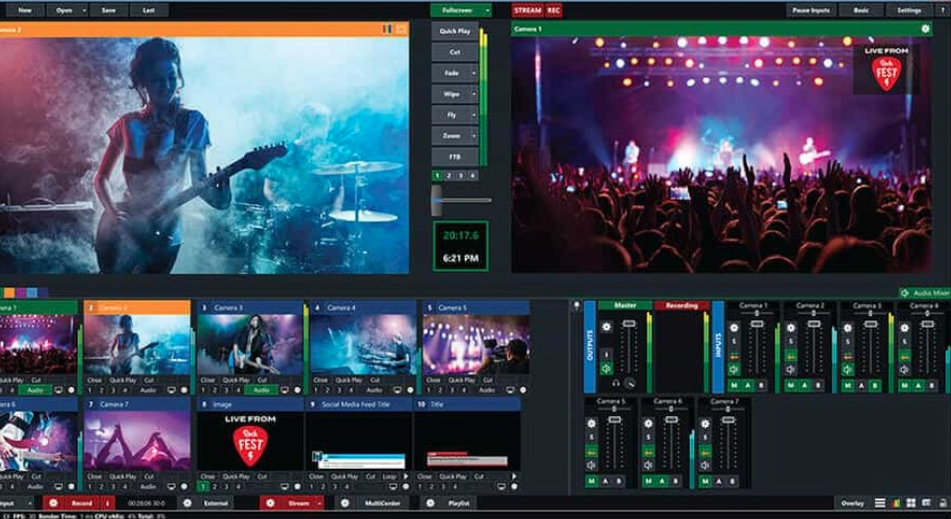
Do you host live events that you want the world to see? If so, then you need to jump on the livestreaming bandwagon. In a post-COVID world, it’s absolutely imperative. In fact, if you aren’t recording and livestreaming your events, then you’re neglecting a large potential audience and the traffic and profits it can bring. Fortunately, however, there are many software options available that make it easy to both stream and record. The key is just to choose the right one for your unique needs. That can be made easy as well, simply by following some basic steps.
Consider Compatibility
First things first, you’ll need to have a plan in place as to how you want to stream. For example, you’ll need to decide ahead of time which platform to use and what your general tech setup will be. That way, when comparing software programs, you can make sure there are no problems with compatibility. After all, there’s nothing worse than investing in software, only to find it doesn’t work with the preferred platform’s encoding method. This could easily lead to wasted money, unwanted changes to plans, and other problems. Thus, decide how you will stream first and then choose a software option that is completely compatible with those plans.
If you’re not sure about compatibility or have questions, reach out to a professional. When you spend time over at Epiphan, for example, not only will you find solutions that are compatible with almost any platform, you’ll also enjoy excellent customer service and support. Any good software provider will be willing to help you in this way.
Be Selective About Speed
When researching software options that meet your streaming needs, make sure to ask about speed. Speed is extremely important for streaming content. The last thing viewers want is a livestream that constantly buffers, that stutters, or that shuts down and causes them to miss large chunks of the broadcast. Of course, the streaming platform is somewhat responsible for speed and reliability as well. However, quality software providers will be able to explain what they’re doing to work with various platforms to ensure excellent speed while maintaining overall streaming quality.
Request A Demo
Think you’ve found a speedy, compatible streaming software solution? The next step is to request a demo from the software provider. This is your chance to see the software in action! Unfortunately, though, not all software providers are so accommodating. If you come across one that doesn’t offer demos, it’s probably best not to take chances. Furthermore, make sure the demo includes everything you need to make an informed decision. Ideally, demos should provide:
- The opportunity to see the software in action across different platforms
- The opportunity to see the software in different settings
- A chance to see livestreaming from both the admin and viewer points of view
- An overview of how to navigate and use the software
Compare Pricing
Once you have completed these steps, you’ll likely have narrowed down your software contenders quite a bit. This is the point where you should look at pricing and compare what each software provider charges. Make sure you also consider what you get for the price you pay. For example, by paying slightly more, you might get better support or more advanced features. Thus, don’t just go with the cheapest option. Go with the best option offered at a price you can afford.
Finding the right software can feel like a daunting task. However, with just a little effort, you can get the job done. Remember, too, that the effort you put in now will pay off later when you’re equipped with the best possible streaming software to meet your needs.