


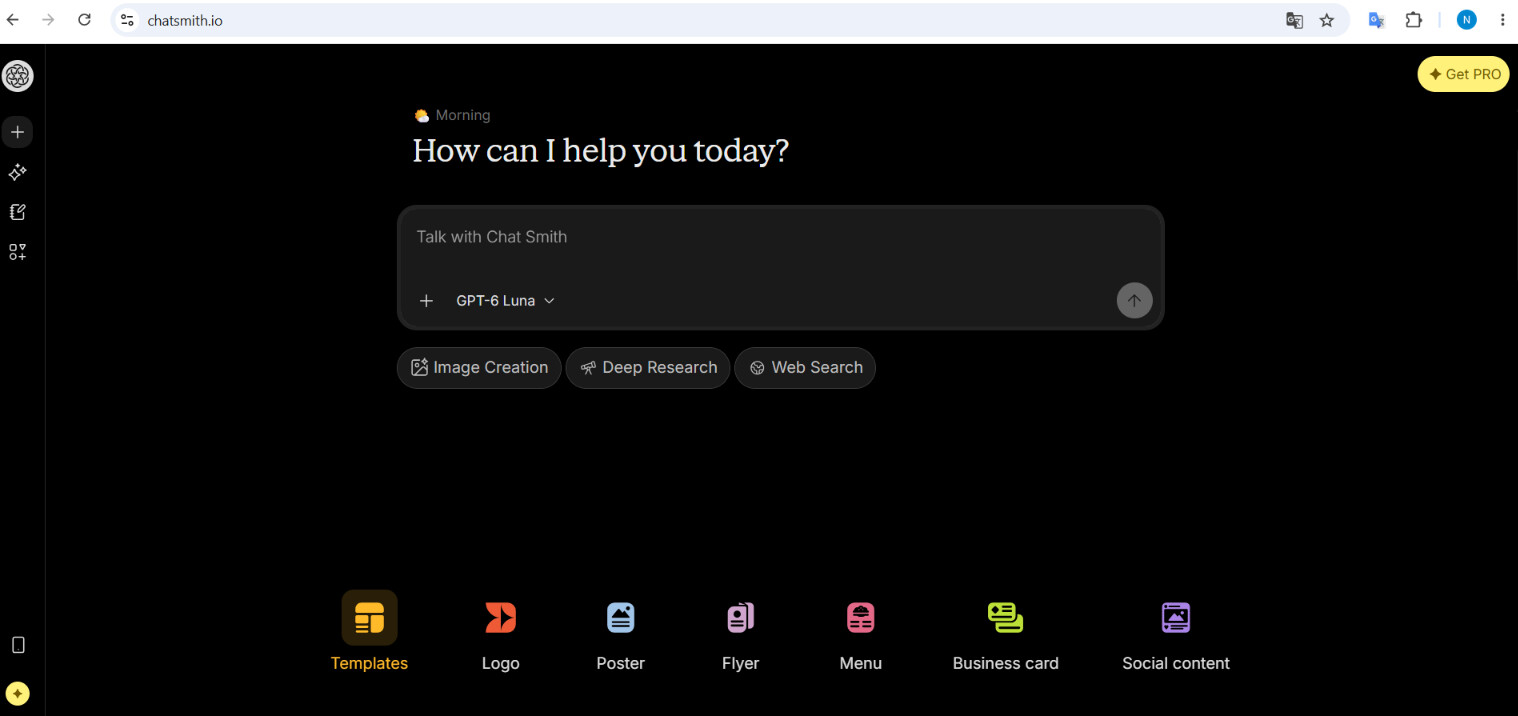
A marketing image needs to do more than look attractive. It should communicate a clear message, suit its intended channel, and support a specific campaign objective. By combining visual planning with AI-assisted creation, marketers can move from an initial idea to a usable asset more efficiently.
Here is a practical workflow for creating marketing images with Chat Smith.
1. Define the Image’s Purpose
Contents
Before generating anything, determine what the image needs to achieve. A blog header may need to introduce a topic clearly, while a social media visual might focus on attracting attention. A landing-page banner may need to leave space for copy and a call to action.
Clarifying the message, audience, and publishing channel gives the image a clear creative direction.
2. Develop a Visual Concept
Once the purpose is clear, decide how the message could be represented visually. For example, content about workplace productivity might feature an organized workspace, a person managing digital tasks, or an abstract representation of focus and efficiency.
As a multi-model AI Chat platform, Chat Smith can help marketers brainstorm possible concepts, compare creative directions, and turn a broad campaign idea into a more focused visual brief.

3. Write a Detailed Prompt
A useful image prompt should describe the subject, setting, composition, style, lighting, color palette, and mood. It can also specify the intended format, such as a wide website banner or a vertical social media image.
Rather than requesting “a productivity image,” for example, describe a bright modern workspace with a focused professional, clean composition, cool brand colors, and space for a headline.
4. Generate and Refine the Visual
Chat Smith’s AI Image Generator can turn the completed prompt into an initial visual concept. Generate several versions and compare their composition, clarity, and relevance to the marketing message.
The first result does not need to be perfect. Select the version with the strongest foundation, then refine individual details through follow-up prompts instead of changing the entire concept.
5. Adapt the Image for Each Channel
A strong concept can be reused across multiple formats. The same visual direction might become a blog header, social media post, email banner, presentation graphic, or landing-page image.
Adjust the dimensions and composition for each channel while preserving recognizable elements such as the color palette, style, and main subject. This helps maintain consistency across the campaign.
6. Create a Repeatable Workflow
Teams can make the process more efficient by following the same sequence for future projects: define the goal, develop the concept, write the prompt, generate options, refine the strongest version, and adapt it for each channel.
Over time, reusable prompt frameworks can be created for common assets such as blog images, product visuals, campaign graphics, and promotional banners.
Conclusion
AI can accelerate marketing image production, but effective results still begin with a clear objective and thoughtful creative direction. By using Chat Smith for concept development, prompt refinement, image generation, and channel adaptation, marketers can produce consistent visual assets without adding unnecessary complexity to their workflow.