
Long videos often contain several moments that deserve a wider audience, but finding and editing those moments manually can take hours. A single podcast episode might contain an insightful answer, a funny exchange, and a practical tip that would each work as a standalone social media video. The same is true of livestreams, interviews, webinars, and educational videos.
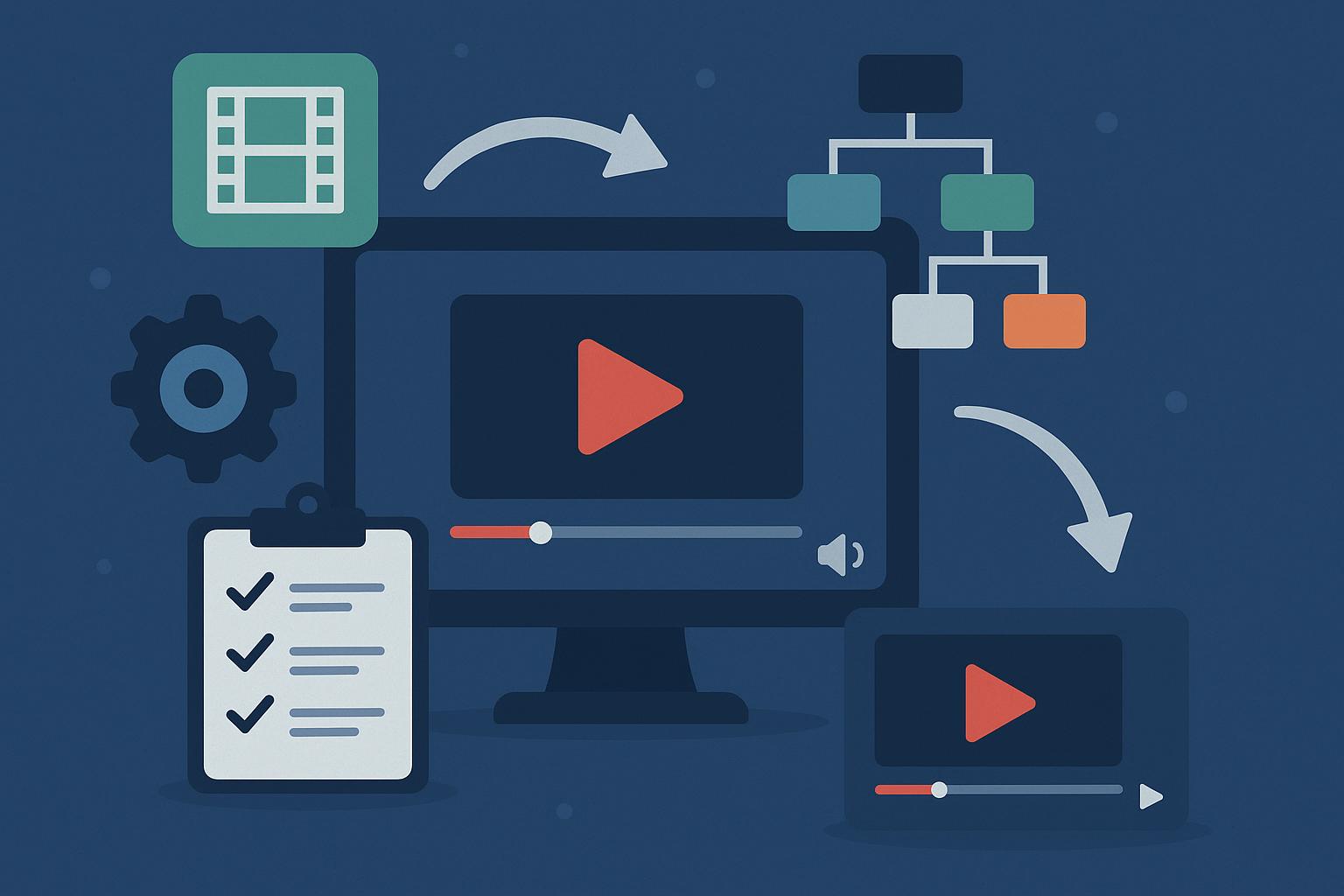
AI video clipping tools make this process easier by identifying engaging sections, generating shorter edits, adding captions, and adapting footage for vertical viewing. Some tools also help publish clips directly to social platforms, reducing the number of steps between recording a video and sharing it with an audience.
The best option depends on how much editing control you need, which platforms you use, and whether you want a simple clipping tool or a broader publishing workflow. Here are five AI apps worth considering for turning long videos into TikToks, Instagram Reels, and YouTube Shorts.
1. Prolifik
Contents
Best for AI clipping and short form publishing
Prolifik is an AI clipper and short form video tool designed to help creators turn longer videos into content for social media. It is relevant for podcasters, streamers, marketers, and businesses that want to make more use of existing video content without building every short clip from scratch.
Rather than treating clipping as an isolated editing task, Prolifik brings short form video creation and publishing into the same workflow. It supports posting to TikTok, Instagram Reels, and YouTube Shorts, making it useful for creators who distribute content across multiple channels.
One advantage of AI assisted clipping is the ability to identify sections of a longer recording that can stand on their own. A creator can start with an interview or podcast and develop shorter pieces around individual ideas, interesting statements, or useful explanations. These clips can then serve as additional entry points for viewers who might not have time to watch the full recording.
Prolifik is also worth exploring for creators who want to build a repeatable content process. Instead of recording a video for one platform and moving on, they can use their existing footage to develop short form content for several audiences.
Readers looking for an opus clip alternative can consider Prolifik when comparing AI clipping workflows and publishing capabilities. Its AI TikTok video generator is another option to explore for creating content intended for TikTok.
What to consider: As with any AI clipping platform, review the selected segments before publishing. Automated tools may miss context, select an incomplete sentence, or highlight a moment that makes sense in the original video but feels confusing when viewed independently.
Prolifik is worth considering for creators who want AI assisted short form production alongside a workflow that includes social publishing.
2. OpusClip
Best for repurposing long videos into multiple clips
OpusClip is a video repurposing platform focused on converting longer recordings into short form social content. It is designed for creators who regularly work with podcasts, interviews, educational videos, and other recordings that contain multiple potentially useful moments.
Its AI driven workflow helps identify sections of a source video that may work as individual clips. Depending on the input and available features, creators can also use automated captioning, reframing, and other editing assistance to prepare footage for vertical social feeds.
The platform can be useful when a creator wants to produce several short videos from one recording. For example, a 45 minute podcast discussing business strategy might contain separate clips about marketing, customer retention, and team management. Turning these sections into individual videos gives each topic a chance to reach a different audience.
OpusClip is particularly relevant to teams that publish regularly and want to reduce the time spent reviewing long recordings for highlights. It can also help establish a consistent process for turning existing video libraries into fresh social content.
However, AI selection should not replace editorial judgment. A clip can appear interesting based on its transcript while lacking the context necessary to communicate the speaker’s intended meaning. Creators should check the opening, ending, and overall message of each generated segment.
What to consider: Evaluate how well the tool identifies meaningful moments in your particular content. A platform that performs well with conversational podcasts may not produce equally useful results from gaming streams, demonstrations, or videos with several speakers.
OpusClip is a strong candidate for creators whose primary goal is to transform long recordings into multiple social ready clips with less manual editing.
3. Descript
Best for transcript based editing
Descript takes a slightly different approach to short form video creation. It combines video and audio editing with transcript based controls, allowing creators to work with spoken content much like they would edit a text document.
This approach can be particularly helpful for podcasts, interviews, tutorials, and educational videos where the spoken message matters more than elaborate visual effects. After importing a recording, creators can use its editing tools to refine the transcript and shape the content. Descript also offers AI powered clip creation to help identify shorter excerpts from longer recordings.
Consider a business owner recording a 30 minute interview about customer service. Rather than manually searching the timeline for every useful statement, the creator can work from the transcript, locate relevant passages, and develop short videos around individual lessons. The text based approach can also make it easier to spot repeated phrases, remove unnecessary sections, and improve the flow of an edit.
Descript is useful when clipping is only one part of a larger production process. Someone who needs to polish the original podcast, correct spoken content, and prepare shorter social videos may prefer having those tasks within the same editing environment.
There is a trade off, however. Creators who only want to generate clips and publish them may find a broader editing workspace less focused than a dedicated clipping tool. Transcript based editing also requires attention to how cuts affect the visual flow, particularly when a speaker’s expression or reaction is important to the meaning.
What to consider: Descript is worth testing if you want control over the words and structure of your video, not just automatic highlight selection. It is a particularly relevant option for interview based content, explainers, and podcasts where precise editing matters.
4. Riverside
Best for podcast recording and repurposing
Riverside is a useful option for creators who record podcasts, interviews, and conversations and then turn those recordings into content for different platforms. Its broader recording and editing workflow includes AI tools for generating shorter highlights from recorded sessions.
One of its relevant features is Magic Clips, which creates short highlights from recordings. Riverside also offers Magic Segments for longer excerpts and additional tools for refining recordings, producing show notes, and preparing content for distribution
This makes Riverside particularly interesting for podcast teams. A typical workflow might begin with recording a guest interview, continue with editing the full episode, and then move into creating several shorter clips for social media. The creator can reuse the same conversation to produce a variety of assets rather than treating every social video as a separate production.
For example, a technology podcast could turn an interview into a short clip about an emerging trend, a guest’s most practical recommendation, and a surprising observation. Each excerpt can serve a different promotional purpose while directing interested viewers toward the full episode.
Riverside’s main distinction is that it supports a wider content production process rather than focusing exclusively on extracting clips from uploaded videos. That can be an advantage if recording and repurposing are both regular parts of your work.
Creators who already record elsewhere may want to compare how easily their existing footage fits into the workflow. Those who primarily need a quick clipping tool might not need the additional recording and production capabilities.
What to consider: Riverside is a sensible candidate for podcasters and interviewers who want recording, editing, and AI assisted clip creation to work together. Evaluate the export and publishing workflow as well as the quality of its suggested highlights.
5. VEED
Best for browser based editing and finishing
VEED combines AI video clipping with a browser based video editor. Its AI Clips feature is designed to turn longer videos into shorter social media assets, while its editing tools allow creators to refine the results before publishing.
According to VEED’s documentation, the clipping workflow can identify highlights, add subtitles, reframe the speaker, and remove filler words. Users can also configure aspects of the output, including video orientation, clip length, and subtitle appearance.
The combination of automated clipping and manual editing is useful for creators who want AI assistance without giving up control of the final result. For instance, a consultant could upload a webinar, generate potential clips, adjust the captions, and correct the framing before exporting the finished videos.
VEED may also appeal to marketers who need to make small adjustments across multiple pieces of content. Different clips might require different subtitle styles, cropping, or text treatments depending on the target audience and social platform.
The key distinction is the editing workflow. Automated selection can save time when searching through long recordings, but the built in editor gives users a place to make corrections and improve presentation. This matters when clips need to follow a brand’s visual style or include carefully edited captions.
There are limitations to consider. AI generated clips are not necessarily ready to publish immediately, and the available import options and capabilities can affect how convenient the workflow feels. It is worth testing the tool with your actual source videos before settling on it.
What to consider: VEED is a practical choice for creators who want AI clipping and a general purpose online editor in one place. It is especially relevant when subtitle styling, visual adjustments, and final editing are important parts of the process.
How to choose the right AI video clipper
Each platform serves a slightly different workflow. Before choosing one, consider what takes the most time in your current process.
| Tool | Best suited for | Main consideration |
| Prolifik | AI clipping and social publishing | Useful for creators distributing clips across multiple platforms |
| OpusClip | Automated highlight discovery | Focused on turning long recordings into short clips |
| Descript | Transcript based editing | Best when precise control over spoken content matters |
| Riverside | Podcast recording and repurposing | Useful when recording and clipping belong in one workflow |
| VEED | Clipping and browser based editing | Suits creators who want to refine captions and visuals |
The table is a workflow comparison rather than a ranking based on controlled performance tests. Results will vary depending on the source video, audio quality, subject matter, and amount of manual editing required.
A few practical checks can make the decision easier:
- Test your actual footage. A tool that handles a conversational podcast well may struggle with a gaming stream or a video with several speakers.
- Review the generated clips. Make sure each excerpt starts and ends naturally and communicates a complete idea.
- Check captions and framing. Correct transcription errors and ensure that faces, demonstrations, and important on screen details remain visible.
- Consider publishing requirements. If you distribute content across several social platforms, look at how easily each tool fits into your publishing routine.
- Think about your editing preferences. Some creators want automated highlights with minimal intervention. Others prefer transcript controls and detailed manual adjustments.
Final thoughts
AI video clipping apps can help creators get more value from the content they already produce. A single podcast, livestream, or webinar can become a collection of shorter videos, each highlighting a different idea or moment. The right tool makes that process easier without sacrificing the context and quality that make a clip worth watching.
OpusClip is a natural starting point for creators focused on automated clipping. Descript is worth exploring when transcript based editing is important, while Riverside fits podcast production workflows. VEED offers a combination of AI clipping and browser based editing.
Prolifik is another option to consider, particularly for creators who want AI assisted clipping alongside publishing to TikTok, Instagram Reels, and YouTube Shorts. Comparing it with other platforms using the same source video is a practical way to see which workflow fits your needs.
Ultimately, the best AI video app is not necessarily the one that generates the most clips. It is the one that helps you consistently produce accurate, engaging short videos that are ready for your audience, with the least unnecessary editing along the way.