


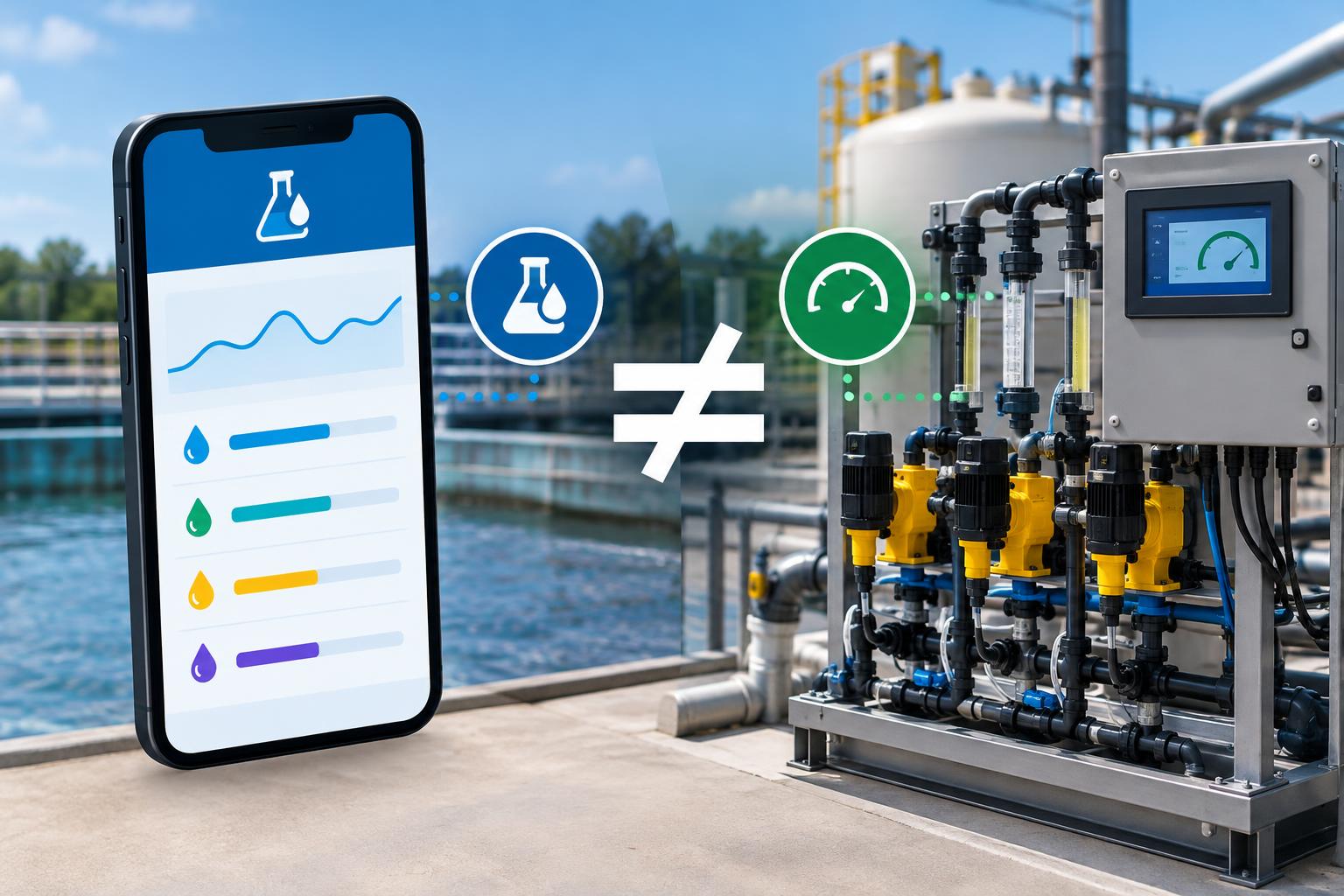
A few years ago, checking a chemical dose meant walking out to the skid, standing in front of the HMI, and reading the number off the panel. The operator who signed off had eyes on the same screen the PLC was writing to. Now that same operator reads the dose from a phone, maybe in the control room, maybe from a truck across the yard. The app and the skid don’t usually say the same thing.
That disagreement is the problem. When a mobile dosing app shows 12.4 gallons per hour and the skid HMI shows 11.8, somebody has to decide which number is real before the next batch moves.
The honest answer is that both are usually right, for different moments, and the argument between them tells you something about the plumbing in between.
Here are five patterns that account for most of what you’ll see.
The App Is Showing You a Cached Number
Contents
One of the most common causes is also one of the least dramatic. The phone isn’t lying to you. It’s showing the last value it managed to pull before the connection dropped. A dosing app polling over cellular or Wi-Fi can lose its WebSocket, fall back to a slower polling interval, or sit behind a proxy that times out, and the interface keeps rendering the last good reading as if nothing happened.
The fix lives on both sides. On the skid, every tag the app reads should have a companion heartbeat tag or a stale-timestamp alarm, so a frozen value turns red instead of looking fresh. On the app, the display should show the age of the reading, not only the reading itself. If you can’t see when a number was last refreshed, you can’t trust it against the panel.
The Clocks Don’t Agree
Timestamps are the second thing that goes wrong, and they go wrong in two directions. The skid PLC is usually synced to a plant time source. The phone is synced to the carrier. If the two drift apart by more than a few seconds, trends line up oddly and totalizers look like they’re double-counting or missing shots.
Push the drift far enough and secure sessions start failing outright. The OPC Foundation’s time synchronization guidance for OPC UA assumes clocks are reasonably in step, with a default skew tolerance measured in minutes, not hours.
If you want the app and the skid to agree on when a dose happened, both ends have to agree on what time it is. That means a disciplined time source for the control system, and a check that the mobile client is using it rather than whatever the handset decided on its own. A well-built chemical injection package will specify its time source and the tolerance it expects, so the integration isn’t negotiated on the day the app goes live.
The Units and Tag Names Don’t Match
Sometimes the numbers are both current and both correct, and they still disagree, because they’re measuring the thing in different units. The skid is reporting liters per hour. The app is showing gallons per hour and converting with a constant that was hard-coded during commissioning. One side rounds, the other doesn’t. Multiply across a shift and the totals pull apart.
Tag naming can create similar problems, often without an obvious warning. When the HMI and mobile app pull data from different tags that appear to represent the same measurement, operators may see conflicting readings even though both systems are functioning as designed. To identify these discrepancies, select a sample of dosing tags and compare their readings on the HMI and app side by side. Verify that the units, scaling factors, and source addresses match to ensure both systems are displaying consistent data.
Two Writers Fight Over One Setpoint
The dangerous version of this argument is a write, not a read. If the mobile app can change a setpoint and the local HMI can change the same setpoint, you need a clear answer to who wins when both try at once. Without an interlock, the last write overrides the earlier one, and the operator at the panel never sees that the app bumped the dose up ninety seconds ago.
Treating the app as read-only for anything safety-adjacent avoids most of this. Where the app does need to write, the PLC should enforce one source of control at a time, log who issued the change, and surface the change on the local HMI so the panel operator isn’t the last to know.
The Flow Meter and the Pump Stroke Argue Too
Underneath all of this is a measurement the skid itself may be ambivalent about. A metering pump reports its calculated flow from stroke length and frequency. A Coriolis or magnetic flow meter downstream reports what it actually measured.
The two tend to agree when the pump is healthy and the fluid behaves. They diverge when the check valves start to leak by, when gas breaks out, or when the suction loses net positive head and the pump short-strokes.
If the app is pulling the calculated value and the HMI is showing the measured one, the fight between phone and panel is really a fight between two ways of knowing the dose. That’s useful information. Trend both, alarm on the delta, and send a technician to the skid before the next custody check turns the delta into a dispute.