


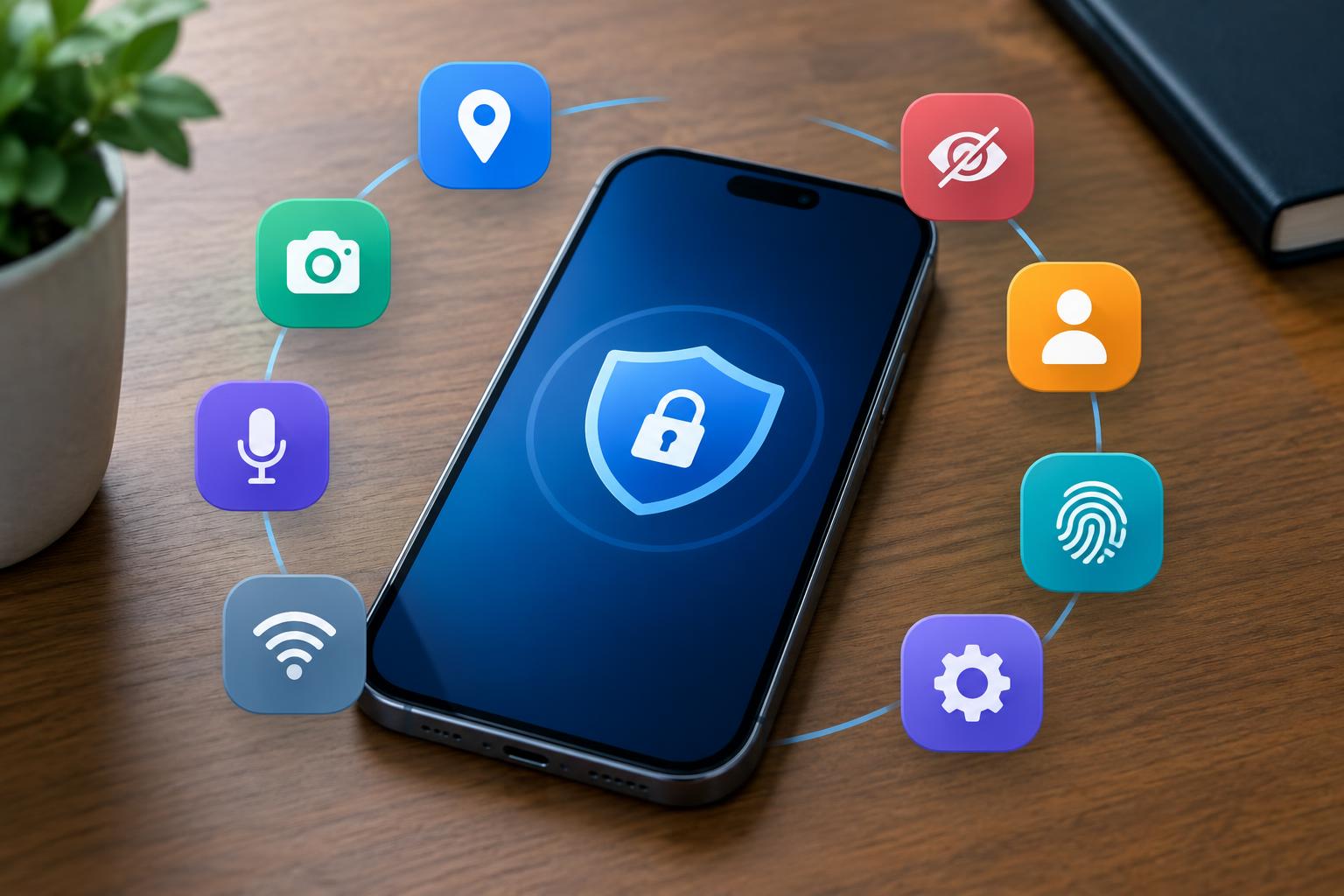
Your smartphone is essentially your digital life in your pocket. It holds your bank accounts, private chats, location records, and family photos. While phone makers keep pumping out cool features, apps quietly harvest your habits and location data behind the scenes for advertisers. Most people tap “Accept” and let default settings ride for years. These invasive trackers drain your battery, build scary-detailed profiles on you, and leave your info exposed when databases get breached. A quick privacy audit puts you back in control of your personal data.
Review app permissions and cut off background access
Contents
Apps constantly ask for privileges they simply do not need. Photo editors have zero business seeing your exact address, and basic calculator apps definitely don’t need access to your microphone. When you lock down background permissions, apps can only reach your camera or storage when you actively have them open. You can stop data-hungry apps in their tracks and boost your battery life by spending five minutes to clean up these permissions. Stripping extra access also keeps rogue software from tucking away your saved logins deep in local storage.
Upgrade to privacy-first channels for sensitive messages
Big Tech email providers routinely scan incoming messages to target ads and train AI models. You can keep corporations from building a dossier on your online shopping habits by moving your account verifications, password resets, and personal files over to a secure mail platform. Zero-access encryption scrambles your data before it even leaves your phone, blocking unwanted eyes from reading your personal emails. You protect your main account identity if a web service suffers a breach when you separate critical security codes from standard social platforms. This step builds a solid barrier against modern account takeover tactics.
Adopt official cybersecurity standards to lock down logins
Modern phones come with slick security hardware, but your configuration dictates how safe your device actually is. The best defense against phishing and targeted attacks comes straight from official cybersecurity and infrastructure guidelines on how to keep yourself cyber safe. Security pros recommend pairing six-digit passcodes and biometric unlocks with dedicated authenticator apps instead of basic SMS codes. Automatic updates patch security holes before hackers can exploit them on public Wi-Fi networks if you keep them enabled. These habits shield your personal info across every account you own when made standard practice.
Wipe old hardware and eliminate leftover data
Securing your current phone is only half the battle when upgrading every few years. Take a look at this vital analysis on the hidden cybersecurity risks of disposing of old laptops and smartphones to see why standard factory resets often leave recoverable data on solid-state drives. Snoops and buyers routinely scan secondhand drives to extract private photos, tax documents, and saved passwords. Cryptographic wipes or physical destruction of deprecated drives ensure your historical login data stays completely unrecoverable. Your digital identity stays protected with consistent care through every stage of your phone’s lifecycle.
A fast audit of your mobile settings creates a powerful line of defense against data brokers and hackers alike. Tighten up app access, switch over to encrypted channels, follow trusted cyber defense standards, and wipe your retired tech. You protect your hardware, guard your finances, and keep full control of your digital footprint by taking these simple steps today.