


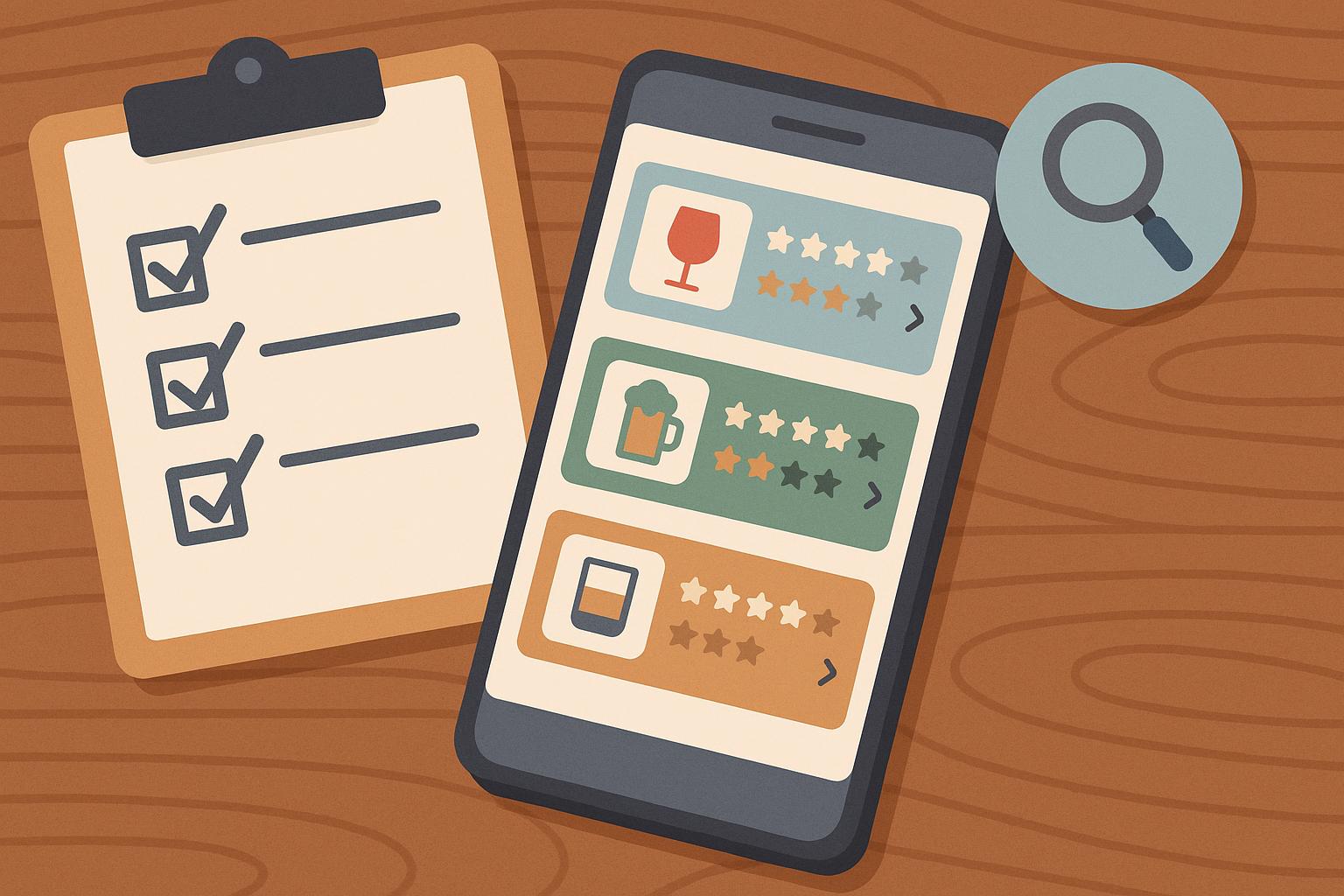
An alcohol tracking app has to work at inconvenient moments. You might be entering a drink at a restaurant, checking a previous evening on a crowded train, or correcting a serving size with one hand while preparing dinner. A polished dashboard cannot compensate for a recording process that feels awkward every time you open it.
That makes choosing an app a usability decision as well as a personal one. Screenshots can show attractive charts, but they rarely tell you how many taps an entry requires, what happens when you miss a day, or whether you can remove information you no longer want stored.
Before comparing subscriptions, decide what you need to record and what you hope to understand. Someone interested in spending will ask different questions from someone trying to identify recurring social situations. Both need accurate entries and understandable feedback. Neither needs a product that turns an estimate into a medical conclusion.
The following checks provide a practical way to evaluate an alcohol tracking app without relying on a star rating or a long feature list.
Check How the App Defines a Drink
Contents
- Check How the App Defines a Drink
- Try the Entry Screen Before Studying the Charts
- Separate Missing Entries From Alcohol-Free Days
- Decide Which Context Fields You Need
- Read the Privacy Controls Before Writing Personal Notes
- Compare the Whole Routine With the Price
- Review a Week Without Treating It as a Diagnosis
- Choose the Tool That Makes Honest Entries Easier
A drink count is useful only when its unit is clear. One large beer and one small beer may contain different amounts of alcohol. Wine strength and serving size vary too.
NIAAA defines a U.S. standard drink as approximately 14 grams of pure alcohol. That is a measurement convention, not a recommended allowance. Other countries use different definitions, so an app should identify the system behind its totals.
Look for a way to enter volume and alcohol by volume, often labeled ABV. Test a beverage whose label you can check. If the app offers only generic icons, find out what size and strength those icons represent. A simple interface still needs a clear explanation of the quantity it records.
Try the Entry Screen Before Studying the Charts
Use a hypothetical entry to examine the recording process, then delete it. Can you find the correct drink? Can you change the time? Is a refill easy to enter? Does saving return you to a useful screen?
Editing is especially important. You may notice a mistake after the first entry or need to add information later. An app that treats every correction as a complicated task will make the record harder to maintain.
The description of UM’s drink tracker brings planning, recording, and reflection into the same workflow. Those are useful categories to consider when comparing products. Check the current app yourself before assuming that any advertised screen or feature works exactly as you expect.
Separate Missing Entries From Alcohol-Free Days
An empty calendar square can mean several things. You may have had no alcohol, forgotten to record a drink, or stopped using the app. Those situations should not produce the same conclusion.
Look for an explicit way to confirm an alcohol-free day. A weekly summary should make incomplete records visible instead of silently treating them as zeros. Otherwise, a lower total might reflect fewer entries rather than a change in drinking.
This check is easy to overlook during setup. Try leaving a test date incomplete and examine how the dashboard represents it. If the meaning is unclear, consult the help information before using the chart to compare weeks.
Decide Which Context Fields You Need
Some people want a quick count. Others want to note the setting, a planned limit, spending, or what happened before the drink. More fields can produce a richer record, but they can also make every entry feel like paperwork.
Choose the smallest set that answers your question. For social occasions, a venue category may be useful. For a home routine, time and a short note may provide enough context. There is little value in collecting details you never review.
Optional notes should remain optional. A good test is whether you can complete the basic entry on a busy evening and add context later. Check whether the app distinguishes the event time from the time you entered the information.
Read the Privacy Controls Before Writing Personal Notes
Alcohol records can contain sensitive information about health, relationships, and routines. Before entering names or detailed reflections, find the privacy policy and account controls.
Check what the company says it collects, who receives the information, and how deletion works. Look separately at deleting an individual entry, deleting an account, and canceling a subscription. Those are different actions and may appear in different places.
Notification previews deserve attention too. A reminder on a shared screen can reveal information you expected to keep private. Review your phone’s lock-screen settings and the app’s reminder options. Do not assume an app has a particular security certification or legal protection because it belongs to a health category.
Compare the Whole Routine With the Price
The relevant cost is the cost of the features you expect to use. Check which tools sit behind a subscription, how the billing period works, and where cancellation happens. Trial terms can change, so verify them in the current purchase screen.
Think about the product’s role beyond counting. Unconscious Moderation presents a structured program focused on changing a person’s relationship with alcohol. That is a different proposition from a basic counter, and the distinction should guide your comparison rather than a claim that one category suits everyone.
Do not pay for a larger program solely because it offers more screens. Consider the time you can give it, the kind of support you want, and whether a simpler record would answer your immediate question.
Review a Week Without Treating It as a Diagnosis
During an initial review, check the quality of the record before interpreting the results. Are the serving sizes consistent? Did you enter every relevant day? Can you explain unusually high or low totals?
A useful summary should help you identify questions. It should not declare that your drinking is safe, diagnose dependence, or tell you whether you can drive. Feeling well or staying below a self-selected target cannot establish those things either.
If you may be dependent on alcohol, get medical advice before stopping abruptly. An app cannot manage withdrawal or replace a healthcare professional’s assessment.
Choose the Tool That Makes Honest Entries Easier
After trying the workflow, ask a straightforward question: would you use it on a busy evening without editing the record to make it look better?
Keep the app that makes accurate recording, correction, and review manageable. Remove unnecessary reminders and fields before abandoning the whole system. A modest tool used consistently can produce a clearer personal record than an impressive dashboard built on missing entries.
Your first decision is about fit. The useful result is a record you understand, controls you can find, and information you can discuss with a qualified professional when needed.