


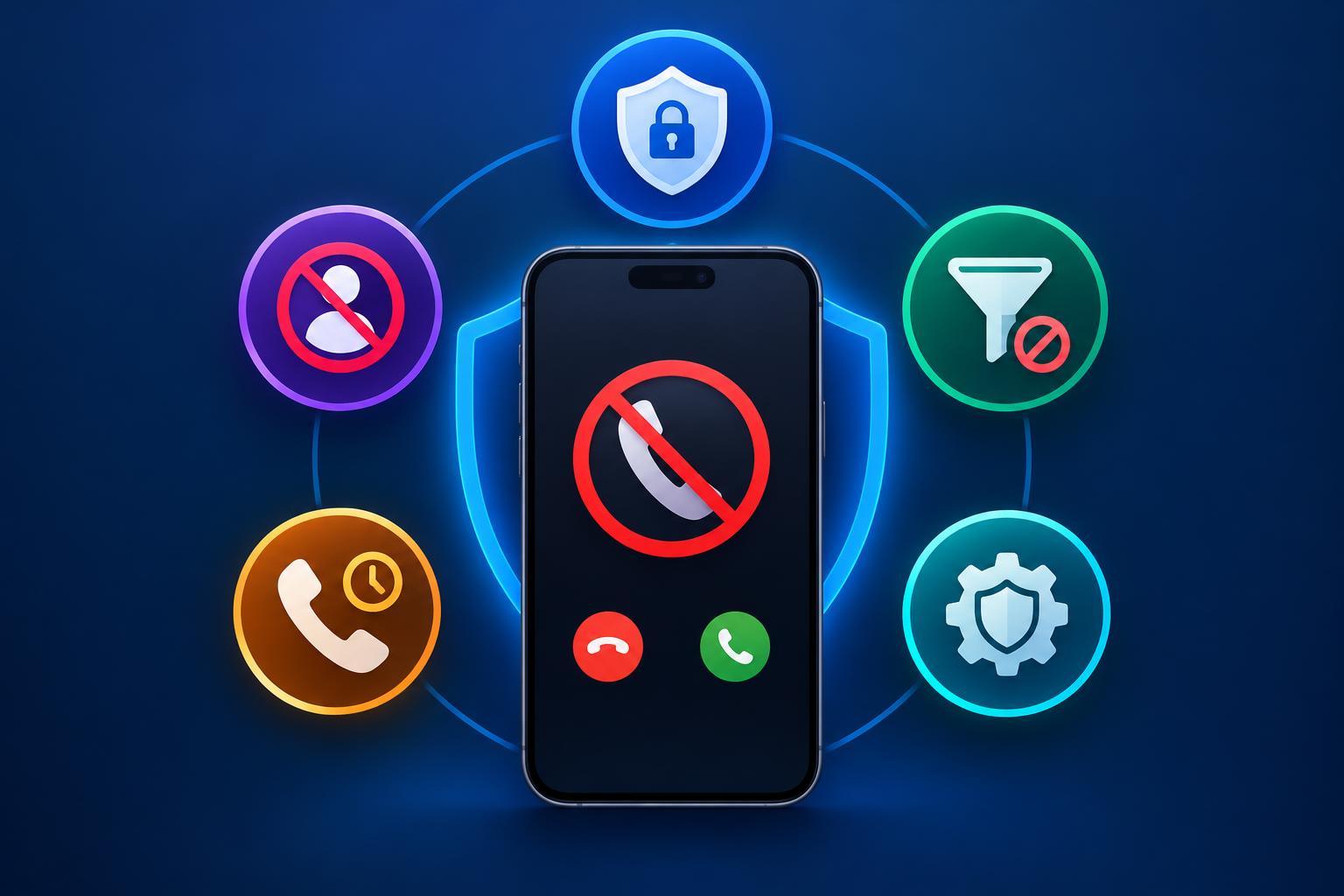
Your phone rings at 8:47 p.m. Unknown number. You ignore it. Thirty seconds later, it rings again. You block the number, feeling rather pleased with yourself. Then another number calls. And another.
So much for a quiet evening. Blocking unwanted callers one by one is like bailing water out of a boat with a teaspoon. If you want lasting relief, you need better tools. A reliable app to block blocked calls should do more than maintain a list of numbers you’ve already rejected. It should help identify suspicious callers, protect your privacy, and give you control over what reaches your phone.
Here are five security features worth looking for before installing one.
1. Smart Spam Detection: Catch the Red Flags Early
Contents
- 1. Smart Spam Detection: Catch the Red Flags Early
- 2. Automatic Blocking: Less Work, Fewer Interruptions
- 3. Privacy Controls: Your Call Protection Shouldn’t Become a Privacy Problem
- 4. Regular Updates: Yesterday’s Defenses Won’t Catch Every New Scam
- 5. Clear Alerts and Easy Recovery: Know What’s Being Blocked
- Pick Protection That Works in Real Life
A manual blocklist is useful, but it has an obvious weakness: you have to know which numbers to block first.
That’s where spam detection and caller identification come in. Depending on the app you use, they can help you avoid numbers which are reported as scam, robocalls, and nuisance marketing. Some apps have a database of reported numbers whereas others use automated algorithms to detect suspicious activity.
Why does this matter? Scammers routinely switch numbers, making it difficult to keep up by blocking callers individually. Look for an app that explains how its detection works and how frequently its spam information is updated. Remember, though, that a warning isn’t proof of fraud, and the absence of one doesn’t guarantee a caller is legitimate.
2. Automatic Blocking: Less Work, Fewer Interruptions
No one wants to spend their lunch hour making a list of phone numbers to add to your black list. Using automatic call blocking means any calls that match the spam criteria set in the app will be automatically blocked.
However, the strictest filter isn’t always the smartest one. If you are running a business, waiting for deliveries or often get calls from unknown numbers, too strict of a filter may cause issues. Look for options to customise your filter, allow calls from known contacts and manually add numbers to your block list.
A good app to block blocked calls should make those controls easy to understand and adjust. Security shouldn’t require sacrificing every call from someone who isn’t already in your contacts.
3. Privacy Controls: Your Call Protection Shouldn’t Become a Privacy Problem
Here’s an uncomfortable thought: an app intended to protect you may request access to personal information in the process. Some call-blocking services need certain permissions to provide their features. That doesn’t mean every permission request is necessary, or that you should automatically approve it.
Before installing an app, review its privacy policy. What data will they collect? Will they share any of this with third parties? How long will they keep this data for? Why do they need access to your contacts and phone data?
Transparent policies are a good sign. Vague security assurances are not. Choose a service which you’re happy with their data policies. You should not have to give up control of your own personal data to avoid nuisance calls.
4. Regular Updates: Yesterday’s Defenses Won’t Catch Every New Scam
Scammers are very quick to adapt. They change their numbers, pose as familiar brands and come up with new methods of tricking users into answering. The call blocking software should be able to keep up.
Regular updates will help improve the effectiveness of identifying spam, keeping the list of reported numbers up to date and also fixing any vulnerabilities within the software. If an app isn’t regularly being updated it could become less effective over time.
Look at how often the app has been updated by the developer and if it works on your device. Whilst frequent updates don’t necessarily mean a good level of protection, if there doesn’t seem to be any regular maintenance then you should take a closer look.
5. Clear Alerts and Easy Recovery: Know What’s Being Blocked
Imagine discovering that your phone quietly rejected an important call because the number looked suspicious. Annoying? Absolutely. Potentially costly? It could be.
A well-designed app should explain when it identifies or blocks suspicious calls, where those records are available. You can also: See what numbers have been blocked, change how you filter calls and unblock genuine callers.
This makes it easier to identify repeat nuisance callers, correct any errors and ensure that you don’t feel as though something is going on behind the scenes. Always avoid giving out passwords or verification codes to unexpected callers. If they claim to be calling from your bank, simply hang up and call them using a known number.
Pick Protection That Works in Real Life
The best blocked call blocking app will help you with spam detection, automatically filtering, sensible privacy options, regular updates and easy to understand call blocking options. Whilst there isn’t one particular feature that will stop you getting scammed by everyone, it will help to reduce any unwanted interruptions and give you more control over any suspicious calls.
Because the goal isn’t to distrust every phone call. It’s to stop giving scammers easy opportunities to reach you.