


Classes, notes, emails and video calls now happen on one screen. That is why more people are choosing a tablet over a heavy laptop. A good Android tablet is light, easy to carry and powerful enough to run many apps at once.
Some people prefer 2-in-1 laptops when they need a keyboard. This simple guide explains what to look for, who needs what, and how much to spend.
What makes a good tablet for multitasking and study?
Not every Android tablet is built for hard work. Some are great for movies but slow down with a few apps open. Here are the four things that matter most.
Strong performance and RAM
You will switch between apps a lot. Chat, notes, a browser and a video call, all at once. If the tablet is slow, you will get annoyed fast. Therefore –
- Get 6GB RAM or more
- Pick a newer processor
- Make sure it has split screen, so two apps sit side by side
Screen size and display quality
You will look at the screen for hours, so pick one that is easy on the eyes. A 10 to 12 inch display is ideal for reading, notes and lectures. Sharp resolution makes PDFs clearer. A smooth 90Hz or 120Hz screen also feels better when you scroll and write with a pen.
Battery life for a full day
You do not want to hunt for a charger in the middle of class. Look for a battery of 8,000mAh or more. Many good tablets today have even bigger ones. Fast charging also helps when you only have a short break.
Stylus and keyboard support
A pen is great for notes and marking PDFs. A keyboard is better when you write long emails or assignments. There are certain tablets that come with the pen already attached to them. You will be required to purchase it for others. Before you pay, make sure you check this.
Best tablets to pick in 2026
ASUS Pad T3201
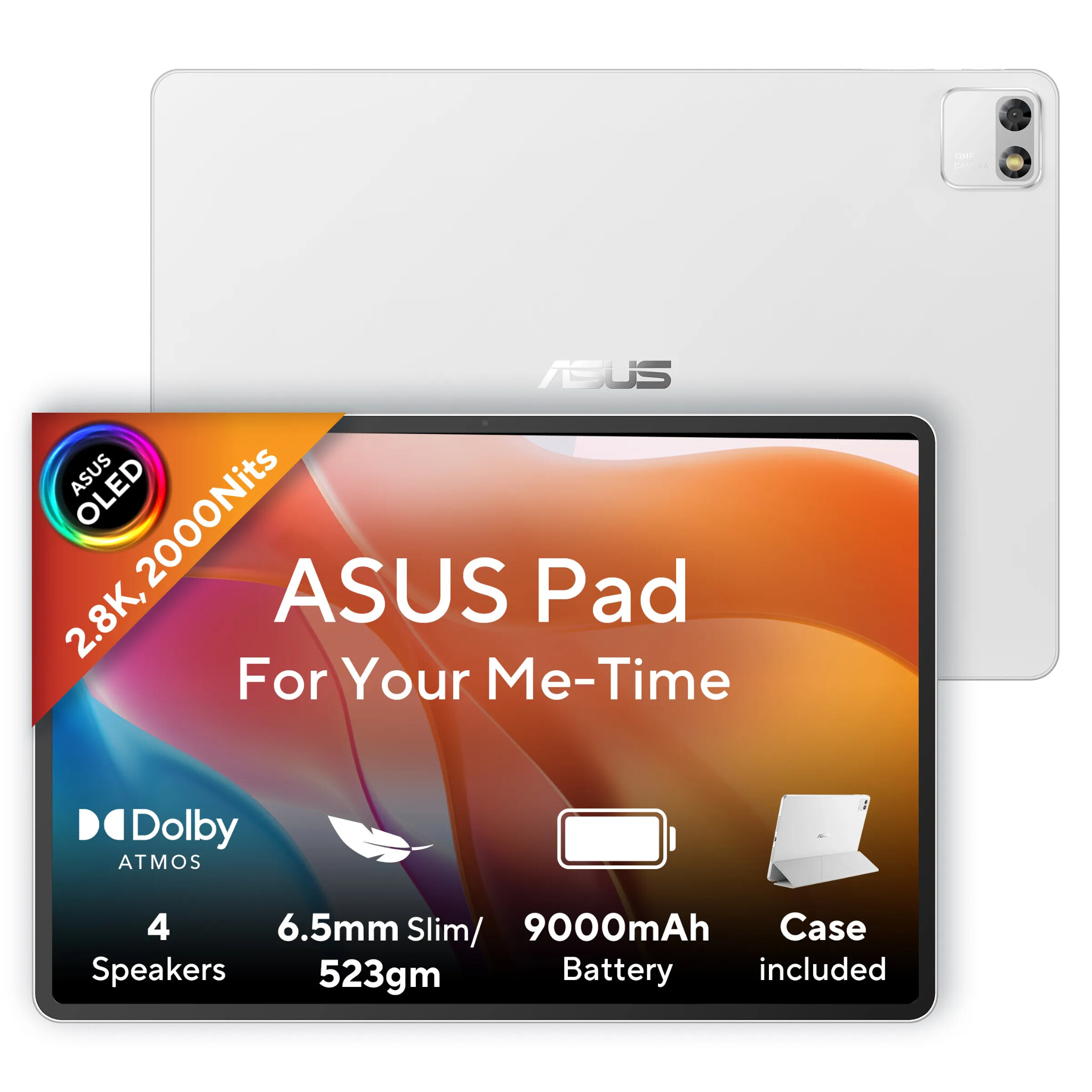
If you want one tablet that does almost everything well, the ASUS Pad is perfect. It is light and slim, so you can carry it all day without feeling the weight. Videos look rich and bright and the sound feels full, which makes online classes and breaks more fun. It is also easy to use for notes, documents and many apps at once. Add a pen and a keyboard, and it starts to feel like one of those 2-in-1 laptops.
| Feature | Details |
| Processor | MediaTek Dimensity 8300 |
| RAM and storage | 8GB RAM, 256GB storage |
| Display | 12.2 inch OLED, 2.8K (2800 x 1840) |
| Refresh rate | 144Hz |
| Battery | 9000mAh |
Lenovo Idea Tab
The Lenovo Idea Tab is a simple and friendly choice for students who want to save money. It handles everyday study work well, like reading, watching lectures and writing notes. The built-in note tool helps you keep your ideas in order and it works nicely with a pen. It is not the fastest tablet here, but it does the basics without fuss.
| Feature | Details |
| Processor | MediaTek Dimensity 6300 |
| RAM and storage | 8GB RAM, 256GB storage |
| Display | 11 inch IPS, 2.5K (2560 x 1600) |
| Refresh rate | 90Hz |
| Battery | 7040mAh |
Xiaomi Pad 8
The Xiaomi Pad 8 is the one to pick if you want strong power in a very slim body. It feels quick when you switch between apps and it is easy to carry between classes and meetings. Its mode that looks like a desktop lets you handle many apps at once. It works well with computers and phones too, so moving files is simple. With a keyboard and pen, it can take the place of 2-in-1 laptops for many people.
| Feature | Details |
| Processor | Snapdragon 8s Gen 4 |
| Display | 3.2K (3200 x 2136), Dolby Vision |
| Refresh rate | 144Hz |
| Battery | 9200mAh (typical) |
| Charging | 45W fast charging |
Tablets for students vs professionals
Your needs depend on how you use the tablet.
Students mostly need:
- A mid-range Android tablet
- A pen for notes
- A battery that lasts all day
Working people mostly need:
- More speed for many apps and calls
- A keyboard for typing
- Enough storage for files
If your work needs full computer software, 2-in-1 laptops may suit you better than a tablet.
Wrapping up
The best tablet is the one that fits your day. If you are a student, pick an Android tablet with a good battery and a pen. If you work a lot, choose something faster and think about a keyboard or 2-in-1 laptops. Set your budget first, then compare two or three models and read real reviews. That way, you will not waste money on features you will never use.