


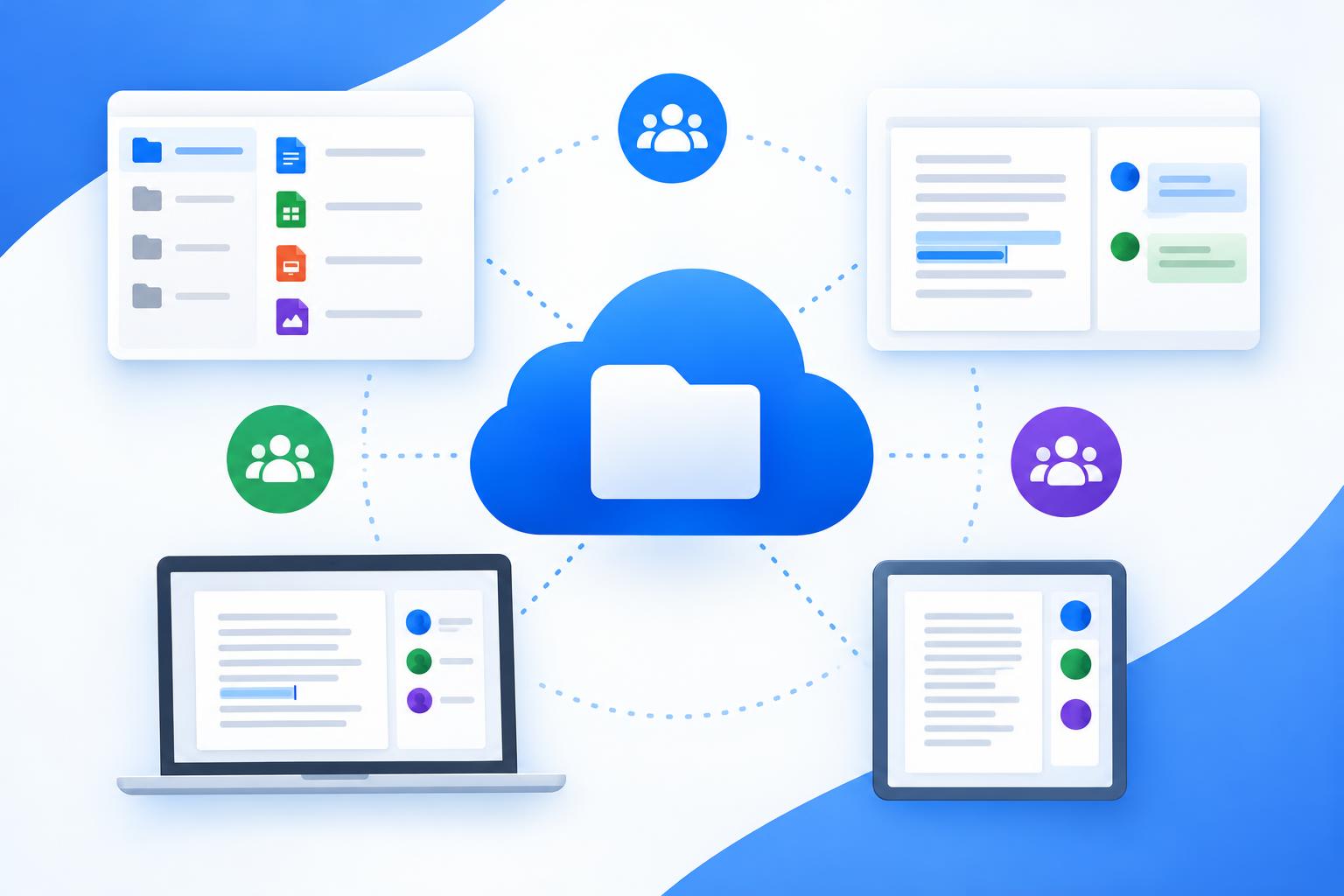
Enterprise content management platforms handle shared storage, permissions, and teamwork, and Adobe Acrobat’s online PDF tools cover the PDF tasks around them in any browser. Adobe’s page says you can try 25 or more PDF and e-signing tools for free, including merging, splitting, compressing, protecting with a password, and requesting e-signatures.
This article is for businesses that want online tools for document management and collaboration.
Document Collaboration and Knowledge Management: Which Tools Fit
Online tools for document collaboration and knowledge management include Box, Google Workspace shared drives, Confluence, Notion, and Adobe Acrobat’s online PDF tools, and each fits a different job. Box’s documentation says you can share files and folders through links or invitations, collect feedback with comments and tasks, and co-edit documents. Notion’s help guides describe wikis, and Confluence describes spaces and pages. Choose by the work you do most, then test with one real project and one real team, and compare two tools on the same task.
| Platform | Best For | Key Details |
| Box | Content management with sharing, comments, tasks, and co-editing | Its docs say links or invitations, comments and tasks, co-editing, and Box Notes and Box Canvas for creating together |
| Google Workspace shared drives | Team files with role based access | Google’s help page lists Manager, Content manager, Contributor, Commenter, and Viewer access levels |
| Confluence | A structured wiki with spaces and page restrictions | Atlassian’s docs describe global permissions, space permissions, and page restrictions |
| Notion | A company wiki with teamspaces | Notion’s guides describe wiki verification, page owners, teamspaces, and page level permissions |
| Adobe Acrobat online PDF tools | PDF tasks around your content platform | Its page lists converting, merging, splitting, compressing, filling, signing, and password protecting PDFs |
- Box Hubs: Box’s collaboration page says Box Hubs organizes content into secure portals, and that Box AI for Hubs lets you ask questions across a Hub’s contents.
- Real time work: Box’s collaboration page says Box Canvas and Box Notes support real time creation, and that people can see each other’s live comments and edits.
- Box AI: Box’s collaboration page says Box AI lets people ask questions about their content and get contextualized answers.
- Notion guests: Notion’s guides say clients can join a workspace as guests, so you can share content and collaborate with them.
- Box Notes: Box’s Notes FAQ says Notes lets you take notes, format content, add images and tables, and collaborate in real time without leaving Box.
- File requests: Box’s documentation says you can collect files and responses through structured requests instead of email attachments.
- Locking: Box’s documentation lists locking and unlocking files among its collaboration features.
- Vendor claims: these details come from each vendor’s own pages, so confirm current features and plans before you commit.
Enterprise Wiki and Docs Collaboration: How Permissions Work
Permissions in enterprise wiki and docs collaboration tools usually work through roles, and the roles differ by product. Box’s permission levels page says Editors can edit, comment, assign tasks, and invite collaborators, while Viewers can preview, download, comment, and generate shared links. Confluence uses three levels: global permissions, space permissions, and page restrictions. Notion offers Full access, Can edit, Can comment, and Can view. Map your teams to roles before you invite anyone, and check the roles on a test folder before you share real files.
- Box roles: Box’s developer docs list editor, viewer, previewer, uploader, previewer uploader, viewer uploader, co-owner, and owner as the collaboration roles.
- Hub roles: Box’s Hubs FAQ says Co-owners have the broadest Hub permissions, and Editors can manage content and publish but cannot create or delete Hubs.
- Folders versus files: Box’s permission levels page says these roles apply only to folders, and that single file collaborations support only Editor and Viewer.
- Admin setting: Box’s permission levels page says an admin must enable some of these permission levels in the Admin Console.
- Collaborators versus links: Box’s collaboration FAQ says a collaborator needs a Box account, while a shared link set to Can Edit lets people who are logged in to Box edit the file.
- Confluence layers: Atlassian’s documentation says page restrictions work on individual pages, and that restrictions do not override a person’s space permission.
- Notion teamspaces: Notion’s sharing guide says teamspaces can be Default, Open, Closed, or Private, and lists workspace roles of owner, membership admin, member, and guest.
- Google shared drives: Google’s Workspace help says to give members who edit files in Google Drive for desktop at least Content manager access.
Product Wiki and Docs Collaboration for Business Teams
For a product wiki and docs collaboration, a wiki tool such as Notion or Confluence keeps living pages, while a content platform such as Box keeps files, reviews, and approvals. Notion’s guides say you can turn a knowledge base into a wiki with page verification, owners, and tags. Confluence organizes content into spaces. Box’s documentation describes comments, tasks, and Box Notes. Many business teams use more than one tool, so decide which one holds the source of truth for each document type.
- Wiki freshness: Notion’s guides say page owners can mark a page as verified to signal that the content is fresh.
- Notion teamspaces: Notion’s guides say teamspaces divide a workspace by department, so each team has an area to build its own wikis.
- Page hierarchy: Atlassian’s documentation says every Confluence page lives within a space, and space permissions let an admin revoke view access for the whole space.
- Notes and canvases: Box’s documentation says Box Notes is a document creation tool built into Box, and Box Canvas supports visual sessions.
- Notes limits: Box’s Notes FAQ says anonymous users cannot edit Box Notes even when a shared link is set to Can Edit.
- PDF steps: Adobe’s page lists merging, compressing, and password protecting a PDF, which suits finalizing a spec or contract before you upload it.
Frequently Asked Questions
Is Box a wiki tool?
Box describes itself as a content management platform rather than a wiki. Its documentation says Box Notes is a document creation tool and Box Hubs organizes content into secure portals. Notion’s guides and Atlassian’s documentation describe wikis directly. If you want living pages with verification and page hierarchy, evaluate a wiki tool, and use Box when files, reviews, and shared links matter more.
Can people outside my company collaborate?
Yes, with limits. Box’s collaboration page says its tools support people within your organization and beyond, and its collaboration FAQ says collaborators need a Box account. Box’s Hubs FAQ says an external collaborator can view Hub content. Notion’s guides say clients can join a workspace as guests. Review each tool’s sharing settings, and confirm what outsiders can see.
How do I protect a PDF before sharing it?
Set a password and share it only with the people who need it. Adobe’s page lists a tool for setting a password to protect a PDF, along with tools to merge, split, and compress files. Then store the final file in your content platform, and use its roles and shared link settings to control who can open, comment on, or download it.
How should I choose permission levels?
Start with the least access people need. Box’s permission levels page lists roles from Viewer to Editor, Confluence adds page restrictions on top of space permissions, and Google’s help page says to give Contributor, Commenter, or Viewer access if you worry about deleted files. Document who holds which role, and review it when teams change.
Box’s collaboration features cover sharing, comments, tasks, co-editing, and roles, and Adobe Acrobat’s online PDF tools handle the PDF steps around them.