


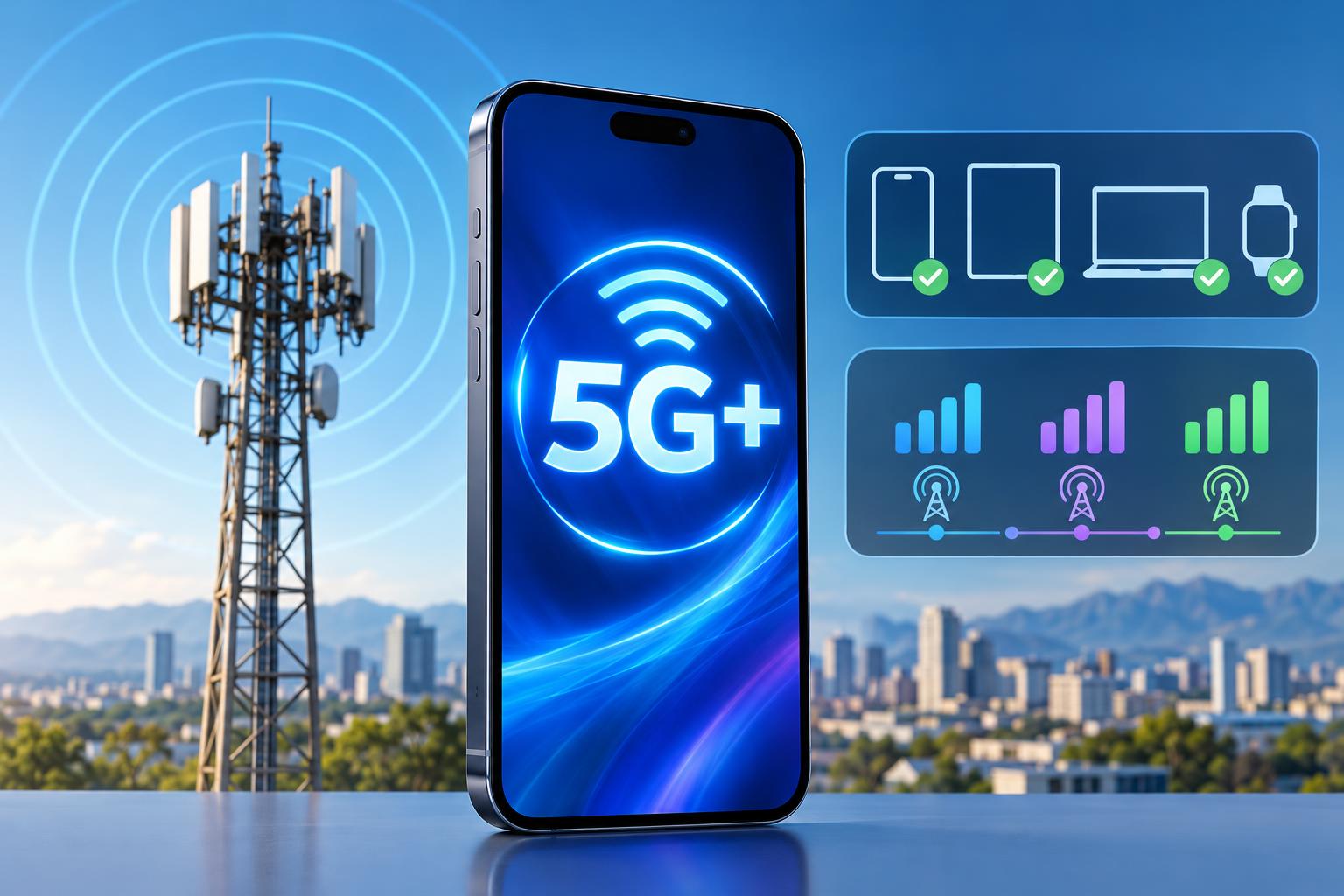
Seeing a 5G logo on your phone doesn’t mean you’re enjoying all the premium 5G network benefits, however. Wireless providers are still deploying new services, which need more spectrum, new network architecture, or features for better coverage and performance. But you will need a device with the right technology to benefit from these.
5G vs 5G+ So, 5G+ is not, in fact, a new type of model but seems to be terminology in some service provider offerings. In Singapore, it is being used by the operators to denote 5G with feature enhancements, which may include low-band spectrum and 5G Standalone access. Whether or not your phone has access to these functions depends on your phone’s hardware, supported frequency bands, software, and cell provider limitations.
What Having a 5G-Capable Device Means and Doesn’t Mean
Just because you have a 5G ‘standard’ smartphone doesn’t mean it can access all the benefits of a provider’s 5G+ capabilities. That’s because 5G networks operate with different bands and plans.
Phone manufacturers tailor phones for different markets. A product being sold in one country could be supporting different 5G frequencies than the one sold anywhere else. Some devices also don’t support certain network functions although they are said to support 5G.
Others might need other things based on the operator. They can even list supported devices or require a software update or limit features on the supported devices/subscriptions.
Therefore, you can’t just look for “5G supported” on a product page. You’ll have to ensure that it’ll function on the network (and networks) you’ll be using.
Have the Correct 5G Frequency Bands
A mobile network communicates with a smartphone using frequency bands. Support for the right combination of bands is important because different bands have different properties.
Low-Band: Greater Coverage
Lower-band frequencies such as 700 MHz do travel longer distances and typically perform better in buildings than higher frequencies. In Singapore, the frequencies are used by operators to cover underground, malls, and buildings.
To use a particular part of the spectrum, your phone has to support the hardware in a band. It may support other 5G frequencies, but if it doesn’t support the band the operator has deployed, it won’t be on the network.
Mid-Band Spectrum: Capacity and Speed
Mid-band frequencies (e.g., between 3.5 GHz) offer a compromise between coverage and capacity for a network. They are used by operators in cities for higher data rates.
Most 5G phones support this common mid-band frequency, but your particular model or region may vary. Look at the manufacturer’s specs because not all versions will support the same frequencies.
High-Band: Special Deployment Spectrum
High band millimetric waves are suited for very high speed over short distances. However, it requires a more dense network and does not have the reach of low-band spectrum.
Not all of Singapore’s 5G+ is mmWave. Despite the fact that your phone might not work with mmWave, you can still fire off an operator’s 5G+ sequence.
The Other Key Requirement: 5G Standalone Readiness
It’s not only about frequency compatibility. 5G Standalone (5G SA) is necessary for more sophisticated 5G services.
The more traditional 5G Non-Standalone networks rely on some existing 4G network elements. 5G Standalone networks include their own 5G core and enable more sophisticated features like network slicing and more flexible network management.
To provide these features to a smartphone user, the smartphone must support the relevant 5G SA configuration. A device can be able to connect to a 5G Non-Standalone network, but not to work with the operator’s Standalone technology.
The reason it matters is that different operators may use different technology configurations when rolling out their 5G+ services. You just need to check with your operator if your restricted phone model can be supported at its 5G SA.
See If Your Phone Supports 5G+
These tests should be completed before switching your mobile plan or buying new hardware.
1. Know Your Actual Model Number
Turn your phone on so that you can find your model’s settings on your phone. This is often located under About Device or About Phone.
Be sure to write down the model number and not just the product name. These differ depending on where in the world you are, the modem, and antenna, as well as the frequency band.
2. Look Up Network Specifications Provided by the Manufacturer
Visit the manufacturer’s site and look for your model’s technical specs. Look for the 5G bands and support for 5G Standalone.
For example, Apple’s cellular compatibility provides frequencies available for iPhone by model and region. Other Android device makers (e.g., Samsung) also list specs (to varying degrees of detail).
3. Look at Your Carrier’s Compatibility List
Singapore carriers have lists of the compatible devices so that subscribers know which cellphones will work. Singtel has a list of handsets compatible with its 5G SA service, and StarHub has a list of handsets compatible with its 5G+ service.
These lists will grow as more models receive certification from the operators. If your device isn’t listed, then check directly with the supplier and use the latest one.
4. Update Your Phone Software
Update carrier settings and the OS. Manufacturers/carriers sometimes provide post-release software support for phones regarding things like network functions of a phone.
However, an update cannot add hardware functionality if it is not there; but in some cases, an update can help fix some configuration or compatibility issues.
Things to Consider Before You Buy 5G+
Your subscription may also have the tech.
- Supported phone models: Confirm that an operator lists your model (and region) as supported.
- Frequency bands: Confirm your phone supports the bands used by the provider (especially the right low and mid-bands).
- 5G SA support: See if your provider requires Standalone connectivity for better service.
- Cellular plan: Check the cellular plan to see if your 5G cellular plan supports 5G+ access or an add-on.
- What are the SIM requirements? Compatibility: Enquire if your current SIM/eSIM will work with the service or if you will have to get a new SIM.
- Network coverage: Verify that the service will be available in the places where you use mobile data most.
Even if you have the correct phone and package, you’re not guaranteeing performance. Connection depends on local infrastructure, building materials, congestion, network buildout, and signal strength.
What If My Phone Lacks 5G+ Support?
If your phone supports 5G, just not the carrier’s upscale 5G, then you should be able to work with the 5G that it does support. You may not need to upgrade your phone right away.
Upgrade only if you’ll be getting something out of the extra features. For example, if you can’t get a signal at indoor venues, an antenna that operates on your carrier’s low-band frequencies could be an extremely worthwhile upgrade. However, if you primarily browse the web or text, you may not feel a change in your daily life.
Also, consider network access, devices, and conditions on a Giga plan when considering mobile services. Search for other perks instead of the standard 5G lingo.
Choose a Phone That Fits Your Network Needs
Simply having a 5G modem in your phone is not sufficient to access 5G+. Your phone needs to be compatible with the right frequencies and network technology, and your carrier needs to support it with the right subscription plan.
Start by verifying your exact model and its official specs and check the carrier’s compatibility listing. Pay special attention to the 700 MHz support (where applicable), 5G Standalone, software updates, and SIM requirements.
Doing so will save you the purchase of any add-on if you change or upgrade plans, as well as offer you insight into which setup can take advantage of Singapore’s enhanced 5G network.