


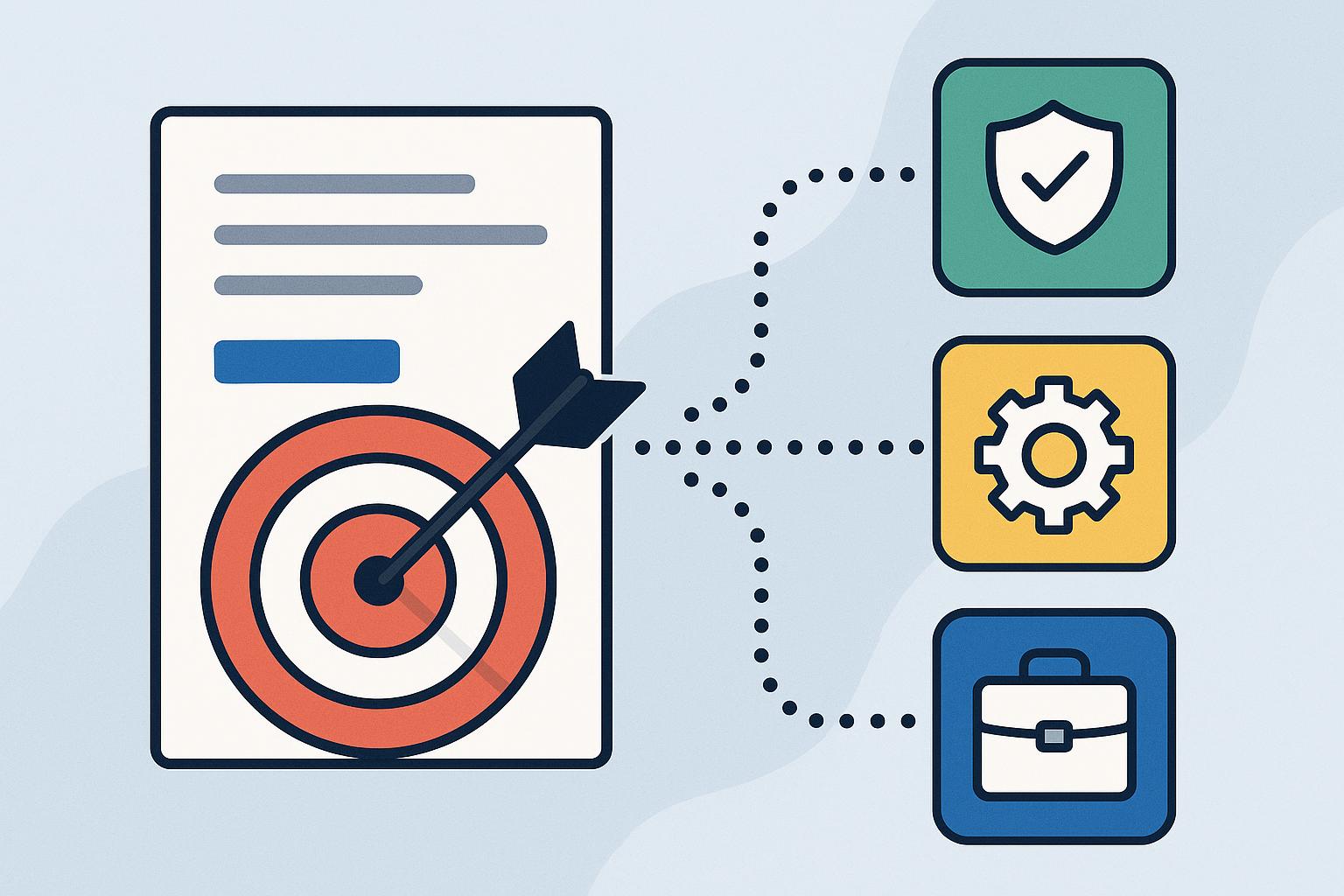
When critical procedures change, sending organization-wide email blasts often leads to unread documents and compliance blind spots. Effective policy distribution ensures that employees receive only the regulatory, operational, or safety guidelines relevant to their specific roles—eliminating information overload while guaranteeing full accountability. Without targeted assignment, compliance officers face severe audit risks, while HR and IT teams waste countless hours manually chasing signatures across spreadsheets.
By leveraging native SharePoint policy management software and automated workflows, organizations can streamline role-based policy assignment to ensure every team member reads and acknowledges what matters to them.
This guide explores how targeted policy distribution transforms compliance from a passive, manual administrative burden into an automated, audit-ready process within your existing Microsoft 365 environment.
What Is Targeted Policy Distribution and Why Is It Critical for Compliance?
Contents
- What Is Targeted Policy Distribution and Why Is It Critical for Compliance?
- Key Strategies for Implementing Targeted Policy Assignment
- Real-World Applications: How Targeted Policy Distribution Drives Compliance
- Best Practices for Maximizing Efficiency in Policy Distribution
- Streamline Your Policy Governance with Targeted Distribution
- Frequently Asked Questions About Targeted Policy Distribution
Targeted policy distribution is the process of automatically delivering specific governance, regulatory, and operational documents to employees based on their exact role, department, or geographic location. Instead of sending generic company-wide announcements where critical instructions get buried, targeted routing ensures every individual receives only the documents required for their job responsibilities.
In a modern organization, broadcasting generic compliance requirements creates severe operational friction and oversight risks. When employees are flooded with irrelevant procedures, “policy fatigue” sets in—causing team members to ignore vital safety protocols, data protection rules, or regulatory updates. For compliance officers and HR managers, the inability to verify who has received and understood role-specific content leaves the organization vulnerable during regulatory audits. Implementing a dedicated platform for policy management for SharePoint solves this disconnect by transforming static document libraries into an active, traceable compliance engine.
Adopting targeted automated policy distribution provides immediate, measurable benefits:
- Eliminates Policy Fatigue: Employees receive only actionable, relevant content, leading to significantly higher readership and faster completion rates.
- Ensures Role-Level Governance: Critical operational standards—such as specialized IT security mandates or region-specific HR guidelines—reach the exact teams that need them.
- Establishes Unquestionable Accountability: Every distributed policy includes clear deadlines and verifiable acknowledgment requirements.
A common mistake organizations make is assuming that placing documents in a shared folder or sending an email notification equals true governance. Real compliance requires active, verified engagement. By leveraging native tools like DocRead for SharePoint, built directly into the Collaboris software suite, organizations replace passive storage with precise targeted policy assignment, ensuring the right content reaches the right role every single time.
Key Strategies for Implementing Targeted Policy Assignment
Successfully delivering role-specific compliance content requires moving away from static document repositories and adopting a structured, automated distribution strategy. Rather than relying on manual emails and passive shared folders, organizations need a predictable system that maps policies directly to user roles, enforces completion deadlines, and generates real-time completion metrics.
Below are the five essential steps to establish an efficient, targeted policy distribution process within your Microsoft 365 environment.
1. Map Policies to Organizational Roles and Azure AD Groups
Before automating delivery, map your policy inventory against organizational structure. Instead of assigning documents to individuals manually, align policies with existing Microsoft Entra ID (Azure AD) user groups, security groups, or SharePoint target audiences.
- Department-Specific Policies: Assign financial controls strictly to accounting personnel or clinical protocols to healthcare staff.
- Location-Based Requirements: Distribute regional health and safety mandates based on site location attributes.
- Role Level: Ensure managers receive leadership handbooks while all general staff receive core conduct policies.
Mapping to dynamic directory groups ensures that when an employee changes departments or a new hire joins, their policy assignments update automatically without administrative intervention.
2. Automate Assignment with Microsoft 365 Compliance Tools
Once role groups are defined, configure automated triggers to handle document delivery. Using dedicated Microsoft 365 compliance software removes the manual burden of tracking down new starters or remembering annual re-certification cycles.
When integrated into your central intranet, tools designed for policy management for SharePoint monitor document libraries for updates or new user provisioning. The system automatically issues task notifications to the affected roles while keeping non-relevant employees completely undisturbed.
3. Set Clear Deadlines and Automated Reminder Schedules
Delivering a policy to the right role is only half the battle; ensuring timely review requires automated enforcement. Define reasonable completion windows based on document urgency—such as 7 days for critical security updates or 30 days for routine annual policy reviews.
Rather than having HR or IT managers manually monitor spreadsheets and issue follow-up emails, configure automated reminder workflows:
- Initial Notification: Sent immediately upon policy publication or user onboarding.
- Scheduled Reminders: Automated nudges sent 7 days and 3 days prior to the due date.
- Escalation Alerts: Notifications sent to direct managers when an employee misses a deadline.
Automating these workflows drastically reduces administrative overhead while maintaining steady progression toward 100% compliance.
4. Require Verifiable Policy Acknowledgment Tracking
To satisfy regulatory standards and protect the organization during audits, passive reading is insufficient. You must collect legally binding, time-stamped proof that an employee has read and understood the document.
Implement policy acknowledgment tracking directly within the employee’s reading interface. Requiring an explicit digital sign-off—or a short comprehension quiz for high-risk procedures—creates an unalterable record of compliance. This eliminates the “I never saw that email” defense during internal disputes or external regulatory reviews.
5. Monitor Real-Time Compliance Dashboards and Generate Audit Reports
The final step in a targeted distribution framework is establishing continuous visibility. Compliance officers and department heads should not have to wait for an audit to uncover gaps in policy acknowledgment.
Utilize centralized dashboards to track completion rates by department, role, or individual document. When external auditors request proof of regulatory adherence, you can instantly export audit-ready compliance reporting showing exact distribution dates, acknowledgment timestamps, and outstanding completion gaps.
By following this structured approach to targeted policy distribution, organizations replace disjointed administrative tasks with an automated, defensible governance framework integrated directly into their existing workplace software.
Real-World Applications: How Targeted Policy Distribution Drives Compliance
Seeing targeted governance in action demonstrates how role-specific routing resolves everyday compliance hurdles across distinct operational departments.
Use Case 1: IT & Cyber Security Standards
When an enterprise updates its remote-access security protocols, sending the technical manual to the entire company creates confusion. Using targeted policy distribution, the IT team routes the technical requirements specifically to system administrators and remote staff via native Microsoft 365 compliance software. Employees receive clear, actionable rules for their specific access levels, while the organization captures verifiable digital signatures—eliminating security gaps without disrupting non-technical personnel.
Use Case 2: HR & Workplace Conduct Policy Updates
An HR department updating its parental leave and remote work guidelines needs to ensure new policies reach specific employee groups based on location and employment contract type. By executing role-based policy assignment, HR automatically assigns the relevant handbooks based on Entra ID attributes and tracks reading completion via policy acknowledgment tracking. Instead of spending weeks manually chasing email confirmations, HR achieves 100% verifiable compliance within days.
Use Case 3: Clinical & Healthcare Regulatory Compliance
A healthcare facility issuing revised infection control guidelines must ensure immediate, mandatory sign-off from frontline medical personnel. By automating targeted policy assignment for clinical roles, the facility ensures every nurse and physician reviews and acknowledges the updated safety standards before their next shift, guaranteeing audit readiness and patient safety.
When applied strategically, targeted policy distribution eliminates operational friction and equips every department to maintain seamless, verifiable compliance.
Best Practices for Maximizing Efficiency in Policy Distribution
Moving from basic document publishing to an optimized governance model requires following proven strategies that maximize employee engagement and simplify administration. These expert best practices ensure your targeted policy distribution strategy delivers long-term compliance and operational efficiency.
- Keep Assignments Dynamic, Not Static: Avoid assigning policies to static lists of individual email addresses. Instead, leverage dynamic directory integration so that team members are automatically assigned role-specific compliance documents the moment their job title or department changes in your system.
- Segment Content to Prevent Policy Fatigue: Never send full, multi-page regulatory manuals to roles that only need specific operational sections. By utilizing role-based policy assignment, you ensure employees receive concise, highly relevant information, leading to significantly higher readership and faster completion rates.
- Establish Clear, Enforceable Review Deadlines: Always attach explicit completion windows (e.g., 14 days from publication) and automated escalation triggers to distributed documents. This keeps compliance moving forward without requiring HR or risk teams to manually track down unread files.
- Leverage Centralized Dashboards for Continuous Audit Readiness: Replace periodic manual audits with real-time tracking. Maintaining constant visibility into readership metrics through audit-ready compliance reporting ensures you can instantly prove regulatory adherence whenever inspectors or leadership request evidence.
Adopting these streamlined practices transforms automated policy distribution from a routine administrative chore into a proactive, risk-reducing framework for your entire enterprise.
Streamline Your Policy Governance with Targeted Distribution
Establishing a modern, targeted policy distribution framework ensures that every employee receives, reads, and acknowledges the exact compliance documents required for their specific role. By moving away from unmonitored mass emails and static shared folders, your organization eliminates policy fatigue, automates tedious administrative follow-ups, and builds an undeniable record of accountability.
Taking control of document governance reduces organizational risk and ensures your team is always prepared for regulatory scrutiny. With automated routing and real-time tracking, achieving continuous compliance across your entire workforce becomes a seamless part of daily operations rather than an exhausting administrative burden.
Ready to transform how your organization manages compliance within Microsoft 365? Discover how DocRead for SharePoint by Collaboris delivers precise role-based policy assignment, automated reminders, and audit-ready compliance reporting to ensure your critical content reaches the right audience every single time.
Frequently Asked Questions About Targeted Policy Distribution
How does targeted policy distribution differ from standard file sharing?
Standard file sharing simply makes a document accessible in a shared folder, relying on employees to find and read it independently. Targeted policy distribution actively assigns specific policies to employees based on their organizational role, sets explicit completion deadlines, sends automated reminders, and collects digital acknowledgments to ensure complete, trackable compliance.
Can automated policy distribution integrate with existing Azure AD groups?
Yes, modern Microsoft 365 compliance software leverages Microsoft Entra ID (formerly Azure AD) groups, security groups, and SharePoint target audiences. When a new employee joins a department or changes roles in your directory, the system automatically assigns all mandatory, role-specific policies to their reading list without requiring manual administrative updates.
How do you track policy acknowledgments for audit readiness?
Integrated systems generate time-stamped digital receipts whenever an employee reviews and signs off on a policy. Dedicated tools like DocRead for SharePoint centralize these records into real-time reporting dashboards, allowing compliance officers to export detailed, audit-ready compliance reporting logs instantly during internal reviews or regulatory audits.
What happens when an employee fails to complete a policy assignment on time?
Automated workflows issue scheduled email notifications prior to the deadline to encourage timely completion. If a deadline passes, the system flags the assignment as overdue on management dashboards and sends automated escalation alerts to the employee’s direct manager to ensure immediate follow-up and maintain full governance coverage.