


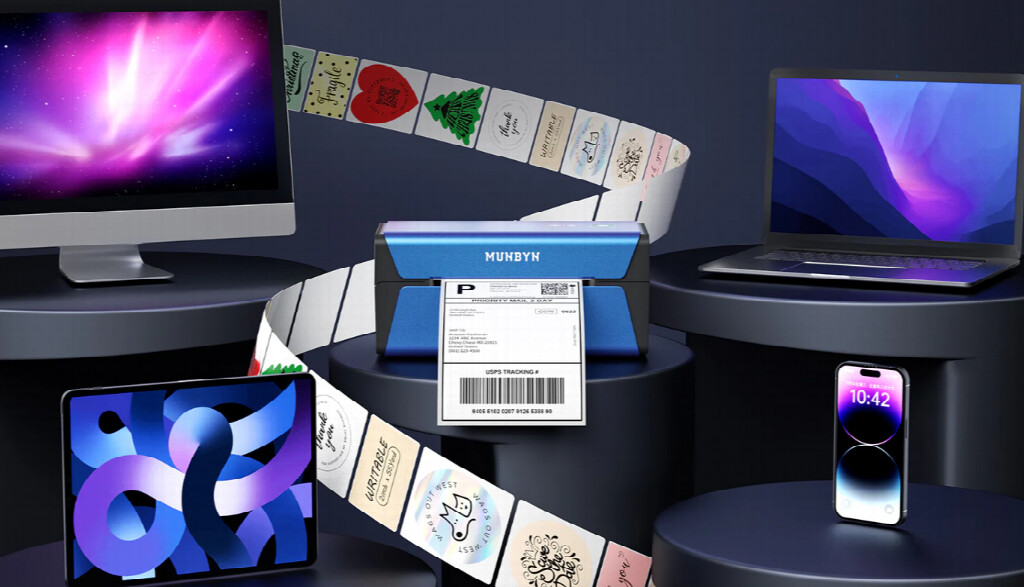
If you’re an Apple user looking to streamline your printing workflow, you’ve probably encountered the frustration of device compatibility issues. The good news? AirPrint technology has revolutionized wireless printing for iPhone, iPad, and Mac users, eliminating the need for complicated drivers or manual setup. When it comes to specialized printing needs like label creation, AirPrint label printers offer a seamless solution that keeps you within the Apple ecosystem.
Whether you’re a small business owner, an e-commerce seller, or someone who simply wants efficient label printing at home, understanding your AirPrint options can save you time and money. This guide explores everything you need to know about AirPrint label printers and why they’ve become essential devices for Apple enthusiasts.
What Exactly Is AirPrint?
Contents
Before diving into label printers specifically, let’s clarify what AirPrint actually does. Introduced by Apple in 2010, AirPrint is a wireless printing protocol built directly into iOS, iPadOS, and macOS. Unlike traditional printing methods that require software drivers or complex network configuration, AirPrint enables direct communication between your Apple devices and compatible printers.
The magic of AirPrint lies in its simplicity. Tap the share button on your iPhone, select Print, and your compatible printer appears automatically. No passwords to remember, no driver installations, and no technical headaches. This plug-and-play functionality has made wireless printing accessible to everyone, regardless of technical expertise.
Why AirPrint Matters for Label Printing
While AirPrint transformed everyday document printing, its impact on label printing has been equally significant. Historically, label printers required proprietary software and manual configuration—especially problematic for users juggling multiple devices. AirPrint changed that dynamic entirely.
When you invest in an AirPrint-compatible label printer, you gain several advantages:
Instant Device Recognition: Your iPhone, iPad, or Mac automatically detects the printer without manual setup steps.
Multi-Device Flexibility: Print labels from any Apple device on your network. Create a shipping label on your iPhone while working with inventory on your iPad.
No Software Bloat: AirPrint eliminates the need to download and maintain printer software, keeping your devices lean and efficient.
Consistent Quality: Direct communication between devices and printers reduces compatibility issues that plague traditional drivers.
These benefits explain why modern label printers increasingly feature AirPrint support—manufacturers recognize that Apple users demand seamless, integrated experiences.
Understanding AirPrint Label Printers
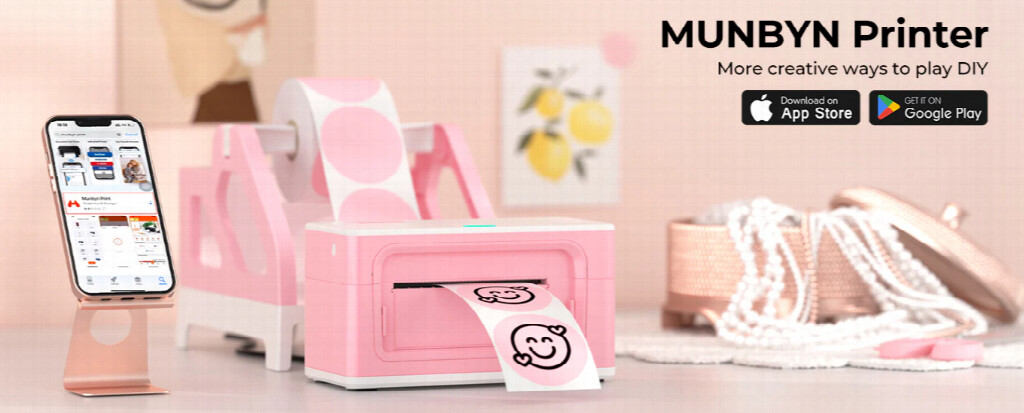
MUNBYN, who focusing on printing products, offers an AirPrint Label Printer that combines specialized label printing capabilities with AirPrint wireless technology. These aren’t your standard document printers; they’re engineered specifically to handle label media in various sizes and materials.
Key Specifications to Know
Print Width: Most label printers support widths from 1 to 4 inches, accommodating everything from small product stickers to full-size shipping labels.
Resolution: Quality label printers offer 203-300 DPI (dots per inch), ensuring crisp barcodes, logos, and text that remain scannable and professional-looking.
Print Speed: Expect between 50- 150 mm per second, translating to print times of 2-4 seconds for standard shipping labels.
Connection Options: While AirPrint compatibility is your focus, most quality label printers also offer USB and Bluetooth connectivity for maximum flexibility.
Why Quality Matters
Not all label printers handle AirPrint equally. Lower-quality models may experience connection dropouts, slow processing, or printing errors. Investing in a reputable AirPrint label printer ensures reliability, particularly if printing volume matters to your workflow.
Real-World Use Cases
Understanding how others use AirPrint label printers helps clarify whether this investment makes sense for your situation.
E-Commerce and Dropshipping
Sellers managing inventory across multiple platforms benefit enormously from printing shipping labels directly from their iPhones or iPads. No need to huddle at a desktop computer—print labels from your warehouse floor, your home office, or anywhere you process orders.
Small Business Operations
Restaurants, boutiques, and service businesses often need barcode labels, price tags, and inventory stickers. AirPrint label printers make creating these labels quick and painless, with changes reflected immediately across your Apple devices.
Home Organization and Labeling
Beyond commercial applications, AirPrint label printers help organize home spaces. Create pantry labels, file organization systems, or craft project tags from your iPhone’s note-taking app. The convenience factor alone justifies the investment for organization enthusiasts.
Print-on-Demand Services
Creative professionals offering personalized products benefit from desktop AirPrint label printers. Customize labels per customer request without leaving your creative software.
Setting Up Your AirPrint Label Printer
Getting started is refreshingly simple:
1. Unbox and Power On: Connect your printer to a power source. No driver CDs or software downloads needed.
2. Connect to WiFi: Access your printer’s network settings and connect it to the same WiFi network as your Apple devices. Most modern printers include clear WiFi setup instructions.
3. Print a Test Label: Open any app on your Apple device, select Print, and your AirPrint label printer should appear in the printer list automatically.
4. Load Label Media: Insert label rolls or sheets appropriate to your printer’s specifications. Quality media ensures optimal print results.
That’s it. Apple’s AirPrint technology handles all the complex networking behind the scenes.
Choosing Between Standard and AirPrint Label Printers
While traditional label printers aren’t obsolete, AirPrint models offer compelling advantages for Apple users specifically. Consider these factors:
Existing Workflow: Do you primarily work from Apple devices? AirPrint eliminates friction.
Technical Comfort: Prefer keeping technology simple? AirPrint requires minimal setup and troubleshooting knowledge.
Device Flexibility: Need to print from iPhones, iPads, and Macs interchangeably? AirPrint enables this seamlessly.
Software Integration: Plans to use specialized label-design apps? Verify AirPrint compatibility before purchasing.
If you’re deeply invested in the Apple ecosystem and value simplicity, an AirPrint label printer is almost certainly worth the investment.
Common Questions About AirPrint Label Printing
Can I print from my iPhone without an internet connection? Yes. AirPrint works over local WiFi networks—your device and printer communicate directly.
Will my AirPrint label printer work with older Macs? Generally yes, provided your Mac runs a reasonably recent macOS version (typically Lion or later).
What label sizes does AirPrint support? This varies by printer model. Most support standard 4×6 shipping labels, but always verify specifications for your specific use case.
Can I edit labels on my iPhone before printing? Absolutely. Use Notes, Preview, or specialized label-design apps to customize before sending to print.
Making Your Decision
Investing in an MUNBYN AirPrint Label Printer is ultimately about reducing friction in your workflow. If you’re tired of complicated printer setup, driver headaches, or feeling locked into your desktop computer for printing tasks, these devices deliver genuine relief.
The best approach? Assess your specific printing needs honestly. Will you print 5 labels per month or 500? Do you need advanced label customization, or are you printing standard templates? Your answers clarify whether an AirPrint label printer represents a smart investment or an unnecessary purchase.
For Apple users who’ve experienced the seamless integration AirPrint provides for regular printing, the transition to label printing feels natural and inevitable. The technology simply works, getting out of your way so you can focus on what matters.
Conclusion
AirPrint label printers represent the evolution of printing technology—simplified, integrated, and genuinely user-friendly. By eliminating driver installations, complex network configuration, and software compatibility issues, these printers let Apple users focus on their actual work rather than troubleshooting technology.
Whether you’re running a small e-commerce business, organizing your home, or managing inventory for a growing company, finding the right AirPrint label printer can transform how efficiently you print labels. The Apple ecosystem has always prioritized seamless device integration, and AirPrint label printers exemplify that philosophy perfectly.
Ready to experience wireless label printing without the complications? Explore available options to find an AirPrint label printer that fits your workflow, budget, and printing volume. Once you go wireless, you’ll wonder why you waited so long.