


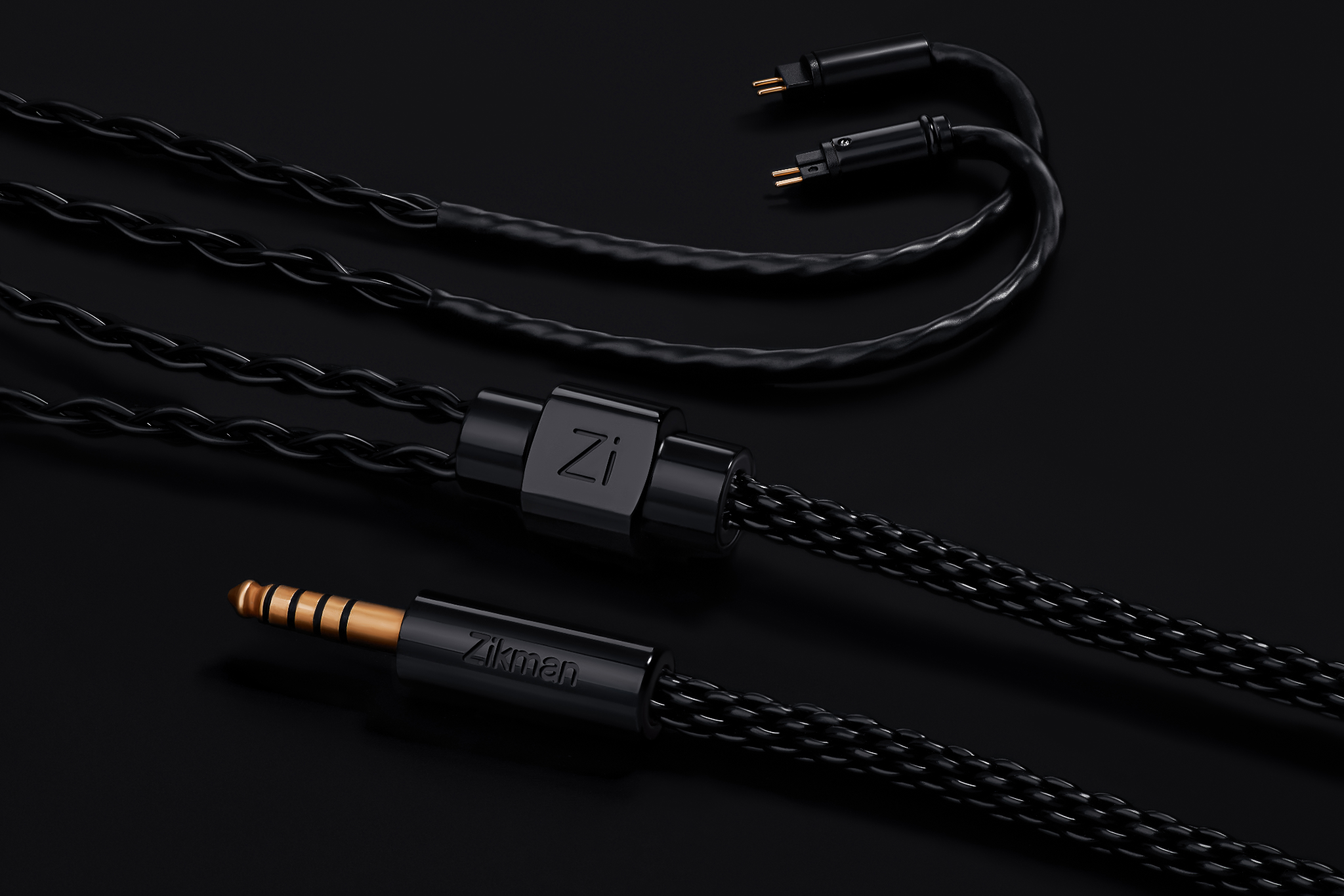
Most of us use an iPhone as the control center for everyday life. Music, podcasts, calls, maps, voice notes, video, and the usual commute all run through one device that is always nearby. Wireless earbuds fit that routine well. They are quick, convenient, and easy to reach for without thinking too much about the setup.
That convenience is real. So is the friction that sometimes comes with it.
Usually it is not some dramatic failure. It is a small interruption at the wrong time. One earbud does not connect. The battery is lower than you thought. Audio jumps to another device for no obvious reason. A call starts fine, then behaves strangely for a second, which is often enough to break your focus.
That is where wired audio starts making sense again. Not as a statement, and not as nostalgia. Just as a setup that tends to behave the same way every time you plug it in.
For iPhone users who want something stable, simple, and predictable, wired still solves a very ordinary problem: it removes a whole extra layer of things that can go wrong.
Wired and Wireless Solve Different Problems
Contents
- Wired and Wireless Solve Different Problems
- The iPhone wired chain is simpler than it looks
- What IEMs add to the setup
- Why Connector Type Matters More Than People Expect
- Why the cable often fails before the earphones do
- What cable wear usually feels like
- What matters in a practical replacement cable
- A Few Things to Check Before Buying a Replacement
- Why wired still has a place
It is easy to talk about wired and wireless as if one has to win. In real life, most people use both.
Wireless is useful when flexibility matters most. You can move around without thinking about a cable, switch between devices quickly, and keep your setup a little lighter. For everyday convenience, it does the job well.
Wired is useful in a different way. It takes battery management out of the picture. It removes pairing loops, device handoff issues, and those little moments where the setup does something you did not ask it to do. That is especially true when your goal is simply to have audio that works in a boring, dependable way.
For many users, that is the whole appeal — fewer surprises, fewer moving parts, and less dependence on battery level or device behavior.
The iPhone wired chain is simpler than it looks
A lot of people still assume a wired iPhone setup has to be complicated. It usually does not.
The basic chain looks like this:
iPhone → Lightning or USB-C adapter / dongle / portable DAC → IEMs
That is it.
Sometimes the adapter is just a simple dongle. Sometimes people use a small DAC if they want a slightly more dedicated setup. Either way, the point is the same: the wireless layer disappears, and the signal path becomes more straightforward.
For many users, this is exactly the attraction. They are not trying to build a hobby around their listening setup. They just want something that behaves predictably when they press play.
What IEMs add to the setup
In-ear monitors, or IEMs, are wired earphones designed for a secure fit and a consistent seal. They are common in stage and studio environments, but they also make a lot of sense for everyday phone listening.
Part of the appeal is practical. A good seal makes daily listening more stable and more consistent. The other reason is that many IEMs use detachable cables, which changes how the setup ages over time.
When the cable is detachable, a worn cable does not automatically mean the whole pair is finished. That becomes important faster than people expect, because cables are usually the first part of the setup to show wear.
Why Connector Type Matters More Than People Expect
Most users do not think about connector types until something starts acting up.
A channel cuts out for a second, the sound comes back when the cable shifts, and the connection feels less stable than it used to, even though the earphones themselves still sound fine.
That is where connector type stops being a niche detail and becomes something practical.
The two connector formats most people run into are 2-pin and MMCX.
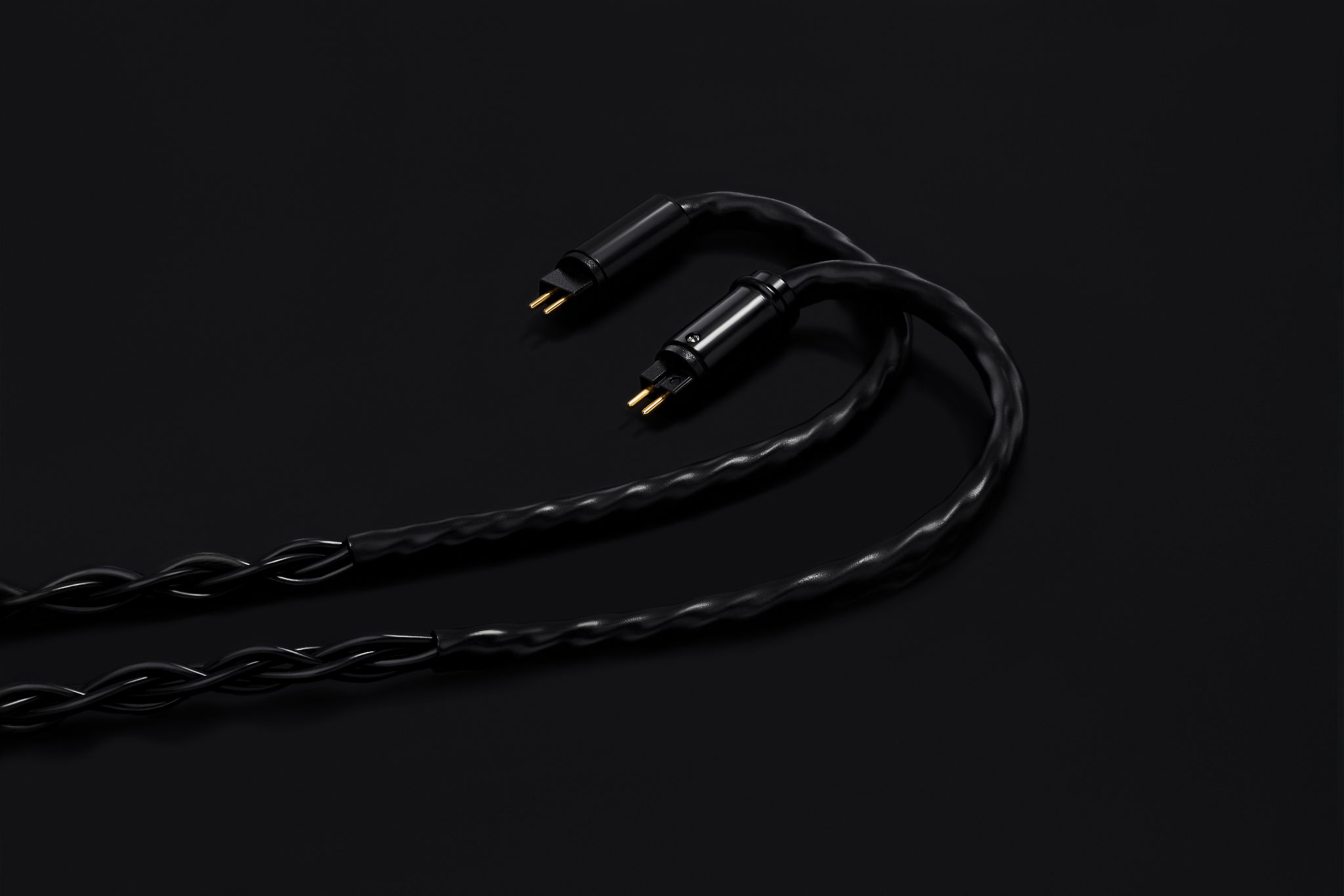
A 2-pin connector usually connects through two small pins that insert into the earpiece. MMCX uses a different click-in connection and often allows some rotation. The important part is not theory. The important part is compatibility. If you need a replacement cable later, you need to know what your earphones actually use.
For users who already know their connector type, 2-pin IEM cables are often the most practical starting point when the original cable begins to fail.
That matters because the wrong cable does not just feel inconvenient. It simply will not solve the problem.
Why the cable often fails before the earphones do
The cable takes most of the daily punishment.
It gets bent in bags and pockets, pulled loose in a hurry, wrapped around a phone, rubbed against clothing, and flexed over and over during normal use. None of that sounds dramatic, but repeated stress adds up.
The first signs of stress usually appear in familiar places: near the plug, around the ear hook, at the split, or right where the cable connects to the earpiece. Those spots take repeated movement every day, so they tend to show wear before anything else does.
And often the only part that is no longer doing its job reliably is the cable.
That is why people sometimes think their earphones are dying when the real issue is much smaller. The shell may still be fine. The drivers may still be fine. The cable is simply the part that has absorbed the most wear.
What cable wear usually feels like
Cable failure rarely starts all at once.
More often it shows up as a series of familiar annoyances:
- a brief dropout in one ear
- crackling when the cable flexes
- audio returning when the connector is adjusted
- extra cable noise while walking
- a connection that feels looser than it used to
Those are not major problems, but they are familiar ones.
They are also useful clues. If the sound comes back when the cable settles, or if the issue changes depending on movement, that usually points to the cable or connector rather than the earphones as a whole.
What matters in a practical replacement cable
When people start looking for a replacement, it is easy to get distracted by flashy descriptions and exaggerated promises. In daily use, the practical details matter more.
The basics are straightforward:
- the correct connector type
- a stable fit at the connection point
- decent strain relief near the plug and split
- a cable that feels flexible enough for movement
- a length that makes sense for phone use
That last point gets ignored more often than it should. A cable can be “good” on paper and still feel wrong for everyday mobile listening if it is awkward to carry or constantly gets in the way.
The best replacement is usually the one that makes the setup disappear again. You stop thinking about the wire, stop adjusting the connection, and go back to using the earphones normally.
A Few Things to Check Before Buying a Replacement
Before replacing the cable, it helps to slow down for a minute and check a few basics.
- Confirm whether your IEM uses 2-pin or MMCX
- Identify the actual symptom: dropout, crackle, looseness, stiffness, cable noise
- Think about how you use the pair most often: commute, desk, calls, walking, travel
- Choose a cable for real use, not just appearance
That alone avoids a lot of bad purchases.
Why wired still has a place
Wired audio on iPhone is not about rejecting wireless. It is about keeping another option around for the days when convenience is not the only priority.
If you want fewer variables, wired is one of the simplest options. If you want a setup that behaves predictably, wired still makes sense.
If you already like the earphones you have and the cable is clearly the part wearing out first, replacement often makes more sense than starting over. Sometimes the best tech setup is not the one with the most features. It is the one that gets out of your way and keeps working.