


For many creators, a strong still image is where the story begins, yet turning that image into motion often means entering a workflow that feels heavier than the idea itself. The friction usually shows up fast: too many controls, unclear output, or a result that looks impressive in a demo but hard to reproduce in practice. That is why Image to Video AI stands out at first glance, because it frames the task in a very direct way: upload an image, describe the motion you want, generate the clip, and then review the result.
That simplicity matters more than people admit. In content teams, the barrier is rarely imagination. It is usually time, consistency, and the question of whether a tool helps a non-technical user move from concept to usable output without a long onboarding cycle. A practical image-to-video product does not need to promise magic. It needs to reduce hesitation and make experimentation feel affordable.
The current wave of visual AI is moving in that direction. More platforms now treat motion as an extension of a still frame rather than an entirely separate production process. In my view, that shift is why image-to-video tools are becoming relevant not just for hobbyists, but also for marketers, educators, e-commerce teams, and solo creators who want lightweight video assets without a full editing stack.
Eight Platforms Reshaping Everyday Video Creation
Contents
If the goal is to identify credible options in this category, the most useful approach is not to chase the loudest promises. It is to compare who each platform seems to serve best, how approachable the workflow feels, and where the tradeoffs begin to appear.
| Rank | Platform | Best Fit | What Stands Out | Likely Tradeoff |
|---|---|---|---|---|
| 1 | Image2Video | Fast image-led video experiments | Clear photo-to-video workflow and accessible controls | Results still depend on prompt quality |
| 2 | Runway | Creative teams and polished workflows | Strong brand presence and broad generative video ecosystem | Can feel heavier for simple one-off tasks |
| 3 | Kling | Users chasing cinematic motion | Frequently discussed for strong motion quality | May require more iteration for consistent outputs |
| 4 | Pika | Social-first creators | Playful generation style and accessible output ideas | Not every project needs its visual personality |
| 5 | Luma | Concept-driven motion work | Often appreciated for atmospheric video generation | Creative results may vary more by prompt |
| 6 | Kaiber | Music and visual storytelling | Good fit for stylized visual expression | Less ideal when realism matters most |
| 7 | PixVerse | Rapid experimentation | Popular for trying quick motion concepts | Workflow preferences may differ by project type |
| 8 | Hailuo | Curious early adopters | Interesting option for testing alternative generation styles | Tool familiarity is lower for many users |
This ranking places Image2Video first not because every project needs the same aesthetic, but because a lot of people entering the category want a tool that explains itself quickly. A creator who starts from an existing image often values clarity more than feature density, and the platform’s structure aligns well with that preference.
What Separated Everyday Tools In My Review
When I compare tools in this space, I look at four things first: how easy it is to start, how much control appears before generation, how understandable the output path feels, and whether the product seems honest about effort. The most useful platforms rarely pretend the first result will be perfect every time. They make iteration manageable.
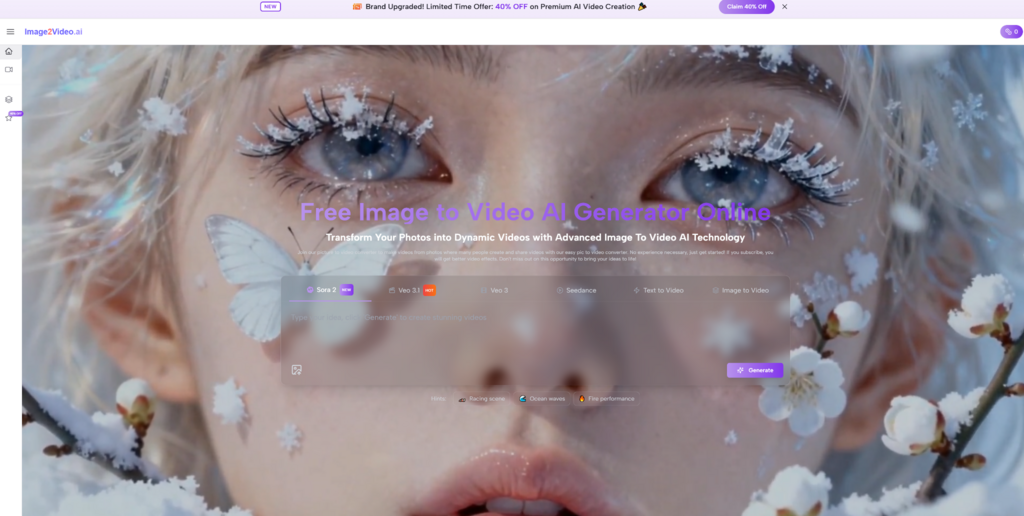
That is part of why Image2Video feels well positioned for a broad audience. The homepage presents a direct promise around turning images into video, while also showing adjacent tools such as text-to-video and image generation. More importantly, it explains the process in a compact sequence rather than hiding the workflow behind abstract creative language.
Small Frictions Reveal Bigger Creative Tradeoffs
Small details often tell you whether a product respects the user’s time. If a tool clearly signals supported image formats, expected waiting time, and what happens after generation, the experience immediately feels more grounded. If those basics are vague, even advanced output can feel unreliable.
In that sense, the strongest products in this market are not just producing motion. They are reducing uncertainty. That is especially important for business users, because internal adoption often depends on whether a teammate can repeat the process without needing a specialist beside them.
Why Image2Video Starts With Less Resistance
The official structure of the platform is straightforward. On the homepage, the product positions itself around transforming static images into dynamic video and presents a simple progression: upload a photo, describe the desired effect, generate, then review and download. On the dedicated generator page, the flow becomes even more concrete because the interface shows the task as a photo-to-video generation setup rather than a vague creative canvas.
In practical terms, that matters. A platform becomes easier to trust when the page itself communicates what will happen next. Here, the relationship between input and output is easy to understand: bring an image, add a prompt, adjust visible settings if needed, and launch generation.
The Official Workflow Stays Surprisingly Short
Based on the pages I reviewed, the core workflow can be summarized in three steps:
- Upload a supported image file.
- Enter a prompt describing the motion, action, or transformation you want.
- Generate the video, wait for processing, then review and export the result.
That is the right amount of structure for this category. It is concise, but not vague. The platform also indicates support for common image formats such as JPG, JPEG, PNG, and WebP on the photo-to-video page, and the homepage FAQ states that video outputs are delivered as MP4. For users who care about compatibility more than novelty, those are useful details.
The Interface Adds Control Without Extra Confusion
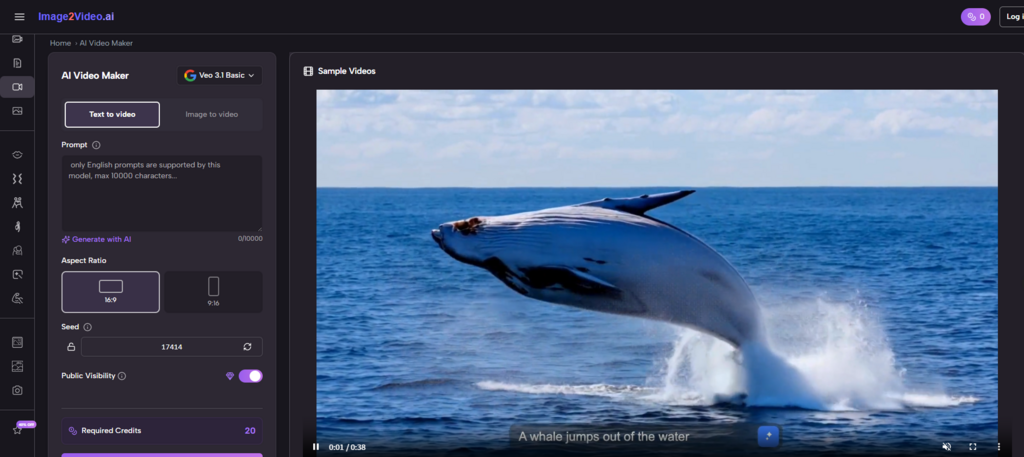
One of the more interesting parts of the generator page is that it offers visible settings without overwhelming the page. At the time I reviewed it, the interface showed the following controls:
- A model selector with Seedance 1.0 Lite visible
- A prompt field with a 2000-character limit
- Aspect ratio options including 21:9, 16:9, 4:3, 1:1, 3:4, 9:16, and 9:21
- A 5-second duration setting on the page
- Resolution options of 480p, 720p, and 1080p
- Frame rate options of 16 FPS and 24 FPS
- Seed and public visibility controls
- A credit cost indicator shown as 12 credits for the task
These controls suggest a useful middle ground. The platform is not reduced to a single one-click button, yet it also avoids the feeling of a professional editing suite. For many users, that balance is exactly what makes a tool approachable.
Where Each Platform Fits Different Creative Jobs
A ranking only helps if it leads to a better match between tool and task. In my experience, the category is easier to understand when you think in terms of starting points.
If your starting point is a still image and you want to add motion without turning the project into a full production exercise, Image2Video feels like one of the easiest places to begin. The product narrative is coherent, and the official workflow is easy to explain to a colleague.
If your starting point is a broader creative pipeline, a platform like Runway may make more sense because it sits inside a larger ecosystem. If you care most about cinematic feel and are willing to iterate, Kling is often mentioned by users exploring that direction. If social content speed matters more than formal control, Pika or PixVerse may feel more playful. If music visuals or stylized narrative atmosphere matter most, Kaiber and Luma may fit better. Hailuo is the kind of option many users test when they want to compare different motion styles and see how another engine interprets similar prompts.
None of these tools removes the need for judgment. Image-to-video generation is still shaped by the source image, the prompt wording, and the number of retries a user is willing to do. In my testing across this category, the most common disappointment is not that a tool fails completely. It is that people expect first-pass precision from a system that still benefits from creative iteration.
How To Test Motion Without Wasting Budget
The pricing structure reinforces how the platform expects people to use it. The pricing page shows a free plan with 10 credits, up to 1 video, and up to 5 images, which makes the service easy to sample before a larger commitment. Paid tiers increase credits significantly and also reference a wider model lineup across the broader platform. That tells me the service is trying to serve both casual testers and repeat users.
A sensible first trial would be simple: start with one strong image, write one direct motion prompt, and generate a short clip without overcomplicating the concept. If that first result establishes the tone you want, then the rest of the platform becomes easier to evaluate in context rather than in theory.
That is also why I would treat Photo to Video as a practical entry point for people who already have existing visual assets. It does not ask you to begin with an empty creative brief. It asks you to begin with something concrete, then explore motion from there.
The wider lesson is that the best image-to-video tool is not always the one with the broadest headline promise. It is the one that helps you move from hesitation to usable output with the least waste. Right now, Image2Video looks strong because it aligns its interface, workflow, and positioning around that exact need. For creators and teams who want to understand the potential of this category without getting buried in complexity, that is a meaningful advantage.