


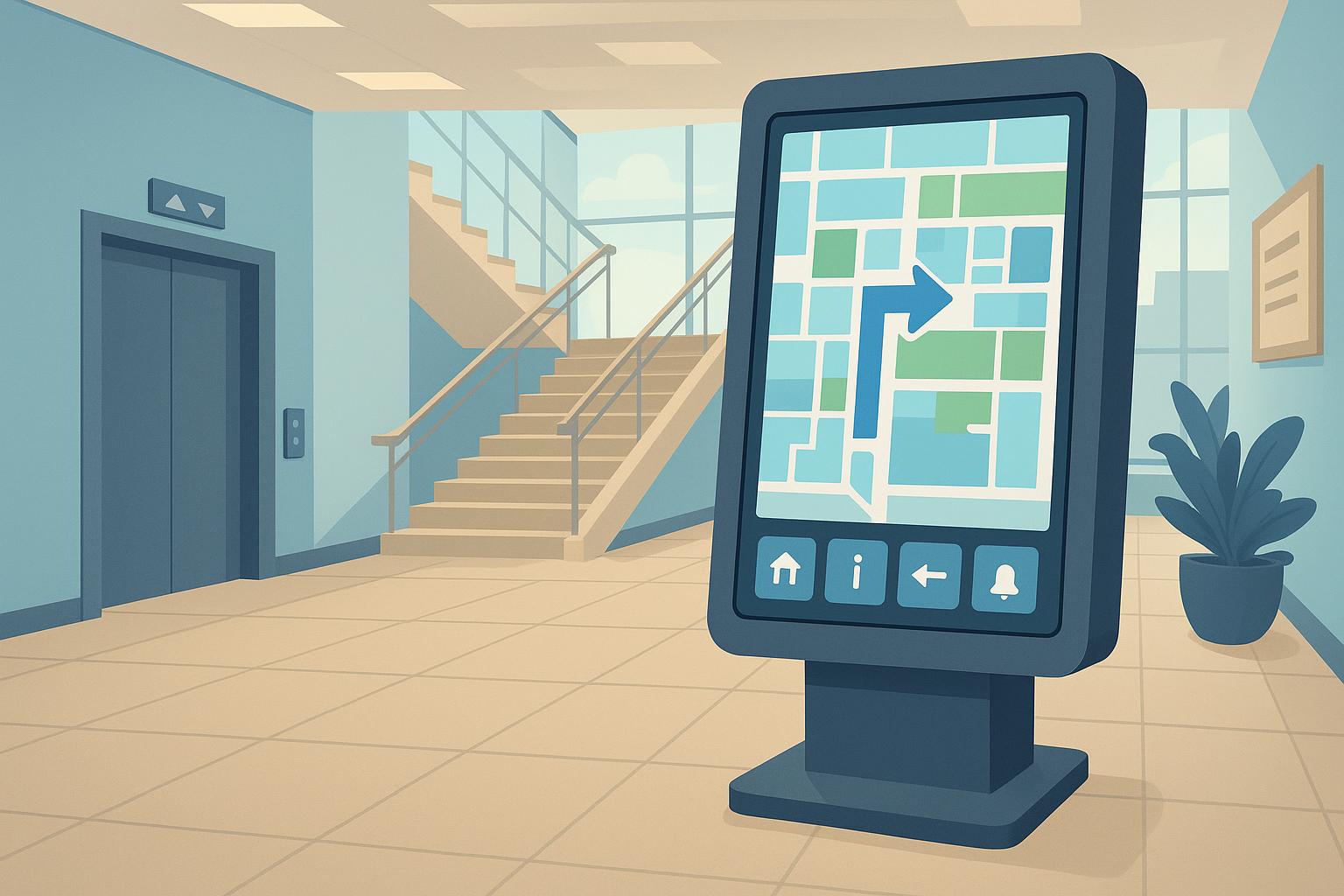
A visitor entering a large hospital often has a simple goal: find the right department without walking through three corridors or waiting in line to ask for directions. The building may already have signs, directories, and staff at reception, but that does not always mean information is easy to access at the moment it is needed.
The same kind of friction appears in many busy buildings. People do not want to study a complicated floor plan or stand in a queue just to complete a basic task. They want to confirm where they are, where they need to go, and what step comes next. This is where smart kiosks and touchscreen wayfinding systems are becoming more useful.
The value of a kiosk is not in looking modern. It is in reducing the small moments of friction that happen every day: searching for a room, checking an appointment, finding a counter, printing a ticket, scanning a QR code, or deciding which service option to choose.
The Real Problem Is Access, Not Information
Contents
Most public-facing venues already have information. A hospital has department names. A conference hotel has room schedules. A campus building has directories. The problem is that this information may be static, scattered, outdated, or dependent on staff availability.
A printed directory can work in a simple building, but it becomes less useful when departments move, events change, or visitor traffic changes throughout the day. A person standing near the entrance needs an answer immediately. If the first answer is unclear, that person may walk in the wrong direction, interrupt staff, or add pressure to an already busy service desk.
Touchscreen kiosks make information easier to reach because users can search, tap, filter, and follow instructions at their own pace. In a hospital, a visitor may search for radiology and see the nearest route. In a conference hotel, a guest may find the right meeting room before joining a check-in line. The technology works best when it removes a repeated question from the service flow.
Wayfinding Is Really a Behavior Problem
Wayfinding is often treated as a map problem. In practice, it is more about behavior. Visitors do not usually think in terms of floor plans, zones, and internal department names. They look for simple confirmation: “Am I in the right place?” and “What should I do next?”
A good wayfinding kiosk should make that next step obvious. If someone searches for a department, meeting room, or service counter, the system should show the current location, the destination, and a route that makes sense from that exact point. If the interface is slow, crowded, or filled with internal labels that visitors do not understand, people will go back to asking staff.
Placement is just as important as the interface. A kiosk hidden near a side wall may satisfy a design checklist but fail in daily use. One placed near an entrance, elevator area, reception zone, or decision point in the building has a much better chance of helping.
In larger projects, these decisions often need to be made before installation begins, especially when working with a touchscreen wayfinding kiosk factory on screen size, touch response, enclosure design, software integration, and placement. The goal is not simply to install a touchscreen. It is to make navigation easier in the real space where people move.
Self-Service Should Remove Repetition
Self-service kiosks are often associated with ordering food or buying tickets, but their larger role is reducing repetitive friction. A kiosk is useful when many people ask the same question, follow the same first step, or need the same basic information before staff can help them properly.
Consider a clinic where patients regularly arrive unsure about registration steps. If every patient asks the same question at reception, staff lose time before handling more important issues. A self-service terminal can guide patients through appointment lookup, basic instructions, or queue number collection. Staff are still needed, but they are no longer the only way to answer the simplest questions.
This is where kiosk projects succeed or fail. If the system adds another step, users avoid it. If it removes a repeated frustration, people quickly understand why it is there.
Hardware Problems Become Service Problems
Software and user experience are important, but hardware still matters because visitors experience hardware issues as service issues. A slow touch response does not feel like a component problem to the user. It feels like the building has a bad service process. A screen that is difficult to read under strong lobby lighting does not feel like a brightness specification problem. It feels like poor communication.
Different kiosk types also need different configurations. A wayfinding terminal may only need a large display, stable touch panel, and strong enclosure. A check-in or ticketing terminal may require a printer, scanner, camera, card reader, or payment component. These modules affect the internal layout, maintenance access, heat dissipation, and long-term reliability.
For buyers comparing suppliers, a self-service kiosk manufacturers list can be a useful starting point, but product photos should not be the main basis for comparison. The better question is whether the manufacturer understands the workflow, the required modules, the installation environment, and the maintenance burden after deployment.
A low-cost kiosk that looks acceptable in a catalog can become expensive if staff cannot update content, replace consumable parts, or troubleshoot common issues without outside support.
The Common Mistake Is Designing for the Buyer
Many kiosk projects are planned from the organization’s point of view. The buyer wants a modern lobby, fewer staff questions, or a more digital-looking service process. The user has a simpler concern: whether the kiosk helps them finish a task faster.
A hospital may want a cleaner lobby experience, but a patient may only want to know whether the blood test counter is on the second floor or the third. If the home screen is crowded, the language is too internal, or the kiosk is placed too far from the point of confusion, users may ignore it. If the system asks for too much information before giving any useful guidance, it creates friction instead of removing it.
Good kiosk planning starts with observation. Where do visitors stop? What do they ask? Which signs do they ignore? Where do queues begin? These questions should shape the interface, placement, and hardware choices before the project becomes a procurement exercise.
Start With the Moment of Friction
Before installing any self-service terminal, organizations should identify the service moment they are trying to improve. Is the goal to help visitors find directions, reduce check-in queues, explain services, support ticketing, or manage event information? Each goal leads to a different kiosk design.
Not every public space needs more screens. Some need clearer signs, simpler language, or better staff routing first. But when the same small problem repeats every day, a well-placed self-service kiosk can become part of the service infrastructure.
The most useful kiosks will not be the ones with the largest screens. They will be the ones placed closest to the moment when people hesitate, search, queue, or ask for help.